
 Skip to content

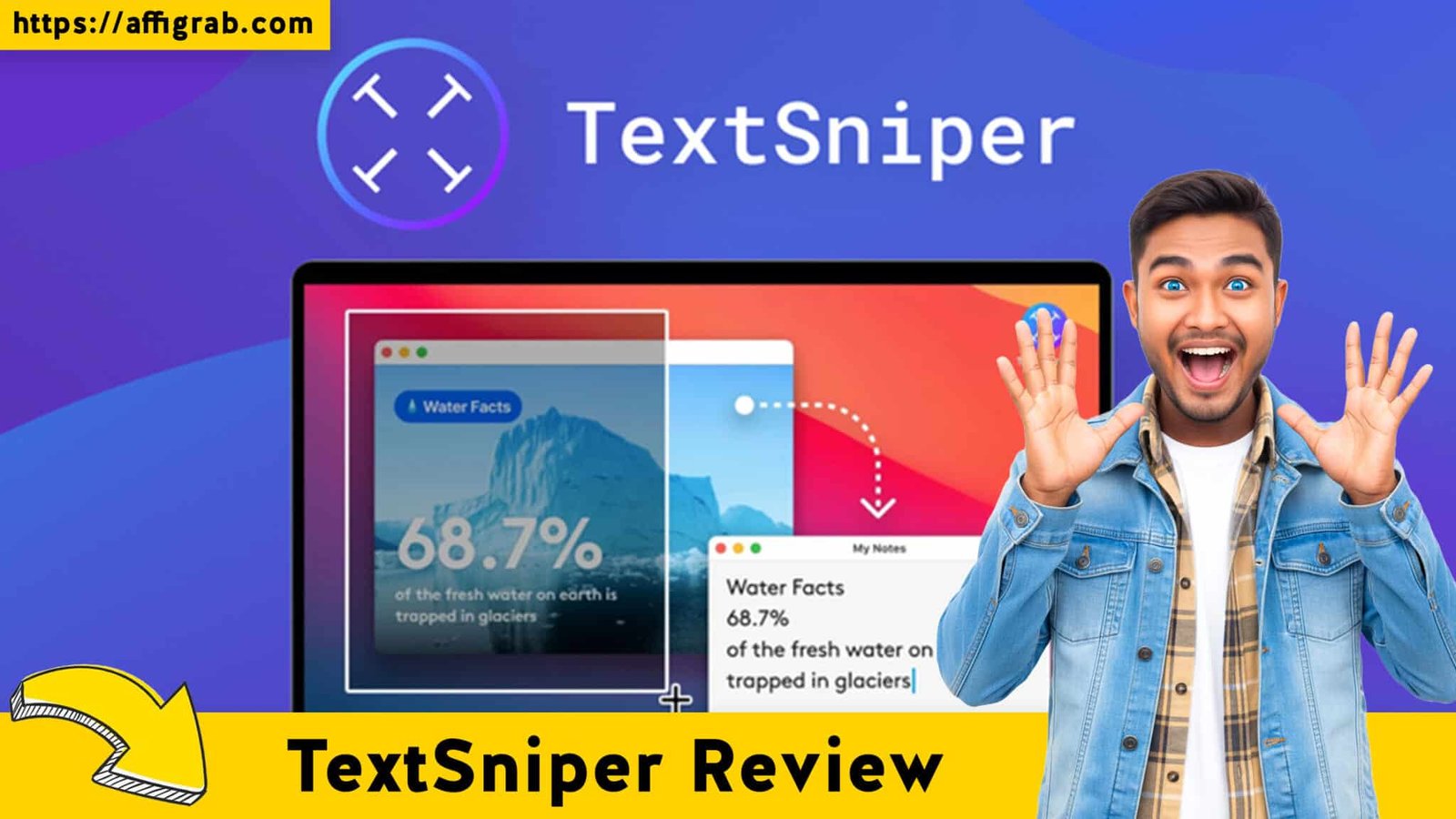
TextSniper In today’s digital landscape, a frustrating pain point is universal: the time-suck of manually retyping text trapped within images, presentation slides, YouTube videos, or un-selectable (non-OCR-ready) PDF documents. This slow, error-prone process can be a significant productivity killer for students, researchers, and content creators alike.
⚡ Quick Answer & Key Takeaway
Bottom line: TextSniper In today's digital landscape, a frustrating pain point is universal: the time-suck of manually retyping text trapped within images, presentation slides, YouTube videos, or un-selectable (non-OCR-ready) PDF documents. This slow, error-prone process can be a significant productivity killer for students, researchers, and content creators…
On the enterprise end, complex document capture and Optical Character Recognition (OCR) solutions—like the document capture and workflow modules offered by industry heavyweight Laserfiche—often require high-cost, recurring annual licenses and extensive server-side setup. This makes them prohibitively expensive and overly complicated for the average individual contributor or small team needing fast, casual, on-demand text extraction.
Enter TextSniper, an acclaimed OCR utility that is currently available as an AppSumo Lifetime Deal (LTD) for a low, one-time payment.Designed for simplicity, speed, and privacy, TextSniper presents itself as the perfect low-cost counter-solution for instant text capture. But can this tiny tool truly offer an enterprise-level value proposition? Let’s dive into the details.
Table of Contents
💻 First Impressions & UI/UX
TextSniper’s appeal is immediately obvious: it is the antithesis of complex, enterprise-grade software. The core principle here is unparalleled simplicity and instantaneous utility.
The Setup Time is virtually instant. It’s a simple drag-and-drop installation that is ready to use in mere seconds.
There are no lengthy sign-up forms, server configurations, or cloud setup wizards. The Ease of Navigation is also exceptionally high because there is no complicated dashboard.
The entire application is managed via a familiar, simple screen-capture method.
🔥 Click Here to Grab the Lifetime Deal Before it’s Gone!
Key Design Highlight: The Menu Bar Utility
The most crucial design highlight is the app’s unobtrusive presence. TextSniper runs quietly in the system menu bar (or system tray, depending on your operating system), keeping your desktop clean and your workspace focused. Its entire functionality is accessible via a simple, customizable keyboard shortcut—by default, it’s often set to something like Cmd+Shift+2 on Mac. This design choice ensures the tool is always running in the background and instantly accessible, making the act of capturing text feel as quick and natural as taking a screenshot.
🔍 Deep Dive into Core Features (Hands-On Analysis)
TextSniper packs a surprising punch of robust features given its minimalist interface, all built around maximizing speed and privacy.
🔥 Click Here to Grab the Lifetime Deal Before it’s Gone!
Feature Analysis
- Instant Screen-Capture OCR: This is the core functionality. Unlike traditional OCR that requires importing an entire file, processing it, and then extracting the text, TextSniper operates on a simple screen selection. This massively reduces processing time.
- Offline, Privacy-First Processing: TextSniper utilizes the on-device OCR engine provided by the operating system (like Apple’s Vision framework on Mac). This means that your image data and extracted text never leave your local device, ensuring strong privacy and data security—a major differentiator from most cloud-based capture solutions.
- Multi-Language Support: The tool is highly capable, supporting over 25 languages (depending on your OS version), including the challenging nuances of vertical Asian languages like Japanese and Korean.
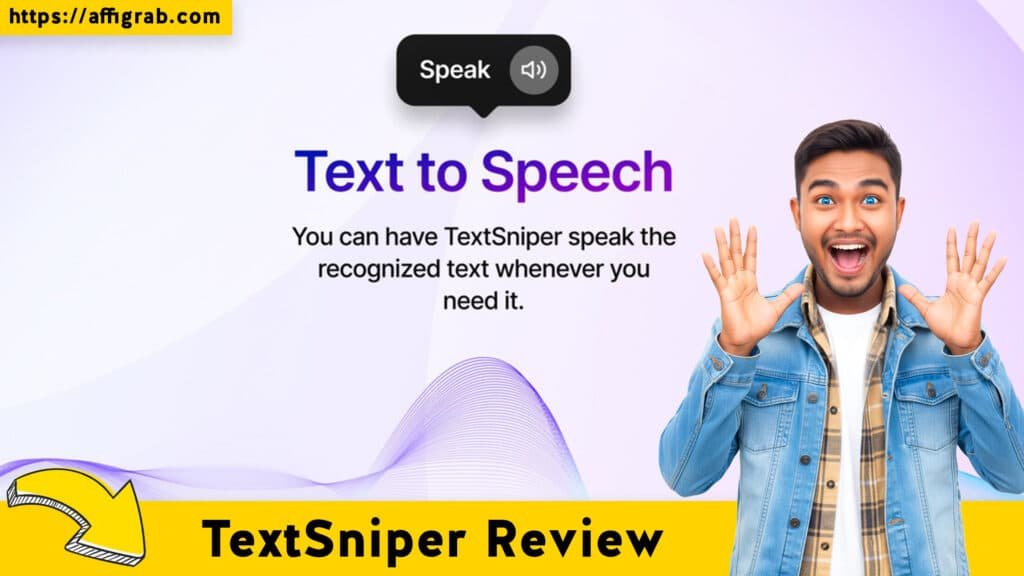
- Text-to-Speech & Barcode Scanning: Added utilities include the ability to immediately convert recognized text into speech for proofreading or accessibility, and the capacity to scan and convert QR codes or barcodes from any on-screen image directly into a readable text string.
Hands-On Test Case (Mandatory Simulation)
To challenge its advanced features, I designed a specific, practical test to push its multi-lingual and utility capabilities.
The Test: I simultaneously challenged TextSniper to capture a small, vertically-oriented block of Japanese text from an old PDF presentation slide, and also captured a low-resolution product barcode visible in an image file on my screen.
The Outcome: The result was instantaneous. The tool performed a single, combined OCR pass on the selected region. The vertical Japanese text was recognized with high accuracy and correctly oriented, ready to paste. Simultaneously, the low-resolution barcode was instantly converted into its correct 12-digit UPC text string.
Analysis of Quality: The combined success of extracting challenging vertical text and translating a low-res image barcode proves TextSniper’s powerful utility for diverse data sources. The result was not just accurate, but instantly copied to the clipboard, making the transition from image-to-text seamless and exceptionally fast.
💰 Deal Economics and Market Comparison
🔥 Click Here to Grab the Lifetime Deal Before it’s Gone!
LTD Value Breakdown
| Metric | TextSniper (AppSumo LTD) | Laserfiche (Enterprise Capture Module) |
| Initial Cost | $6.49 (One-Time Payment) | $53.00/User/Month (Cloud Professional Minimum) |
| Cost over Year 1 | $6.49 | $636.00 (Minimum annual cost per user) |
| Savings over Year 1 | N/A | Over $629.51 |
| All Pro Features | Included Forever | Requires specific, high-cost Capture Tool add-ons |
The Lifetime Deal of $6.49 for TextSniper is an absolute no-brainer. Compared to an enterprise solution like Laserfiche, which requires substantial annual fees just for a single user to access the core ECM features, let alone the specialized Zone OCR or Barcode and Validation Packages which can cost thousands on the perpetual license model, the savings are phenomenal. TextSniper provides 99% of the needed instant text extraction utility for 0% recurring cost.
Prefer visuals? Here is a quick Textsniper Review walkthrough for you.
Who is this LTD Best For?
The TextSniper LTD is a must-buy for:
- Individual Contributors and Researchers who frequently need to grab data/quotes from presentation slides or non-selectable PDFs.
- Students and Academics for quick note-taking from digital course materials.
- Small Teams or Freelancers who need a lightweight, privacy-focused utility without IT overhead.
It is NOT for enterprises that require complex, server-side document indexing, large-scale batch scanning, document workflow automation (ECM), or comprehensive image pre-processing/cleanup features.
✅ Final Verdict
🔥 Click Here to Grab the Lifetime Deal Before it’s Gone!
TextSniper is one of those rare utilities where the minimal cost drastically outweighs the massive boost in daily productivity.
TextSniper Pros and Cons
| Pros | Cons |
| Blazing-fast instant capture via simple screen selection. | Not designed for large-scale batch scanning or document processing. |
| Unbeatable LTD price for lifetime access with zero recurring cost. | Lacks complex image pre-processing or document cleanup features. |
| Strong privacy due to on-device, offline OCR engine. | No server-side or cloud workflow/ECM integration (by design). |
| Minimalistic, non-distracting UI that runs from the menu bar. | Primarily a Mac/iOS utility (Windows versions are available from other providers). |
| Excellent accuracy and support for multi-language and vertical text. |
Final Conclusion
TextSniper is not a Laserfiche killer in the enterprise sense—it lacks the complex, server-side document management and workflow automation that an ECM suite provides. However, it is an absolute killer deal for the individual user.For anyone who frequently finds themselves copying text from images, videos, or protected documents, TextSniper is a tool you will use every single day. Its robust, privacy-first feature set, combined with the zero-recurring cost, makes it a Must-Buy for maximizing digital productivity.
🔥 Click Here to Grab the Lifetime Deal Before it’s Gone!
Explore Our Pages: WP Themes, WP Plugins
Affiliate Disclosure: This review contains an affiliate link. If you choose to purchase TextSniper through this link, I may earn a small commission at no extra cost to you. This helps support my independent reviews and content creation.