
 Skip to content

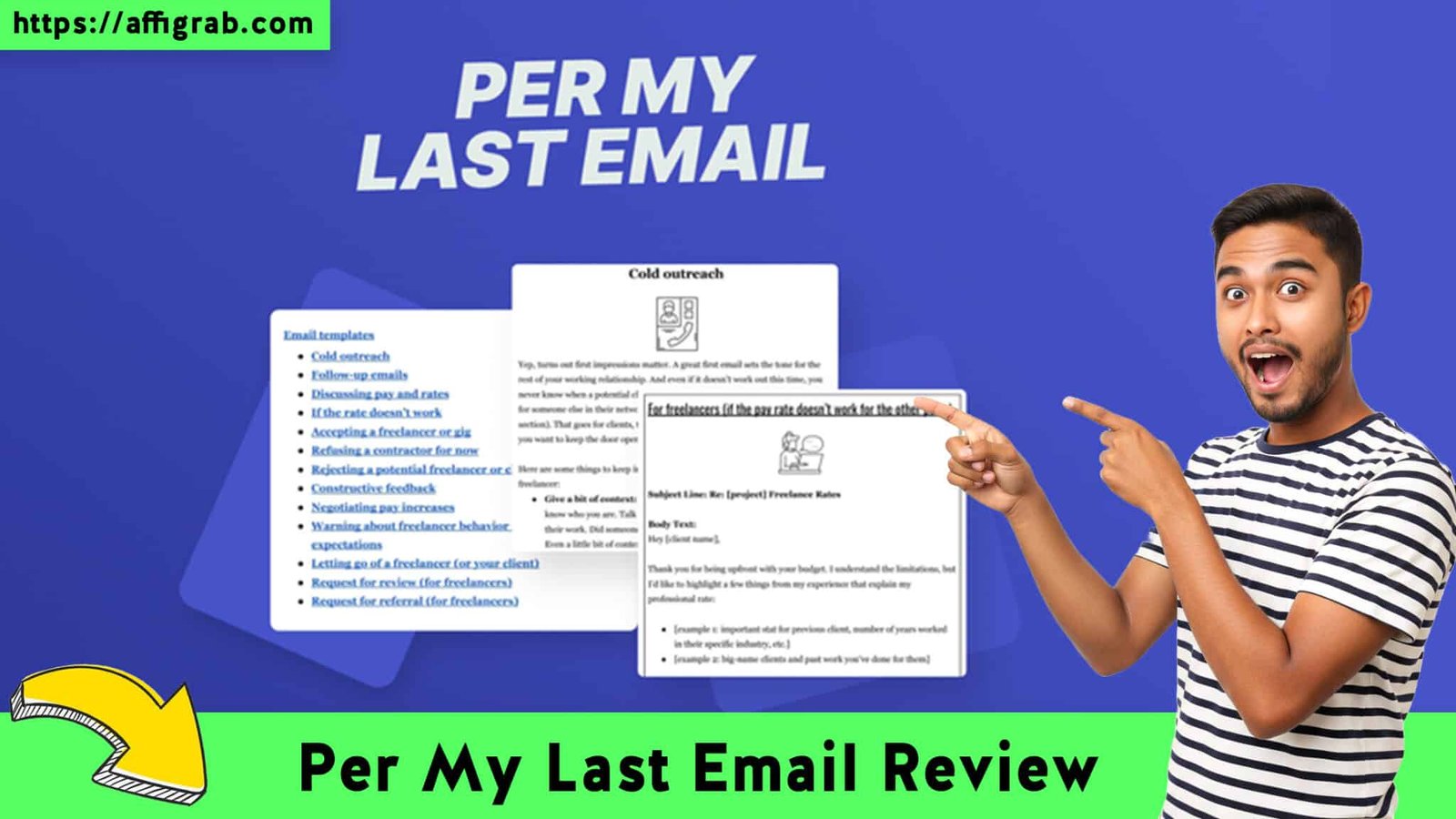
In this Per My Last Email review, we are going to determine if this new AI tool can finally solve the exhausting pain point of spending hours crafting the perfect reply or paying high monthly fees for complex platforms like Mailchimp. For solopreneurs and support agents, the administrative burden of email can kill productivity. Enter Per My Last Email, an AI-powered solution designed to reclaim your time and sanity—currently available as a Lifetime Deal on AppSumo.
⚡ Quick Answer & Key Takeaway
Bottom line: In this Per My Last Email review, we are going to determine if this new AI tool can finally solve the exhausting pain point of spending hours crafting the perfect reply or paying high monthly fees for complex platforms like Mailchimp. For solopreneurs and support…
Table of Contents
First Impressions & UI/UX
When you log into Per My Last Email, the difference is immediate. Unlike the Mailchimp dashboard, which has become increasingly cluttered with marketing automation maps, landing page builders, and social ads, Per My Last Email offers a breath of fresh air.
Check out the Per My Last Email Lifetime Deal on AppSumo
The interface is minimalist, focused entirely on one thing: communication speed. The dashboard is clean, utilizing plenty of whitespace and intuitive icons that don’t require a tutorial to understand.
Setup Time:
The onboarding process is impressive. Connecting a primary G-Suite or Outlook account took less than 5 minutes. There were no complex DNS records to verify or API keys to hunt down—just a simple OAuth login flow.
Key Design Highlight:
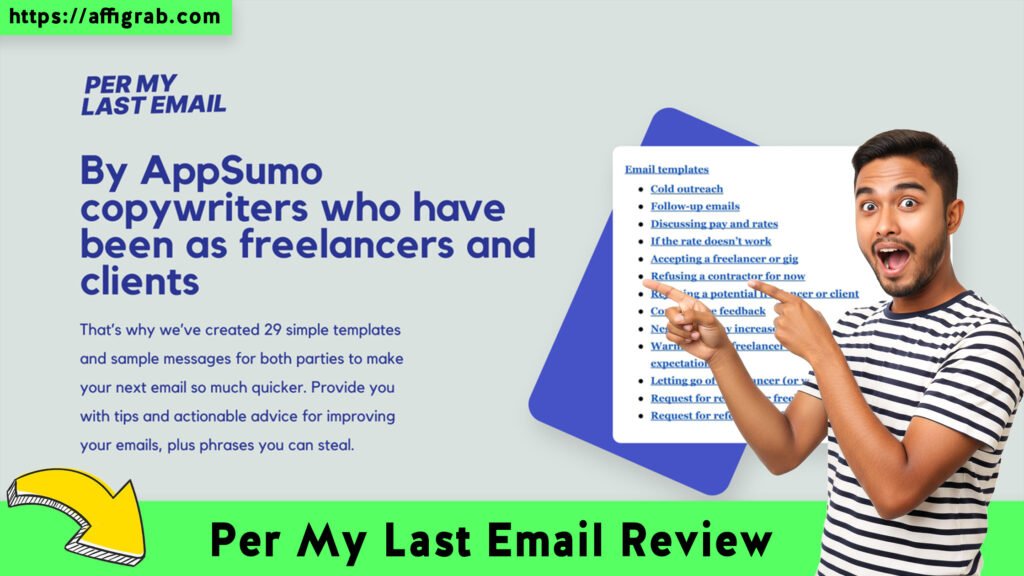
The standout design feature is the “Quick-Access Prompt Library.” Rather than burying templates in settings menus, the dashboard features a sidebar where your most frequently used AI tones and response types are pinned. This allows you to jump from a “Cold Outreach” context to a “Customer Apology” context in a single click, streamlining the workflow significantly.
Deep Dive into Core Features (Hands-On Analysis)
While the interface is pretty, the value of an AI writing assistant lies in the output quality. We tested four core pillars: AI Email Generation, Tone Adjustment, the Template Library, and Platform Integrations.
The Mandatory Hands-On Test Case
Check out the Per My Last Email Lifetime Deal on AppSumo
To verify the claims, I didn’t just read the documentation; I ran a live simulation.
- The Scenario: A hypothetical angry client sent a rude email complaining about a delayed project (which was actually delayed due to their own lack of assets). The goal was to reply firmly but professionally without escalating the conflict.
- The Input: I pasted the rude text into the engine and selected the “Diplomatic & Professional” tone.
- The Result: Within 4 seconds, the AI generated a 110-word response. It acknowledged the frustration, gently reminded the client about the missing assets (using the context provided), and proposed a new timeline.
- The Analysis: The output was grammatically flawless. More importantly, it sounded human. It removed the emotional “sting” I might have included if I wrote it myself, proving its value as a buffer for stressful communications.
Key Features Breakdown
1. AI Email Generation/Reply: The tool understands context well, likely utilizing an advanced LLM backend. It doesn’t just autocomplete sentences; it drafts full paragraphs based on bullet-point inputs.
2. Tone Adjustment: You can toggle between several distinct voices: Professional, Casual, Witty, Assertive, and Apologetic. The “Witty” mode is fun but perhaps risky for corporate use; the “Professional” mode is the bread and butter here.
3. Template Library: Users can save their best AI outputs as templates for future use, essentially building a personal knowledge base of responses.
4. Integrations: While it integrates smoothly with Gmail and Outlook via browser extensions, it currently lacks the deep CRM integrations (Salesforce, HubSpot) that enterprise tools possess.
Deal Economics and Market Comparison
This is where the decision becomes financial. If you are a freelancer or small business owner, cash flow is king.
Lifetime Deal (LTD) Value Breakdown
Check out the Per My Last Email Lifetime Deal on AppSumo
- Mailchimp Standard: Approximately $20/month (starting price for decent features) $rightarrow$ $240/year.
- Per My Last Email: One-time payment of approx $49 (LTD).
Savings Calculation
By choosing the AppSumo deal, you save $191 in the first year alone. Over a 5-year period, the savings escalate to nearly $1,150, assuming Mailchimp doesn’t raise its prices (which they historically do).
Competitor Table: Per My Last Email vs. Mailchimp
| Feature | Per My Last Email (LTD) | Mailchimp (Standard) |
| Cost Model | One-time payment ($49) | Recurring Monthly ($20+) |
| Primary Focus | 1:1 Productivity & AI Writing | 1:Many Mass Marketing |
| Ease of Use | High (Plug & Play) | Low (Steep learning curve) |
| AI Capabilities | Native, Context-Aware Writing | Add-on (often extra cost) |
| Analytics | Basic (Open rates) | Advanced (Click maps, journeys) |
Target User Verification
It is crucial to understand the distinction: Mailchimp is an Email Service Provider (ESP) meant for sending newsletters to 5,000 people at once. Per My Last Email is a productivity tool meant for replying to 50 individual emails per day with speed and precision.
- Buy Per My Last Email if: You are a solopreneur, freelancer, or support agent drowning in daily inbox correspondence.
- Stick with Mailchimp if: Your primary goal is sending marketing blasts and newsletters to a subscriber list.
Final Verdict
Check out the Per My Last Email Lifetime Deal on AppSumo
Is this deal worth your money? If you value your time at more than $10 an hour, the answer is a resounding yes.
Pros and Cons
| Pros | Cons |
| ✅ No Monthly Fees: The LTD model is a massive money saver. | ❌ No Mass Marketing: Cannot replace an ESP for newsletters. |
| ✅ High-Quality AI: Generates empathetic, human-sounding text. | ❌ Limited Analytics: Don’t expect heatmaps or deep data. |
| ✅ Clean Interface: Zero distractions, very fast setup. | ❌ Basic Design: The email aesthetics are plain text/simple HTML. |
| ✅ Browser Extensions: Works where you work (Gmail/Outlook). |
Conclusion
While While Per My Last Email does not replace Mailchimp for mass marketing campaigns, it is arguably the superior tool for personal email productivity. For the price of two months of Mailchimp, you get a lifetime of AI assistance that ensures you never have to stare at a blinking cursor wondering how to phrase a difficult email again.
It is a “Must-Buy” for anyone who spends more than an hour a day in their inbox.
Check out the Per My Last Email Lifetime Deal on AppSumo
Affiliate Disclosure: This review contains affiliate links. If you purchase through our links, we may earn a small commission at no extra cost to you, which helps us keep reviewing the latest SaaS tools.
Explore Our Pages: WP Themes, WP Plugins