
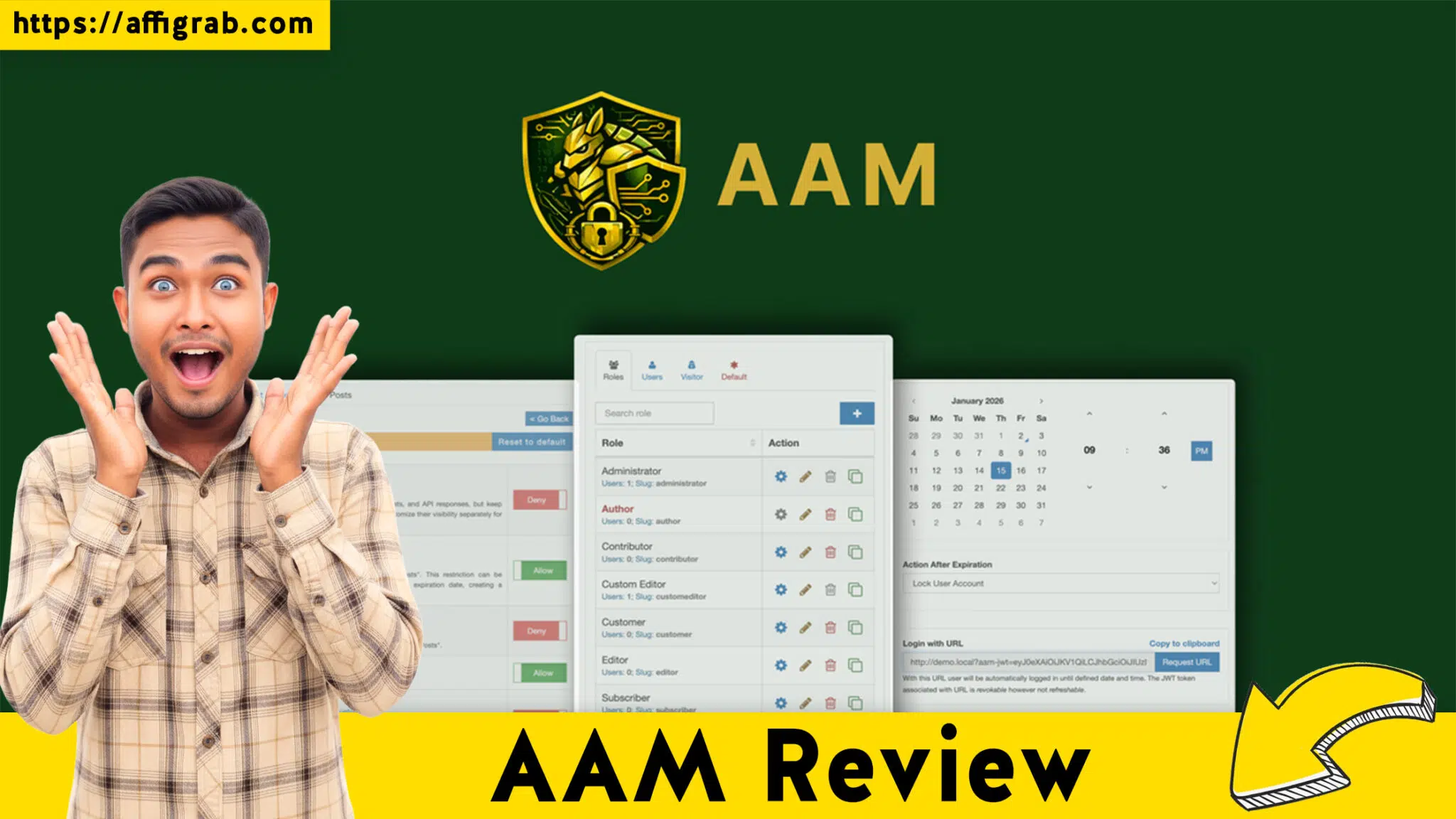
AAM Review is the most critical analysis you will read if you are struggling to maintain a secure and organized WordPress environment in 2026. As the digital landscape evolves, the complexity of managing a growing website often leads to significant security vulnerabilities and administrative headaches.
Table of Contents
Advanced Access Manager (AAM) has emerged as a powerhouse solution for those who need granular control over their site without high-level coding knowledge. Whether you are running a simple blog or a complex multi-user platform, understanding how to restrict access and manage permissions is no longer optional—it is a necessity for survival in a world of increasing cyber threats and data privacy regulations.

Why Advanced Access Manager is Essential for Modern Websites
In 2026, the traditional way of handling user roles in WordPress is outdated. Standard roles like “Editor” or “Author” are often too broad, granting users more power than they actually need. This “over-privileging” is a major security risk. AAM solves this by allowing administrators to define exactly what a user can see and do. By refining your permission control, you ensure that sensitive areas of your site remain protected from internal errors and external breaches. The tool acts as a comprehensive gateway, sitting between your database and your users to filter every interaction based on rules you define.
The problem many face today is “plugin bloat.” Instead of installing five different tools to handle redirects, role editing, and content locking, AAM provides a unified interface. This consolidation is vital for maintaining a fast, efficient site. When you dive into the plugin configuration, you realize that you can manage almost every aspect of user interaction from a single location. This efficiency is why many professional developers have made it a staple in their tech stack for 2026 and beyond.
Solving the Multi-User Management Crisis
Managing a team in 2026 requires more than just trust; it requires automated systems. If you are running a membership site, the stakes are even higher. You need to ensure that paying members see exclusive content while guest users are directed to your sales pages. AAM allows for sophisticated content gating that can be applied to posts, pages, categories, and even specific blocks of text. This level of detail ensures that your monetization strategy remains airtight and your user experience stays premium.
Enhancing Security Through Granular Control
Beyond just hiding content, AAM serves as a robust security layer. By monitoring activity logs, administrators can see exactly who changed what and when. This transparency is crucial for troubleshooting and for identifying suspicious behavior before it turns into a full-scale hack. In an era where data breaches can cost thousands in fines and lost reputation, having a tool that tracks and limits access is the smartest investment a site owner can make this year.
Transforming the Administrative Experience
One of the standout features of AAM in 2026 is its ability to clean up the user experience for your clients or staff. Often, the WordPress dashboard is cluttered with menus and notifications that a standard contributor doesn’t need to see. This clutter leads to confusion and accidental clicks that can break a site’s layout. AAM gives you the power to “declutter” the interface by hiding specific menu items or dashboard widgets based on the user’s role.
Optimizing Workflow with Custom Roles
Standard WordPress roles are rarely enough for a growing business. AAM allows you to create entirely new roles from scratch. For example, you can create a “Social Media Manager” role that only has access to the posts and the media library, completely blocking them from seeing your SEO settings or plugin lists. This creates a focused environment where team members can do their jobs without the distraction or the risk of accessing sensitive configurations.
Future-Proofing Your Website in 2026
The web is moving toward more personalized and restricted experiences. As we navigate 2026, the ability to serve different content to different people is a competitive advantage. AAM isn’t just about blocking people out; it’s about guiding them in. By controlling the flow of traffic within your site, you can create more effective funnels and more secure environments. The lifetime deal currently available represents a unique opportunity to lock in a professional-grade security and management tool without the burden of recurring monthly fees, which is a major win for any digital entrepreneur’s budget.
In conclusion, the necessity of a tool like Advanced Access Manager cannot be overstated. It addresses the core issues of modern web management: security, user experience, and administrative efficiency. By implementing this tool, you are not just installing a plugin; you are establishing a rigorous security protocol that will protect your digital assets for years to come. Whether you are managing a single portfolio or a network of high-traffic sites, the control offered here is unparalleled in the current market.
Support Board review: The Best Intercom Alternative
Advanced Access Manager Features and 2026 License Tier Pricing
The core of any AAM Review must focus on how the tool functions in a live production environment. Advanced Access Manager is not just a simple utility; it is a comprehensive framework that redefines how you interact with your WordPress site. In 2026, where digital security and personalized user experiences are paramount, this tool provides the granular control necessary to protect your data while streamlining your administrative workflows. Below is a deep-dive into the features and the current AppSumo lifetime deal pricing tiers.
Comprehensive Feature Analysis and Real-World Use Cases
The power of AAM lies in its ability to intercept every request made to your website. This is achieved through a sophisticated plugin configuration that allows you to set rules for users, roles, and even anonymous guests.
One of the most utilized features is the User Role Editor. In a real-world scenario, imagine you are running a digital agency. You have a freelance writer who needs to draft posts but should never see your revenue reports or other installed plugins. With AAM, you can create a custom role that restricts their view of the WordPress dashboard to only the “Posts” and “Media” sections. This ensures they remain focused and cannot accidentally alter your site’s core security settings.
Furthermore, the content restriction capabilities are industry-leading. For those managing a membership site, AAM allows you to hide specific paragraphs, images, or entire pages from non-paying users. You can set a “Teaser” message that prompts guests to log in or upgrade their account. This is handled through a seamless frontend management interface where you can see exactly what different user segments see without having to constantly log in and out of different accounts.
Another critical component is permission control for the backend access. Many site owners struggle with “Dashboard Anxiety,” where clients are overwhelmed by too many menu items. AAM allows you to hide specific menu links, sub-menus, and even admin bar nodes. By simplifying the interface, you reduce the likelihood of a client clicking something they shouldn’t, which saves you hours of support and troubleshooting time.
For high-security environments, the activity logs feature is indispensable. It provides a chronological record of every login, post update, and setting change. If a site suddenly goes down or a layout breaks, you can check the logs to see exactly who was logged in and what plugin configuration was altered. This accountability is vital for teams working in collaborative environments in 2026.

Deep-Dive into the AAM Review of Pricing Tiers
The current lifetime deal on AppSumo offers four distinct tiers designed to scale with your business needs. It is important to note that all tiers include lifetime access to the Advanced Access Manager “Complete” package, which encompasses all premium extensions such as the Plus Package, Content Access Control, and the Security Pack.
License Tier 1: $49 This entry-level tier is perfect for solopreneurs or those managing a single professional project. For a one-time payment of $49, you receive:
- All “Complete” features and future updates.
- Support for 1 Website.
- Full access to the user role editor and content restriction modules.
- Ability to manage frontend management and backend access for all roles.
- This tier is ideal if you are just starting a personal blog or a niche membership site and need professional-grade permission control without a recurring subscription.
License Tier 2: $149 Stepping up to Tier 2 provides a significant jump in capacity for growing agencies or “Side Hustle” enthusiasts. For $149, you get:
- All features included in Tier 1.
- Support for 5 Websites.
- This tier allows you to deploy AAM across a small portfolio of sites, ensuring consistent security settings and activity logs across all your digital assets. It is the most cost-effective way to secure multiple client sites under one license.
License Tier 3: $259 Tier 3 is designed for established agencies and developers who manage a larger volume of traffic and clients. For $259, the limits increase to:
- All features included in Tier 1 and Tier 2.
- Support for 15 Websites.
- At this level, the cost per site drops significantly. You can implement complex plugin configuration strategies for up to 15 different domains, making it a powerful asset for a medium-sized web development firm.
License Tier 4: $369 The top-tier offering is for those who need maximum scale and zero limitations on their growth. For $369, you receive:
- All features included in the lower tiers.
- Support for 30 Websites.
- This is the ultimate “Agency” pack. With 30 site licenses, you can provide top-tier permission control and site security as a value-add service to your premium clients. It ensures that every site in your network has a professional WordPress dashboard experience and robust protection against unauthorized access.
Why This Pricing Structure Works in 2026
The transition from a subscription model to a lifetime deal is a major trend in 2026 as businesses look to reduce “SaaS Fatigue.” By choosing one of these tiers, you are locking in a tool that will continue to receive updates as WordPress evolves. Each tier offers the exact same set of high-end features; the only difference is the number of websites you can manage.
Whether you are focusing on the user role editor to manage a team of twenty or using content restriction to build a recurring revenue stream, the value proposition is clear. You are getting a tool that handles the work of several plugins—security, role management, redirects, and content gating—for a single, transparent price.
The integration of activity logs and advanced security settings across all tiers means that even at the $49 level, you aren’t sacrificing safety for price. This democratization of high-level site management is what makes the AAM lifetime deal a standout choice this year. As you configure your site, remember that every permission control rule you set is a step toward a more professional and secure digital presence.
Maximizing the Value of Your License
Once you have selected the tier that fits your 2026 goals, the next step is implementation. Start by auditing your current user list and identifying where permissions are too broad. Use the plugin configuration to tighten these areas immediately. If you are on Tier 4, you can even export your settings from one site and import them to others, ensuring a standardized security protocol across all 30 of your websites. This level of efficiency is why the AAM Review remains overwhelmingly positive among the developer community. By mastering the frontend management and backend access controls early on, you ensure that your WordPress environment remains a clean, functional, and secure space for both your team and your audience.
Competitor Analysis, FAQ & Verdict
In 2026, choosing the right access management tool requires comparing long-term value against recurring costs. While the AppSumo lifetime deal offers an aggressive price point, several established players dominate the market with subscription-based models.
Top 3 Competitors in 2026
1. MemberPress MemberPress is widely considered the industry standard for professional membership sites. Unlike a lifetime deal, it operates on a strict SaaS model.
- Pricing: Starts at $399 per year for the Launch plan and goes up to $999 per year for the Scale plan.
- Comparison: MemberPress is better suited for creators focused purely on selling courses and managing recurring payments. However, for general permission control and granular backend access management, it is significantly more expensive than the one-time payment offered by AAM.
2. Restrict Content Pro This tool is favored by developers who need a lightweight but extensible system.
- Pricing: The current 2026 pricing is approximately $99 per month for full access to pro add-ons, or a tiered yearly model. There is no official lifetime license available.
- Comparison: It excels in managing membership site tiers but lacks the native depth of AAM’s user role editor, which allows for specific dashboard menu hiding without additional extensions.
3. User Role Editor Pro A direct competitor focusing specifically on capabilities and roles.
Pricing: Approximately $89 per year for a personal license.
Comparison: While it provides excellent permission control, it does not offer the same level of integrated content restriction or detailed activity logs found in the AAM “Complete” package.
AAM Review: Pros & Cons
Pros:
- Zero Recurring Fees: One-time payment for lifetime updates and support.
- Granular Control: Manage every aspect of the WordPress dashboard, from menu items to specific widgets.
- Security First: Integrated security settings and activity logs ensure you can audit every change.
- Clean Interface: No ads or bloat, maintaining a fast plugin configuration experience.
- Scalability: Tier 4 allows for management across 30 websites, perfect for agencies.
Cons:
- Learning Curve: The interface is powerful but may require time for beginners to master the logic of permission control.
- No Native Payment Gateway: While it restricts content, it requires third-party integrations to handle complex subscription billing compared to MemberPress.
Frequently Asked Questions

How does AAM secure the WordPress dashboard for clients?
AAM allows you to filter the backend access by hiding specific menu items or admin bar nodes. This ensures that a client only sees what they need to manage their content, preventing accidental changes to core security settings or the overall plugin configuration.
Can I use this for a membership site without monthly fees?
Yes. You can use the content restriction features to lock pages or posts. While AAM manages the access, you can combine it with a simple payment form to create a fully functional membership site without the $399+ annual fees charged by competitors.
What happens if I make a mistake in my permission control settings?
AAM includes a “Master Admin” safety net, but it is always recommended to monitor your activity logs. If a user loses access, you can use the user role editor to reset their capabilities instantly from the main admin account.
Does the AppSumo deal include the frontend management tools?
Yes, the lifetime deal includes the complete package. This allows you to manage frontend management tasks, such as showing or hiding menu items on your public site based on whether a user is logged in or has a specific role.
Is it possible to restrict access by IP address?
Absolutely. Within the advanced security settings, you can define rules that allow or deny access based on the user’s IP, providing an extra layer of protection for your site’s most sensitive areas.
Will this plugin slow down my site in 2026?
No. Advanced Access Manager is built to be lightweight. It only triggers its permission control logic when a request is made, ensuring your site speed remains high while your security stays tight.
Final Verdict for AAM Review
In 2026, the AAM Review leads to a single conclusion: this is the most cost-effective, professional-grade security and access tool available. If you are tired of paying hundreds of dollars in annual subscriptions for tools like MemberPress or Restrict Content Pro, this lifetime deal is your exit strategy. The ability to manage permission control, audit your site via activity logs, and customize the WordPress dashboard for up to 30 sites for a one-time fee is an unbeatable value proposition. For developers, agencies, and serious site owners, securing this deal is the smartest move you can make for your 2026 tech stack.