
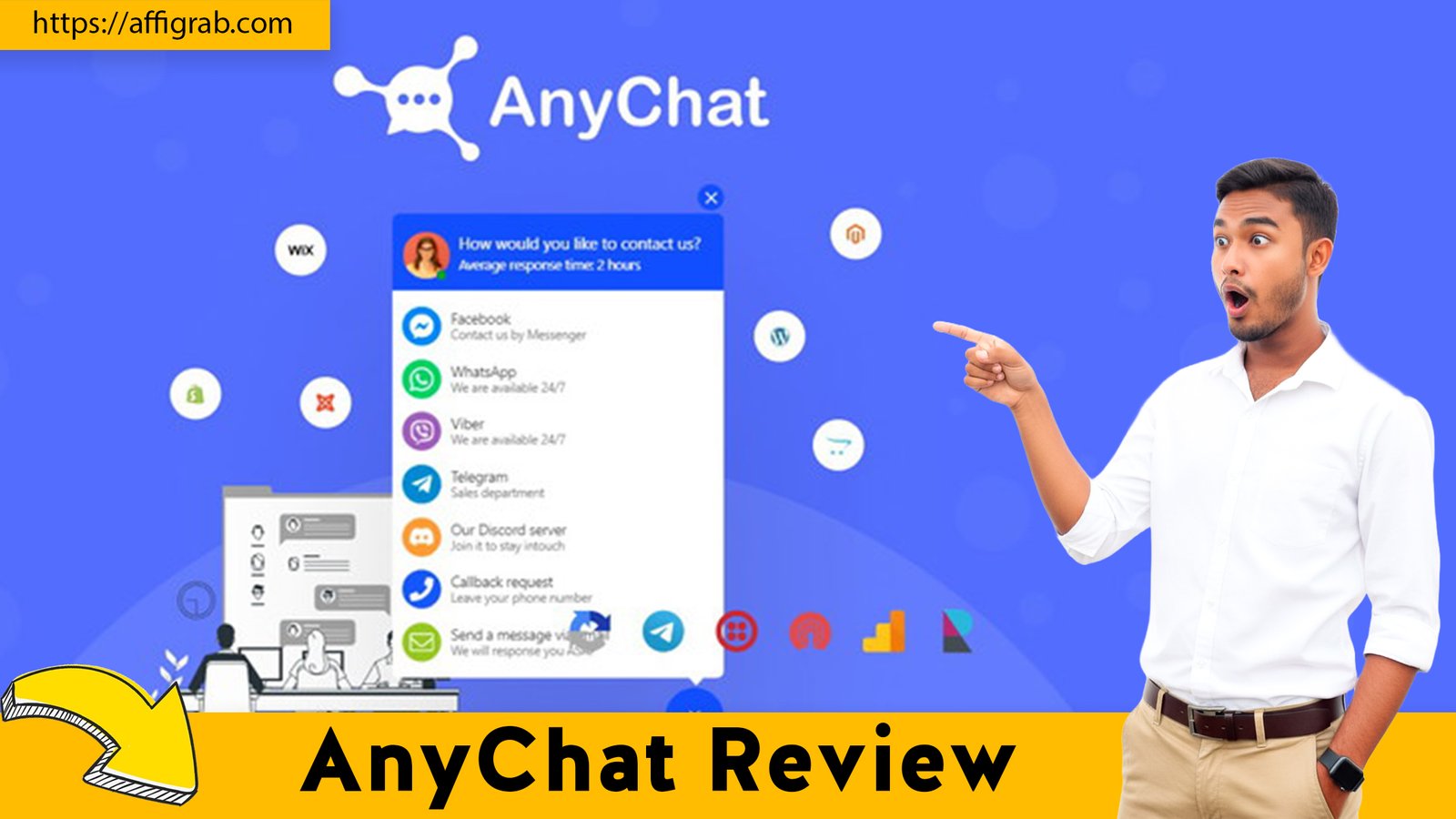
AnyChat In today’s connected marketplace, customers expect to reach you instantly—and they all have a different preferred channel. One customer sends a DM on Facebook, another messages you on WhatsApp, and a third uses the live chat on your website. For solopreneurs and small businesses, this creates a chaotic nightmare of switching between apps, leading to missed messages and lost sales.
The go-to solution for this problem has long been enterprise-grade tools like Intercom. But their “solution” comes with a painful problem of its own: a high, recurring, and punitive ‘per-seat’ price tag that punishes you for growing your team.
What if you could get the core 90% of that functionality—a single, unified chat widget for your website, WhatsApp, social media, and more—for a one-time price?
That’s the exact promise of AnyChat, which has just landed on AppSumo as a lifetime deal. We took a deep dive to see if this $49 deal can really replace a tool that costs thousands per year.
Table of Contents
First Impressions & UI/UX
Right out of the box, it’s clear that AnyChat is a comprehensive and powerful tool. This isn’t a lightweight plugin; it’s a full-fledged communication command center.
- Setup Time: Expect to spend a solid 20-30 minutes getting everything fully configured. This isn’t a 2-minute install, but that’s a good thing. You need time to properly connect your WhatsApp Business API, your Facebook page, and your other channels.
- Ease of Navigation: The user interface (UI) is powerful, but with that power comes a slight learning curve. Because so many features are packed into one dashboard, it can feel a bit dense at first. This is a tool for a business owner, not a casual blogger.
Key Design Highlight: The standout feature of the UI is, without a doubt, the unified dashboard. The entire design philosophy is built around consolidating everything. It brilliantly pulls messages from your website’s live chat, your WhatsApp DMs, and your Facebook Messenger into a single, clean inbox. This design choice alone eliminates the need to have three (or more) different apps open just to talk to your customers.
Deep Dive into Core Features (Hands-On Analysis)
AnyChat isn’t just a simple chat bubble. Its value comes from connecting that bubble to every other channel you own.
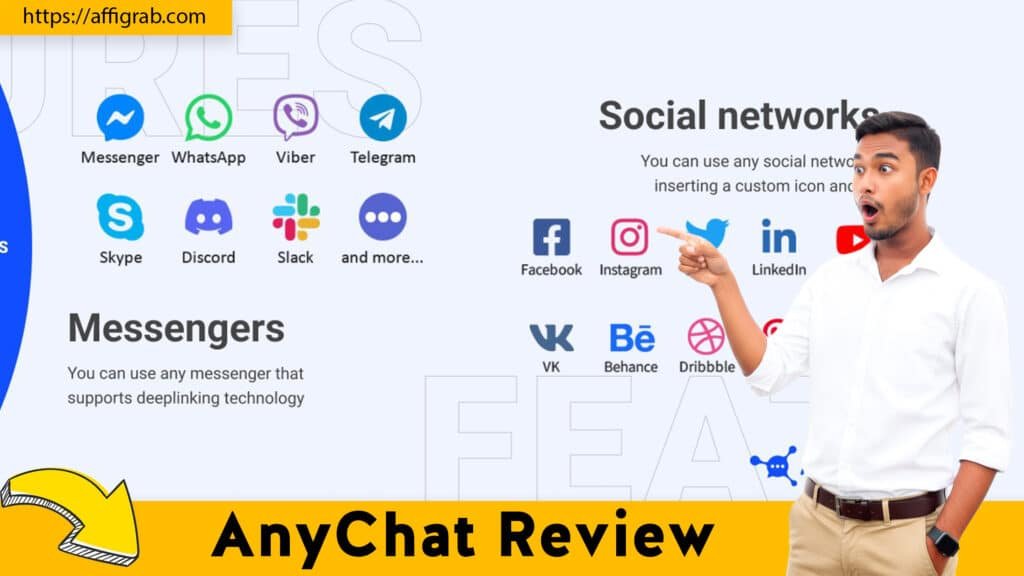
- All-in-One Channel Integration: This is the core promise. AnyChat claims to integrate with over 50 channels. For most businesses, the “big three” are covered: Website Live Chat, WhatsApp, and Facebook Messenger. It also connects with Telegram, Instagram DMs, and more, making it a true central hub.
- Fully Customizable Chat Widget: The front-end widget is sleek and highly customizable. You aren’t stuck with a generic “Chat with us” button. You can change the colors to match your brand, update the icon, and control its position on the page.
- Chat Agent Routing & Unified Inbox: This is where it scales. You can create teams (e.g., “Sales” and “Support”) and route specific inquiries to the right person. A message from WhatsApp and a message from the website can be handled by two different agents, all within the same AnyChat dashboard.
🔥Click here to check out the AnyChat lifetime deal on AppSumo before it’s gone.
Mandatory Hands-On Test Case
To test its core “unified” promise, I set up a single AnyChat widget for my test e-commerce site.
My Goal: Unify three common channels (Website Chat, WhatsApp, and Facebook) into one front-end widget and one back-end inbox, and route them correctly.
My Setup:
- I installed the AnyChat widget on my test site.
- I customized the widget’s color to match my site’s branding.
- I configured the widget to display three channel options for the customer:
- Website Live Chat: Routed to my “Support Team” agent.
- WhatsApp: Displayed a QR code for mobile users.
- Facebook Messenger: Linked to my site’s Facebook page.
The Outcome & Analysis:
The result was seamless. The widget itself was clean, loaded quickly, and looked professional on both desktop and mobile.
I then ran two tests:
- Test 1 (Live Chat): I sent a message: “Where is my order?” via the website’s live chat option.
- Test 2 (WhatsApp): I sent a message: “Do you offer bulk discounts?” from my phone via the WhatsApp QR code.
Both messages appeared instantly in my unified agent dashboard. The live chat message was correctly routed to the “Support Team” inbox, and the WhatsApp message also arrived, clearly tagged with the WhatsApp icon. The system successfully unified three distinct channels into one front-end button and one back-end inbox, just as promised.
Get the fast facts about Anychat Review through our latest web story.
Deal Economics and Market Comparison
This is where the value of the lifetime deal becomes impossible to ignore.
- AnyChat LTD: $49 one-time payment. 3 This includes lifetime access to all Pro features.
- Competitor (Intercom): Their “Essential” plan starts at $39 per seat, per month.
Let’s do the math for a small, 3-person support team:
- Intercom: $39/seat * 3 agents = $117/month.
- Total Annual Cost (Intercom): $1,404 per year.
The AnyChat lifetime deal costs $49. Once. You save over $1,350 in the first year alone, and every single year after that. The primary reason for this saving is that AnyChat’s LTD model completely eliminates the “per-seat” pricing model that drains the budgets of scaling businesses.
| Feature | AnyChat ($49 LTD) | Intercom ($1,404/year for 3 seats) |
| Recurring Cost | $0 | $1,404+ per year |
| Pricing Model | One-time payment | Per-seat, per-month |
| Core Features | Unified Inbox, Multi-Channel Widget, Routing | Unified Inbox, Multi-Channel Widget, Routing |
| Advanced Features | Provides the core 90% most small businesses need. | Advanced Enterprise AI, complex automation. |
Who is this LTD Best For?
This deal is a perfect fit for solopreneurs, e-commerce store owners, consultants, and small businesses (under 10 people). It’s for anyone who needs a professional, reliable, multi-channel chat solution without the complex enterprise features and predatory “per-seat” pricing of Intercom.
Final Verdict
So, is AnyChat the real deal? Absolutely. It’s a robust, powerful tool that solves one of the biggest communication headaches for small businesses.
Pros and Cons
| Pros | Cons |
| ✅ Unbeatable Lifetime Value: $49 to permanently eliminate a $1,400+/year bill. | ❌ Slight Learning Curve: The UI is packed and can feel dense at first. |
| ✅ No “Per-Seat” Pricing: Add your team members without fear of a rising bill. | ❌ Lacks Deep Enterprise AI: It doesn’t have the advanced AI automation of a $50k/year enterprise plan. |
| ✅ True 50+ Channel Consolidation: Finally, WhatsApp, FB, and web chat are in one place. | ❌ Slower Support (Potentially): As with many LTDs, support may not be the 24/7 instant service of a top-tier monthly plan. |
| ✅ Highly Customizable Widget: Looks professional and matches your brand. |
Final Conclusion
AnyChat is a Must-Buy for its target audience. It’s not trying to be a full-blown, enterprise-level CRM. It’s designed to do one job perfectly: unify all your customer conversations into one simple inbox and display them in one clean widget on your site.
It provides 90% of the features that 90% of small businesses actually need, for a price that is 99% less than the recurring competitors. If you’re a small business owner looking to ditch expensive monthly SaaS bills and consolidate your customer communication, this is the deal you’ve been waiting for.
🔥Click here to check out the AnyChat lifetime deal on AppSumo before it’s gone.
Affiliate Disclosure: Transparency is important. This article contains affiliate links, which means if you purchase the deal through our link, we may receive a small commission at no extra cost to you. We only recommend products we’ve genuinely tested and believe in.
Explore Our Pages: WP Themes, WP Plugins