
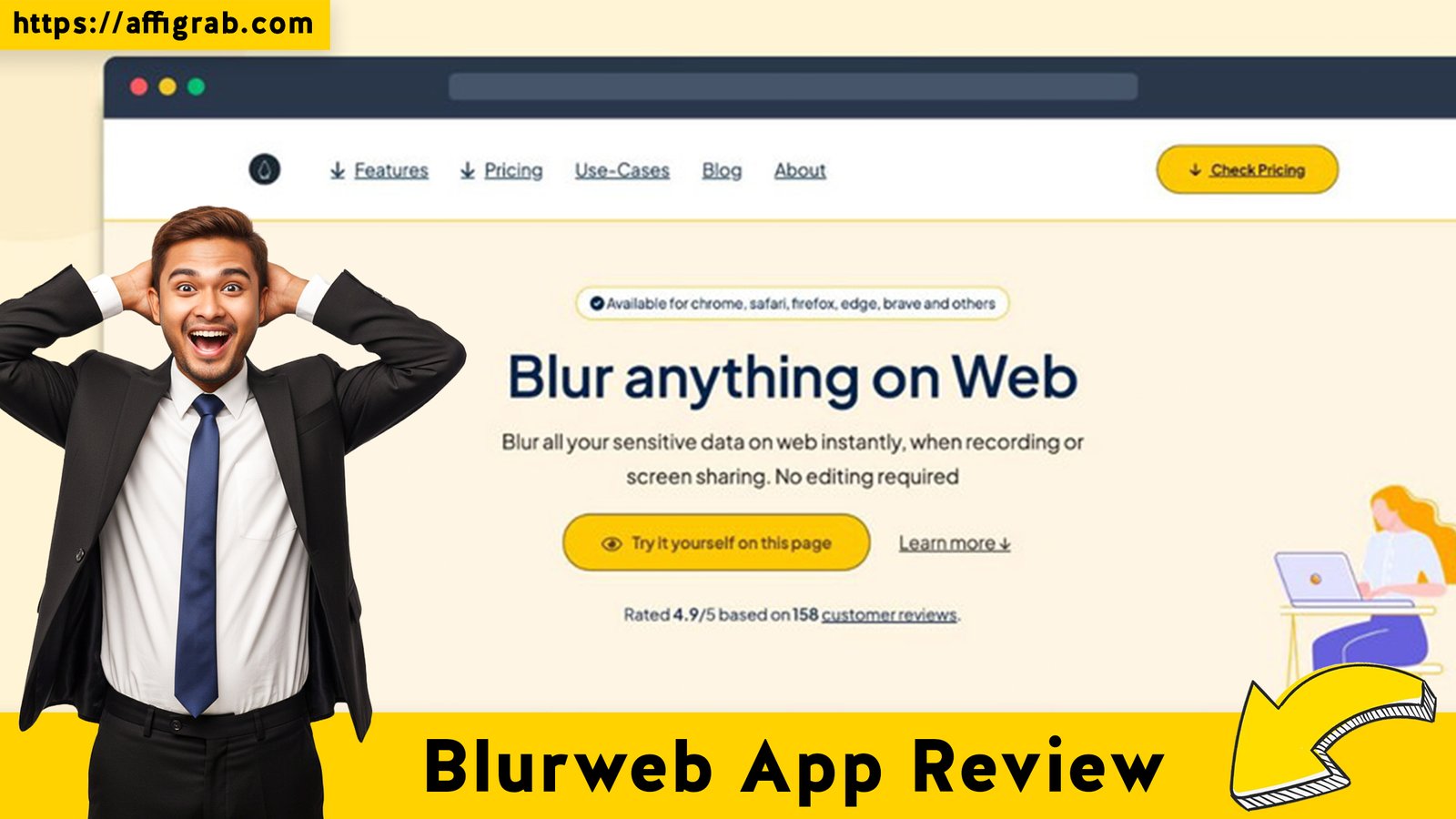
Blurweb App In the current landscape of remote work, online education, and SaaS documentation, screen sharing and screen capturing are daily necessities. Yet, every single time you hit “Share Screen” on Google Meet or “Capture” for a tutorial, you run a very real, very high risk of accidentally exposing sensitive data—client names, internal emails, private chat messages, or even parts of an API key.
The traditional solution—tediously editing every single screenshot in a tool like Photoshop or Snagit, or having to cut and re-edit a video—is an enormous time sink.
Enter Blurweb App, a simple yet powerful browser extension that promises to solve this perennial privacy headache in real-time. Currently available as a tempting Lifetime Deal (LTD) on AppSumo for a single, low-cost payment, the question is: can this minimalist tool genuinely replace your post-production blurring workflow, and is it a must-buy for professionals? This in-depth review dives into the user experience, core features, and deal economics to give you an honest verdict.
Table of Contents
First Impressions & UI/UX
A Focus on Speed, Precision, and Simplicity
🔥 Click Here to Grab the Lifetime Deal Before it’s Gone!
The initial impression of Blurweb App is its unwavering focus on execution speed. Unlike bloated screen capture suites, this is a dedicated utility. It installs quickly as a browser extension (Chrome, Firefox, etc.), and the setup time is genuinely less than 5 minutes. Once installed, the learning curve is virtually non-existent.
The user experience (UX) is a breath of fresh air. It bypasses the multi-step process of capturing, opening a separate editor, selecting a blur tool, drawing a box, and repeating. Instead, it operates directly on the webpage. This in-situ blurring is its primary differentiator, offering a speed and precision that manual editors simply cannot match.
Key Design Highlight: The One-Click Toolbar
The main dashboard/toolbar, accessed via the extension icon, is the heart of the application and a clear design highlight. It organizes its functions logically, allowing for one-click activation and toggling between different modes.
- Auto-Detect/PII Blur: The powerful, automated mode.
- Select & Blur: For manual, rectangular selection.
- Keep Blur Toggle: A crucial button to persist blurs across page reloads.
This minimalist design means you spend virtually no time in the app’s settings and all your time executing the blur, making it ideal for the fast-paced demands of live presentations or urgent documentation.
Deep Dive into Core Features (Hands-On Analysis)
🔥 Click Here to Grab the Lifetime Deal Before it’s Gone!
Blurweb App stands out by moving blurring from a post-production chore to a real-time, on-demand action. Here is an analysis of its most impactful features.
- 1. Real-Time Live Blur (for Screen Sharing): This is the flagship feature. Blurweb App dynamically updates the webpage’s visual elements (DOM), meaning the blur is part of the page before it gets sent over a screen share on platforms like Google Meet, Zoom, or Loom. It eliminates the risk of an accidental screen flash revealing sensitive data. Performance is instant and seamless, with no noticeable lag on the shared screen feed.
- 2. Automatic PII Detection: A powerful, time-saving feature that attempts to instantly identify potential Personal Identifiable Information (PII) on a webpage—think emails, credit card fields, or common form structures used for names and addresses. While not 100% perfect, it provides a crucial first-pass cleanup, covering 80-90% of a page’s sensitive data with a single click.
- 3. Persistent Blur Profiles (“Keep Blur”): By toggling the “Keep Blur” feature, the app saves the blur configuration for that specific URL. This is invaluable for repeat processes, such as recurring monthly reports, client dashboards, or a consistent login screen used in training videos. You open the page, and the sensitive areas are already masked, saving setup time on every use.
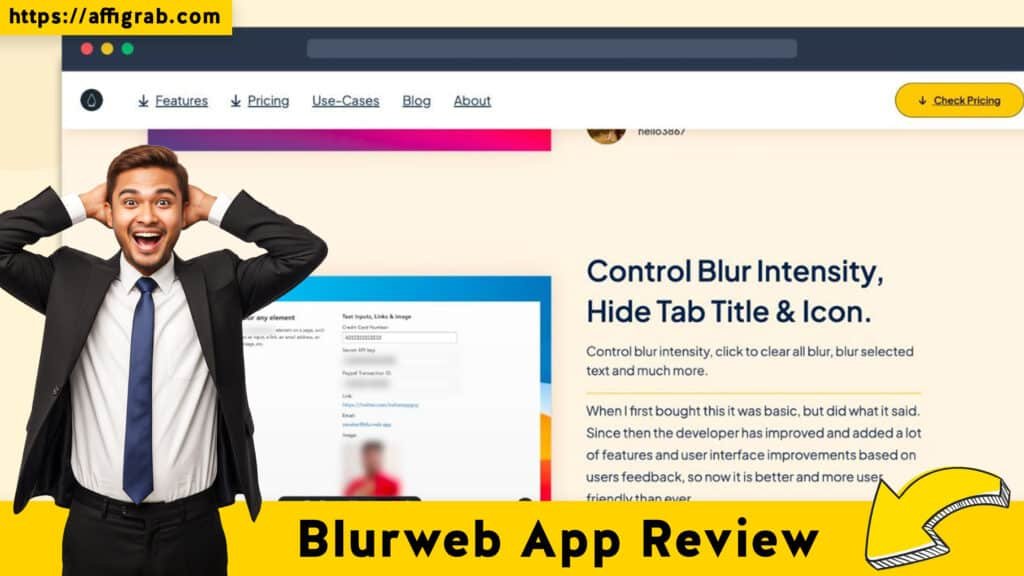
- 4. Custom Blur Styles: Blurweb App offers several masking options—Pixelation, Gaussian Blur, and a solid Blackout. The ability to control the blur intensity also allows for professional-grade, subtle blurring versus a harsh, complete blackout, depending on the context (e.g., strong blackout for financial figures, lighter Gaussian blur for background images).
🛠️ Hands-On Test Case: Testing Live PII Masking in a Training Session
To test the tool’s most critical use case, live blurring during a remote training session, I performed the following test:
- I opened a mock CRM customer dashboard containing client names, email addresses, phone numbers, and a list of recent order IDs—all highly sensitive data.
- I initiated a screen share on Google Meet for the “customer training” session.
- I opened the Blurweb App extension and activated the ‘Automatic PII Detect‘ feature.
- Outcome: The result was a seamless, instant obscuring of all text fields that looked like client names, emails, and phone numbers. The blur was immediate across the entire visible screen area, transforming the shared view into a professional, privacy-compliant training tool without any post-production editing. The quality of the automatic detection was high, requiring only a single, quick manual blur on a custom order ID format the tool hadn’t recognized.
Deal Economics and Market Comparison
🔥 Click Here to Grab the Lifetime Deal Before it’s Gone!
LTD Value Breakdown: Instant ROI
For professionals who frequently share screens, the AppSumo Lifetime Deal of $17 is arguably one of the quickest returns on investment (ROI) in the SaaS world.
- The Problem: Manually editing just one detailed screenshot in Snagit or an image editor can take 2-5 minutes of fiddling. Editing a 10-minute training video to blur 20 different data points can easily take an hour.
- Competitor Cost (e.g., Snagit or similar): Recurring subscription cost can be around $7/month or $84/year, plus the massive, uncounted time cost.
- Blurweb App LTD Cost: A $17 one-time payment for lifetime access to all Pro features.
| Metric | Blurweb App (LTD) | Manual Editing / Snagit |
| Initial Cost | $17 (One-time) | $\approx$ $60-85 (Year 1 cost) |
| Recurring Cost | $0 | $\approx$ $30-85/Year |
| Key Advantage | Instant, Live, Automated Blur | Fine-grain editing control (post-capture) |
| Time Cost | Negligible (real-time) | High (Post-production/Manual Selection) |
Who is this LTD Best For?
The Blurweb App Lifetime Deal is perfect for anyone who values privacy and frequently captures or shares screens on the web but needs instant, automated masking rather than tedious post-production editing. This includes:
- Content Creators & Educators building online courses or tutorials.
- SaaS Reviewers & Tech Bloggers who demo software interfaces.
- Customer Support & Sales Specialists doing live demos or troubleshooting.
- Finance/HR Professionals in internal meetings showcasing sensitive web dashboards.
Final Verdict
Blurweb App is the rare utility that accomplishes its single purpose with exceptional efficiency, saving users not just money, but a significant amount of time. The one-time cost for the sheer amount of post-production time it eliminates makes it a compelling value proposition.
🔥 Click Here to Grab the Lifetime Deal Before it’s Gone!
Pros and Cons Table
| ✅ Pros | ❌ Cons |
| Instant Live Blurring on Demand for screen sharing. | Basic image editing capabilities beyond blurring (no annotations, arrows, etc.). |
| Excellent Automatic PII Detection for a fast, initial privacy shield. | Auto-Detect mode can occasionally require manual adjustment for non-standard formats. |
| Persistent Blur Profiles (Keep Blur) saves setup time on repeat visits. | As a browser extension, it only works on content within the web browser. |
| Minimal UI Clutter and an extremely easy learning curve. | Limited team/sharing features for large organizations (individual focus). |
| Unbeatable Value (Zero Recurring Cost LTD). |
Final Conclusion
🔥 Click Here to Grab the Lifetime Deal Before it’s Gone!
The Blurweb App is a Must-Buy for any professional who routinely shares web content and is tired of the post-production shuffle.18 The simple fact that it provides an instant, automated privacy solution for a zero-recurring lifetime cost makes the $17 purchase a no-brainer utility addition to your professional toolkit. It’s an essential, affordable safeguard against accidental data exposure that pays for itself on the very first use.
Affiliate Disclosure:
This review is an independent analysis. If you found this information helpful and decide to purchase the Blurweb App AppSumo Lifetime Deal, please consider using an affiliate link, which supports our ongoing work to review and analyze valuable SaaS products.
🔥 Click Here to Grab the Lifetime Deal Before it’s Gone!
Explore Our Pages: WP Themes, WP Plugins