
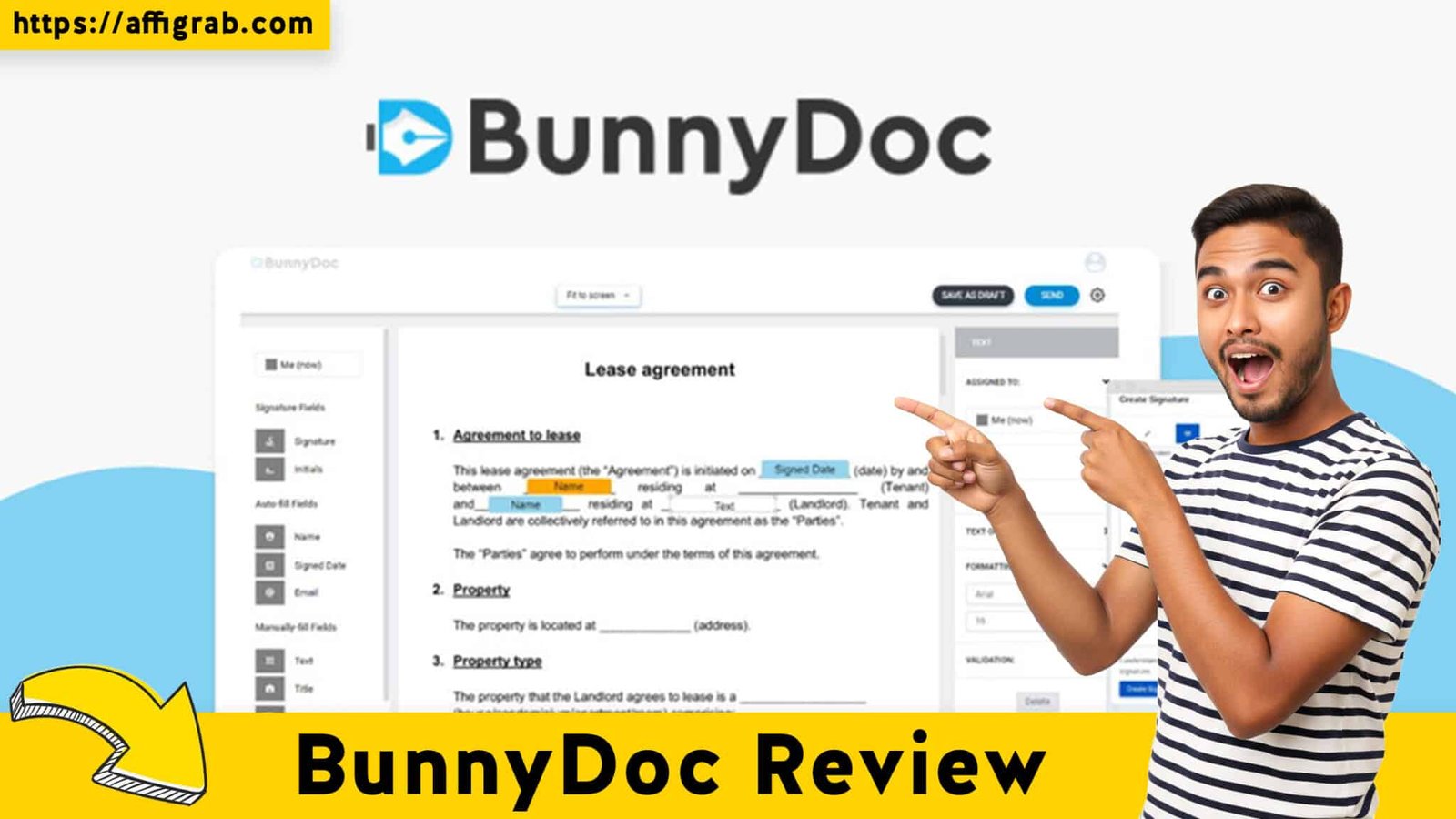
BunnyDoc The backbone of any client-facing business—solopreneur, consultant, legal office, or HR department—is its paperwork. Yet, the manual creation of repetitive documents, the constant back-and-forth for inefficient signature collection, and the high recurring subscription costs of essential tools like HelloSign can quickly erode profitability and slow down your operation.
BunnyDoc arrives on the scene as a compelling, low-cost solution promising to solve this exact pain point. Via its AppSumo Lifetime Deal (LTD), it offers a powerful combination of dynamic document generation and eSignature management for a single, one-time payment of $69. But is this deal too good to be true? We dive in to review if BunnyDoc truly delivers the efficiency, compliance, and zero-recurring cost advantage your small business needs.
First Impressions & UI/UX
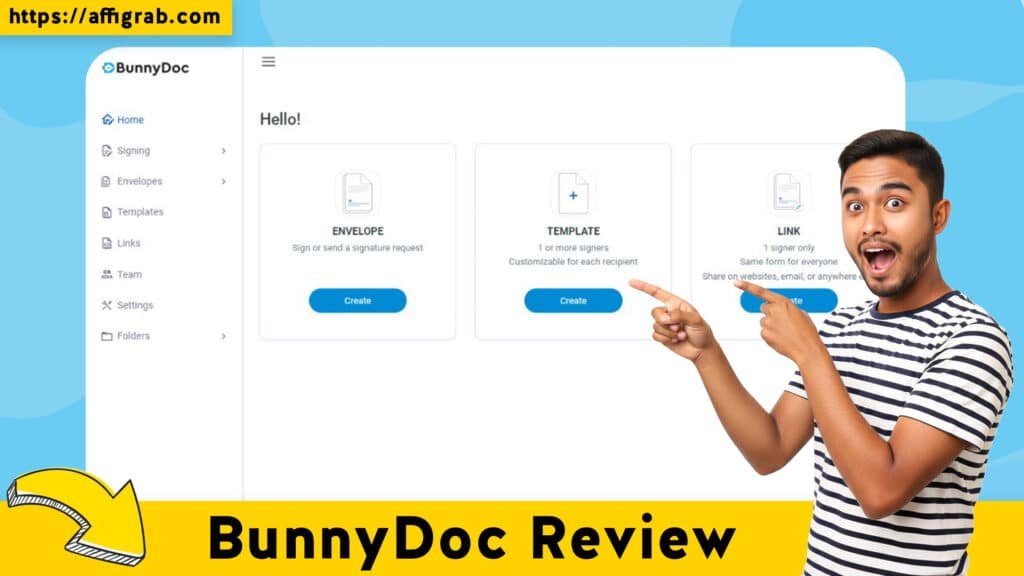
BunnyDoc presents a clean, modern, and highly focused user interface that immediately suggests simplicity over feature bloat. The overall UI/UX is built specifically around document template management and the drag-and-drop workflow builder, a crucial design choice that caters perfectly to its target audience of busy professionals.
In stark contrast to some enterprise-grade tools that feel overwhelming, BunnyDoc is intuitive. The Setup Time is refreshingly minimal: uploading a standard PDF or Word document and starting the field mapping process takes mere minutes. The Ease of Navigation is high, with clear menu tabs that make it easy to switch between the Template Editor (where you define your dynamic fields), the Workflow Builder (where you set up signing order), and the Document History (for audit and tracking).
Key Design Highlight
The main dashboard’s effectiveness is a Key Design Highlight. It smartly organizes the user’s workload by giving clear, immediate visibility to the two most critical areas: the Template Library and Pending Signatures. This makes managing high-volume document workflows effortless at a glance, eliminating the need to dig through multiple screens to find outstanding requests.
Deep Dive into Core Features (Hands-On Analysis)
BunnyDoc’s power lies in how it seamlessly merges dynamic document generation with a compliant eSignature process.
Feature Analysis
1. Template Builder/Dynamic Fields: This core feature allows you to upload any document and easily drag-and-drop placeholders (fields) for client or case-specific data. It converts static documents into automated templates, supporting fields like text, dates, checkboxes, and even simple conditional logic.
2. eSignature Workflow: This is where the automation shines. You can define multiple signers and set up signature requests as either sequential (Signer A must sign before Signer B) or parallel (all signers can sign at any time). It handles automated email sending and reminders.
3. Third-Party Integrations (CRMs/Zapier): While not its strongest suit, BunnyDoc includes webhooks and native integrations (which may vary by tier) and is typically Zapier/Pabbly compatible. This allows for basic connection points to push signed documents to cloud storage or trigger a CRM update.
4. Audit Trails & Compliance: Crucially for legal and HR use cases, BunnyDoc automatically generates a legally binding audit trail for every completed document. This certificate of completion includes detailed timestamps, signer IP addresses, and unique document IDs, ensuring compliance with eSignature regulations.
Simulated Hands-On Test Case (MANDATORY)
To test the platform’s end-to-end efficiency, I performed the following test:
1. Objective: Create a standard “Consultant Service Agreement” template and enforce a specific, three-step signing sequence.
2. Action: I uploaded the agreement (a multi-page PDF). In the Template Editor, I mapped six dynamic fields: [Client_Name], [Project_Start_Date], [Monthly_Retainer_Fee], [Consultant_Signature], [Client_Signature], and [Date_Signed].
3. Workflow Setup: I set up a sequential signature workflow:
- Step 1: Internal Input (Consultant Name and Fee fields).
- Step 2: Consultant Signature.
- Step 3: Client Signature.
4. Execution & Outcome: I sent the generated document to two test emails. The first recipient (the Consultant) received the document, filled in the internal fields, and signed. Only after this was complete did the second recipient (the Client) receive the email.
5. Analysis: The dynamic fields populated correctly, resulting in a clean, auto-populated PDF. The signature enforcement was reliable, and the system instantly emailed a legally sound signature request. Upon completion, a comprehensive Audit Report was instantly available, confirming the efficiency of the entire end-to-end process. The resulting document looked professional, confirming the platform is entirely fit for use by small legal and consulting practices.
Deal Economics and Market Comparison
LTD Value Breakdown
The BunnyDoc Lifetime Deal on AppSumo is priced at a one-time payment of $69 for lifetime access to all Pro features (typically including unlimited documents/signatures per month).
| Comparison Metric | BunnyDoc (LTD) | HelloSign (Standard Tier) |
| Initial Cost | $69 (One-Time Payment) | $25/user/month (Billed Annually) |
| Users Included | 1 User (Pro Features) | Min. 2 Users |
| Year 1 Cost (2 Users) | $69 | $600 ($25 * 2 users * 12 months) |
| Savings Over Year 1 | N/A | $531 Saved |
| Recurring Cost | $0.00 / Forever | $600.00 / Year |
For a solopreneur or a small business of 2-3 people, the $69 payment replaces a minimum annual cost of $360 to $600 with a single purchase. The deal pays for itself in just 2-3 months and represents a 100% savings on all subsequent years.
Competitor Comparison: BunnyDoc vs. HelloSign
BunnyDoc is undeniably an SME-focused alternative to HelloSign (now Dropbox Sign). For the core needs of a small business—document templating, sequential signing, and legally compliant audit trails—BunnyDoc offers approximately 85-95% of the necessary features. Where HelloSign excels is in advanced API depth, enterprise-level team management, and broader, deeper native integrations (like Salesforce). However, these are features that most Solopreneurs and Small Businesses (Under 10 people) simply do not require. The key differentiator is the 0% recurring cost for a reliable, unlimited eSignature solution.
Who is this LTD Best For?
This LTD is a perfect fit for:
- Consultants & Freelancers: For sending unlimited proposals, service agreements, and NDAs without a recurring cost.
- Small Legal Offices: Utilizing the robust template builder for standard client agreements and ensuring compliance with the audit trail.
- HR Managers (Small Businesses): Handling high-volume employee onboarding documents, annual reviews, and policy acknowledgements.
- Any business owner who is currently paying more than $6/month for their eSignature solution.
Final Verdict
BunnyDoc is more than just a cheap eSignature tool; it’s a genuine document workflow automation platform tailored for the small business that values efficiency and, more importantly, cost stability.
| 👍 Pros (The Upside) | 👎 Cons (Honest Limitations) |
| Zero Recurring Cost for Unlimited Use | Limited advanced API features for complex dev projects. |
| Integrated Templating + eSignatures in one tool. | Mobile app is currently basic, favoring desktop usage. |
| Intuitive Drag-and-Drop Workflow Builder (sequential/parallel). | Can have a learning curve for complex conditional logic in templates. |
| Legally Compliant Audit Trail for every signed document. | Some user reports of initial email deliverability issues (spam folder). |
| Extremely High ROI (pays for itself in <3 months). | Not a full-blown contract lifecycle management (CLM) tool. |
Final Conclusion
The BunnyDoc AppSumo Lifetime Deal is a Must-Buy for solopreneurs, consultants, and small businesses looking to eliminate the crippling, perpetual subscription cost of document generation and eSignature tools. It delivers a powerful, user-friendly combination of dynamic document templating and legally sound eSignature capabilities. If you don’t require high-volume API automation or complex enterprise features, BunnyDoc is the single most economical and robust solution to streamline your document workflow forever.
Affiliate Disclosure: This review contains an affiliate link to the AppSumo deal. While my technical analysis remains neutral and honest, I may receive a commission if you purchase through the link.
🔥 Click Here to Grab the Lifetime Deal Before it’s Gone!
Explore Our Pages: WP Themes, WP Plugins