
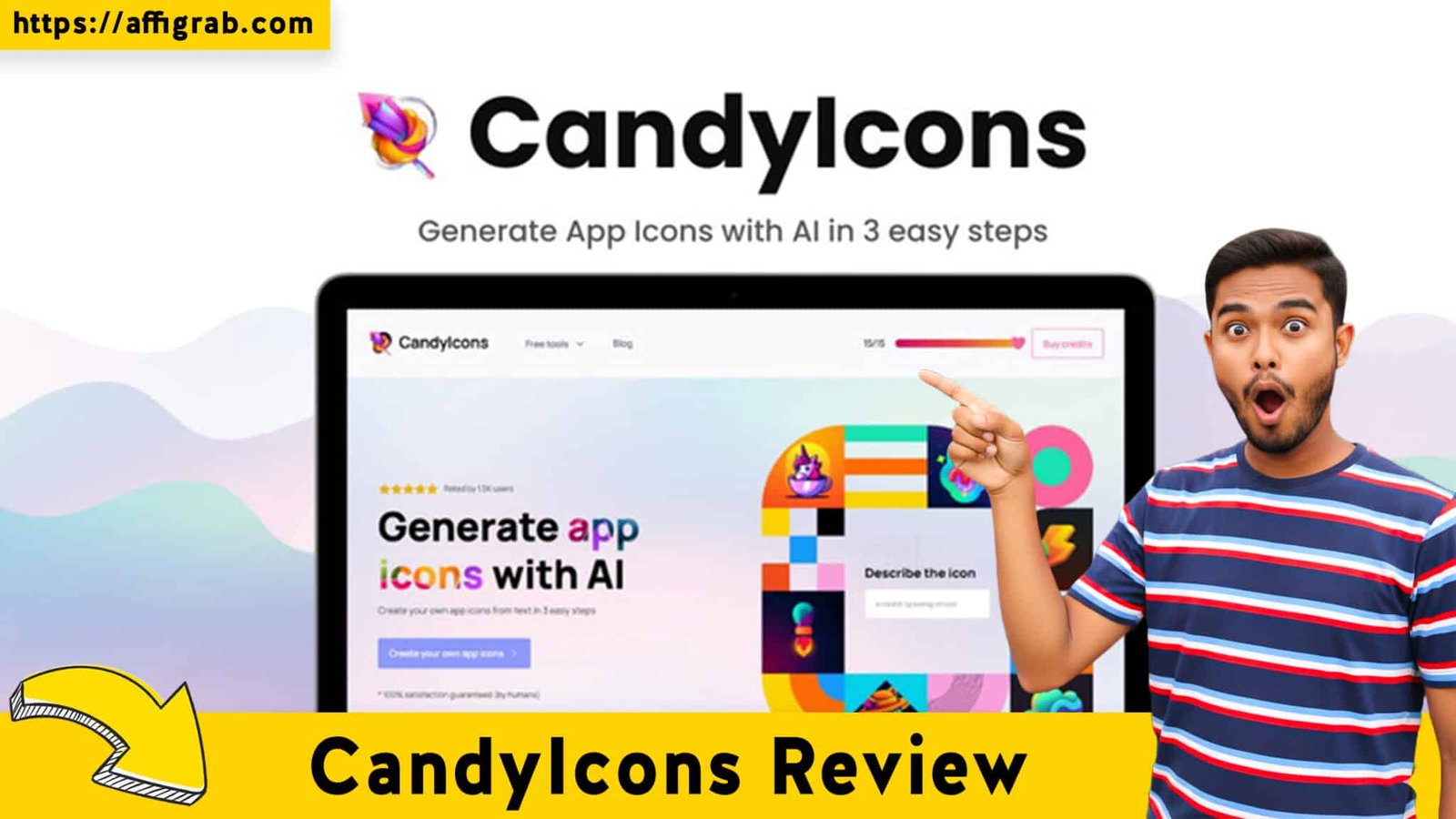
CandyIcons If you are an indie developer or a solopreneur, you know the specific agony of the “Icon Bottleneck.” You have finished coding your MVP, the functionality is flawless, but you are stuck staring at a default placeholder image because you don’t have an app icon.
Your options are usually bleak: pay a professional designer $300+ (too expensive for an MVP), struggle with vectors in Figma for four hours (too time-consuming), or sign up for yet another monthly subscription like Iconify AI just to generate a few assets.
Enter CandyIcons, currently available as a Lifetime Deal (LTD) on AppSumo. I spent the last week testing this tool to see if it’s just another wrapper for OpenAI’s API or a legitimate workflow saver for developers. Here is my deep dive.
Table of Contents
First Impressions & UI/UX
When I first logged into CandyIcons, the immediate takeaway was intentional simplicity. The interface is stripped of the “feature bloat” that plagues tools like Photoshop or even Canva. It is designed for one thing only: getting you an App Store-ready icon in under 120 seconds.
The 3-Step Workflow
🔥 Click Here to Grab the Lifetime Deal Before it’s Gone!
The UI guides you through a linear process that makes it nearly impossible to mess up:
- Describe: Input your text prompt.
- Style: Select your aesthetic.
- Generate: Receive your assets.
Setup Time: From purchasing the code to generating my first icon, the total elapsed time was roughly 3 minutes. There is no software to install; it is entirely browser-based.
Key Design Highlight: The Visual Style Selector
One specific UI choice stood out to me. Many AI tools force you to guess what a style looks like based on text (e.g., typing “Claymorphism” into a prompt box).
CandyIcons provides a visual Style Selector. You see clear thumbnails of what “Pixel Art,” “Metallic,” or “Clay” looks like before you spend your credits. This prevents “credit anxiety”—the fear of wasting your limited generation allowance on a style that turns out to be ugly.
Deep Dive into Core Features (Hands-On Analysis)
🔥 Click Here to Grab the Lifetime Deal Before it’s Gone!
While the interface is pretty, the utility lies in the engine. Here is what I found under the hood.
1. AI Text-to-Icon Engine (DALL-E 3 Integration)
CandyIcons appears to leverage DALL-E 3 (or a similarly high-end model) for its generations. The adherence to prompts is high, meaning the AI actually listens to complex instructions rather than ignoring half the sentence. The images are generated at high resolution (1024x1024), which is the standard requirement for Apple’s App Store submission.
2. Asset Export & Favicon Generator
This is where the tool shifts from “toy” to “dev tool.” Once you pick an icon you like, you don’t just get a JPEG. The tool allows you to export the full asset pack, including:
- iOS sizes.
- Android adaptive icons.
- macOS formats.
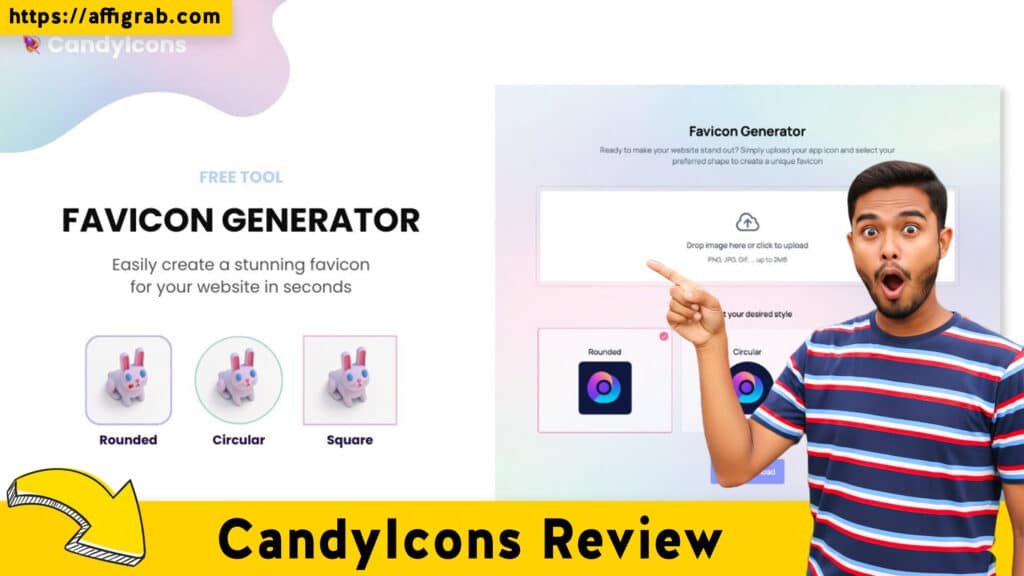
- Favicons: It instantly creates the .ico and small PNGs needed for web landing pages.
3. Copyright & Ownership
I checked the Terms of Service specifically for this review. CandyIcons confirms that users retain full commercial rights to the icons generated. This is non-negotiable for developers who plan to trademark their apps or sell them later.
4. Hands-On Test Case: The “Crypto-Tracker” Experiment
🔥 Click Here to Grab the Lifetime Deal Before it’s Gone!
To truly test the engine, I didn’t want to give it an easy prompt like “red apple.” I invented a fake app concept to test its abstract capabilities.
- App Concept: “CoinWatch,” a cryptocurrency tracking widget.
- The Prompt: “A golden digital coin glowing with blue circuits, dark background, minimalistic, high contrast.”
- The Style: I selected “Glassmorphism” to see if it could handle transparency and lighting effects.
The Outcome:
The tool generated four variations. The winner was impressive—it featured a sleek, amber-gold coin with distinct, neon-blue circuit lines that looked like they were glowing from within the glass texture.
- Quality Analysis: The edges were sharp (no fuzzy AI hallucinations). The contrast was high enough to stand out against both Light and Dark mode backgrounds on an iPhone.
- Verdict: It produced a production-ready asset that would have taken me 2+ hours to render in Blender.
Deal Economics and Market Comparison
The primary reason this tool is catching attention is the AppSumo Lifetime Deal model.
The Value Proposition
At the time of writing, the LTD is priced around $39 (one-time).
Crucially, this deal includes a monthly credit renewal (typically around 40-50 credits/month depending on the specific tier active).
🔥 Click Here to Grab the Lifetime Deal Before it’s Gone!
Competitor Comparison: CandyIcons vs. Iconify AI
| Feature | CandyIcons (AppSumo LTD) | Iconify AI / Competitors |
| Pricing Model | One-time payment (~$39) | Subscription ($37/mo) or Pay-per-pack |
| Recurring Costs | $0 | $444+ per year |
| Credit System | Credits renew monthly for free | Buy more credits when out |
| Export Options | Full App Store Package + Favicon | Varies (often extra for full packs) |
| License | Commercial Use | Commercial Use |
Who is this LTD Best For?
This deal is a no-brainer for Indie Hackers and Serial Shippers. If you launch 3-4 projects a year, or even just update icons seasonally (e.g., a “Christmas” version of your app icon), the one-time cost pays for itself after your second generated icon.
Final Verdict
🔥 Click Here to Grab the Lifetime Deal Before it’s Gone!
CandyIcons is not a replacement for a $10,000 branding agency, but it is an absolute killer of the “monthly subscription fatigue.” It solves a specific problem—getting a professional icon fast—without ongoing costs.
Pros and Cons
| Pros | Cons |
| ✅ Cost Efficiency: Pay once, use forever with monthly refills. | ❌ Raster Only: Generates PNG/JPG, not editable vectors (SVG). |
| ✅ Workflow Speed: “Prompt to Export” takes minutes. | ❌ Editing Limits: You cannot tweak specific layers (e.g., “move the coin to the left”). |
| ✅ Full Asset Packs: Includes favicons and platform-specific sizes. | ❌ Credit Cap: Heavy users might hit the monthly limit and have to wait. |
| ✅ Quality: High-res outputs suitable for Apple/Google stores. | ❌ Text Handling: AI still struggles to put legible text inside icons. |
Conclusion
If you are a developer who lacks design skills, CandyIcons is a Must-Buy. It turns the headache of asset creation into a 2-minute task. While professional designers might find the lack of vector editing restrictive, for the indie dev crowd, the ROI on this $39 deal is undeniable. It removes the friction of launching, allowing you to focus on code rather than pixels.
🔥 Click Here to Grab the Lifetime Deal Before it’s Gone!
Explore Our Pages: WP Themes, WP Plugins