

DarkMySite The modern web demands a superior user experience, and one of the clearest signs of a neglected WordPress site is the painful lack of a professional dark mode option.
Manually implementing a site-wide dark theme across complex themes and page builder elements can be a development nightmare—consuming dozens of hours and requiring constant maintenance.
DarkMySite arrives on AppSumo as a compelling Lifetime Deal (LTD), promising to solve this user experience and accessibility pain point with a low-cost, set-and-forget solution. This in-depth review analyzes whether DarkMySite is the must-have utility plugin for any professional WordPress developer or agency.
Table of Contents
🚀 First Impressions & UI/UX
Stepping into the DarkMySite settings panel within the WordPress admin dashboard is a refreshing experience, especially compared to the bloated settings pages of many premium plugins.
💨 Simplicity and Speed
The overall User Interface (UI) is clean, fast, and organized into logical, clearly labeled tabs (General, Switch Style, Colors, Restrictions, etc.). The perceived Setup Time for basic activation and customization is genuinely less than five minutes. The minimal learning curve means you can activate the plugin, select a color preset, and have a functional dark mode live on the front-end almost instantly. This ease of navigation minimizes the time an agency spends on a typically high-touch configuration task.
🔥 Click Here to Grab the Lifetime Deal Before it’s Gone!
✨ Key Design Highlight: The Intelligent Generator
The true standout feature, and the one that provides immediate value, is the plugin’s one-click automatic dark theme generator. This isn’t just a simple CSS inversion; it intelligently scans your site’s existing CSS—identifying background, text, and primary accent colors—to generate a cohesive, eye-pleasing base dark color scheme. This feature drastically minimizes the need for manual, element-by-element configuration, making it the fastest route to a professional-looking dark mode, even on heavily customized themes.
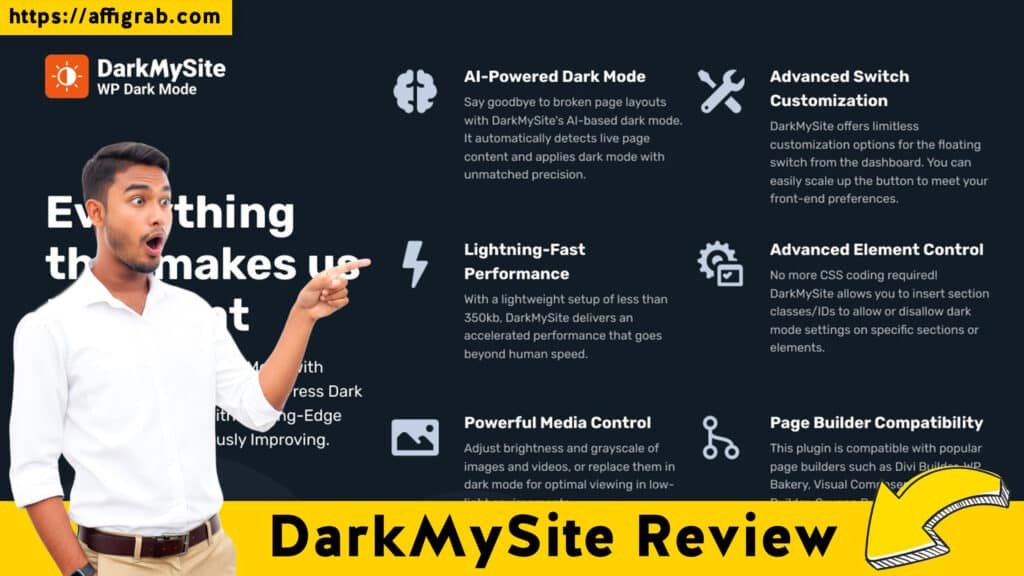
🛠️ Deep Dive into Core Features (Hands-On Analysis)
DarkMySite packs the granular control demanded by developers into an accessible interface.
Feature Analysis
- Frontend & Backend Dark Mode Toggle: This dual functionality is essential. Providing the front-end switch for site visitors improves accessibility and user retention, while the Backend Admin Dark Mode is a godsend for developers and content creators spending late hours in the WordPress dashboard.
- Custom Color Schemes/Presets: Beyond the auto-generator, the tool provides a suite of ready-made presets, plus the necessary controls to tweak brightness, contrast, and primary accent colors for perfect brand alignment.
- Dark Mode Switch Position & Style Control: Flexibility is key for a non-intrusive design. DarkMySite offers a variety of switch positions (floating, in-menu, shortcode) and iconography, allowing the toggle to seamlessly integrate into any theme design.
- Exclusion/Inclusion Rules: This is where the plugin transitions from a simple utility to a professional-grade tool. You can specify elements, posts, or pages that must always remain light or dark using CSS selectors, post IDs, or page URLs.
🔥 Click Here to Grab the Lifetime Deal Before it’s Gone!
🧪 Hands-On Test Case: Conversion-Focused Exclusion
To specifically test the power and precision of the Exclusion/Inclusion Rules—a critical feature for any conversion-focused site—I invented the following scenario:
Test Case: I configured DarkMySite to exclude a specific, high-contrast Pricing Table section (identified by a custom CSS class pricing-ltd-highlight) on a main landing page, while the rest of the page content, including the header and footer, transitioned to dark mode.
Outcome: The result was a seamless, flicker-free dark transition for the entire page, except for the targeted pricing table. The table remained light, enforcing the optimal contrast needed to make the conversion element stand out. This confirmed DarkMySite’s granular, professional-level control for balancing user comfort with conversion visibility, proving its worth beyond a simple styling utility.
💰 Deal Economics and Market Comparison
LTD Value Breakdown
🔥 Click Here to Grab the Lifetime Deal Before it’s Gone!
The $59 one-time payment for lifetime access and usage on Unlimited Websites is an extraordinary value proposition.
| Metric | DarkMySite LTD | Typical Premium UI Plugin (Unlimited Site License) | Savings (Year 1) |
| Cost | $9 One-time | ~$143.88/year | $134.88 |
| Usage | Unlimited Websites (Lifetime) | Unlimited Websites (Annual) | N/A |
The LTD pays for itself within the first year compared to similar premium UI/UX plugins and eliminates the recurring license fee hassle, making it a pure profit-driver for agencies.
Market Comparison: DarkMySite vs. Imagify
Comparing a UI plugin like DarkMySite to an image optimization SaaS like Imagify is comparing apples to oranges, but it highlights the different pillars of a solid WordPress setup.
| Pillar | DarkMySite (LTD) | Imagify (SaaS) | Analysis |
| Utility | User Experience (UX), Accessibility, Nighttime Comfort | Site Speed, Performance Optimization, SEO | Both are crucial for a professional site, but target different performance vectors. |
| Cost | One-Time Investment ($99 LTD) | Recurring Annual/Monthly Cost | DarkMySite is a zero-recurring-cost investment in UX, contrasting sharply with the continuous overhead of performance tools like Imagify. |
The Final Analysis: The DarkMySite LTD secures a vital, non-negotiable UX/Accessibility pillar of your professional WordPress stack with a single, one-time payment. This contrasts favorably with the recurring costs often necessary for maintaining a high-performance profile (like with Imagify).
🔥 Click Here to Grab the Lifetime Deal Before it’s Gone!
🎯 Who is this LTD Best For?
This LTD is perfect for WordPress developers and digital agencies who manage multiple client sites. It’s a reliable, set-and-forget dark mode solution that can be instantly deployed to any new project, adding significant perceived client value without incurring any annual licensing fees.
⚖️ Final Verdict
| ✅ Pros | ❌ Cons |
| Unlimited Site Usage on the LTD for agencies and developers. | Occasional need for manual CSS tweaks on highly customized, niche themes. |
| Intelligent Auto-Theming drastically reduces setup and configuration time. | The feature set is inherently niche (it only does dark mode). |
| Includes both Frontend and Backend Admin Dark Mode. | Reported instances of flicker on initial page load in certain niche setups (though the developer has pushed fixes). |
| Granular Exclusion/Inclusion Rules for professional-level control. | Limited integration with specific third-party page builder modules might require a custom selector. |
| OS-aware and Time-based auto-switching included. |
Final Conclusion
🔥 Click Here to Grab the Lifetime Deal Before it’s Gone!
DarkMySite is not just another utility plugin; it’s a fundamental accessibility and user experience improvement tool packaged in a developer-friendly interface. Given the zero-recurring cost and the all-important unlimited site license, this AppSumo LTD is an undeniable Must-Buy for any developer, agency, or serious blogger committed to a modern UX/accessibility standard. It’s a low-cost, high-impact tool that should be in every professional WordPress toolkit.
Affiliate Disclosure: This review contains affiliate links. If you purchase the DarkMySite LTD through the link below, I may receive a small commission at no extra cost to you. I only recommend products I have personally tested and believe offer exceptional value.
🔥 Click Here to Grab the Lifetime Deal Before it’s Gone!
Explore Our Pages: WP Themes, WP Plugins