
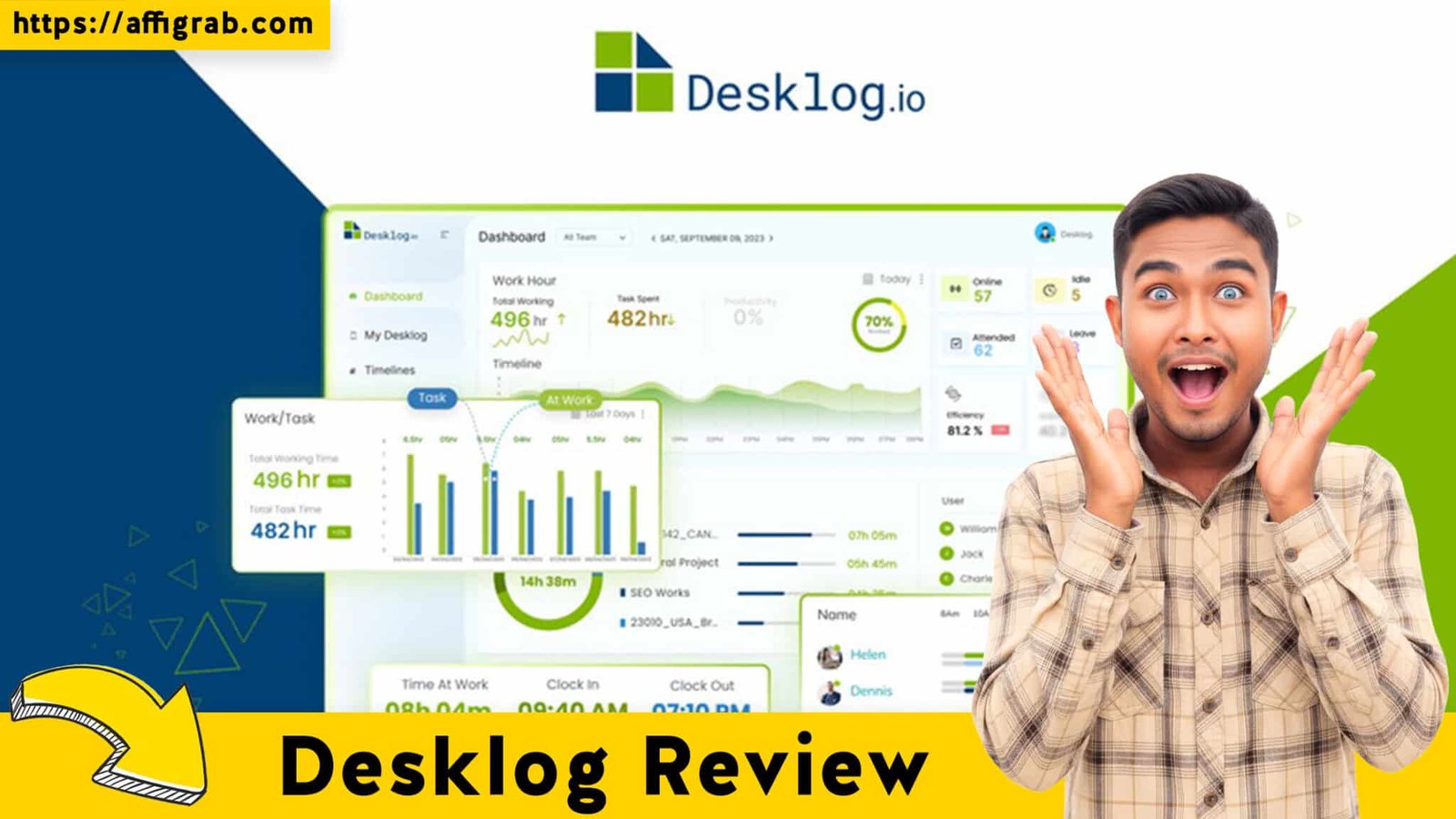
Desklog The shift to remote and hybrid work has magnified a core challenge for project managers, agencies, and small to mid-sized businesses (SMBs): accurate, verifiable time tracking and productivity monitoring. While popular tools like Toggl Track excel at manual time entry, their recurring, per-user SaaS costs—often coupled with a lack of in-depth, auditable activity monitoring—can become a significant financial burden, especially as teams grow.
Desklog, currently featured as a Lifetime Deal (LTD) on AppSumo, steps into this gap. Priced at a single, low payment of just $33 for lifetime access to its Pro Plan features, Desklog presents itself as the perfect, low-cost solution for organizations that need not only to track time but also to prove billable hours and gain verifiable insights into employee productivity. This review goes beyond the deal price to assess if Desklog’s utility, data accuracy, and ethical monitoring capabilities make it a true Toggl Track killer.
Table of Contents
First Impressions & UI/UX: Data Clarity Above All
The Desklog platform is a classic two-part system designed for the realities of modern employee monitoring: a lightweight, low-friction desktop application for the user and a feature-rich, high-detail web dashboard for the administrator/manager.
- Setup Time: Setting up an organization and installing the desktop app across a small team is remarkably fast. With a clear onboarding flow, an admin can have their entire team tracking time and activity in under 20 minutes.
- Ease of Navigation: The web dashboard, while packed with features, manages to maintain good navigational clarity. It’s easy to switch between high-level Attendance Overview, detailed User Timelines, and aggregated Project Reports. The layout prioritizes data.
🔥 Click Here to Grab the Lifetime Deal Before it’s Gone!
Key Design Highlight: The Audit-Ready Dashboard View
Unlike simpler time trackers, Desklog’s central User Timeline web dashboard is a key design highlight. It expertly combines the three critical components of verifiable monitoring into a single, comprehensive view:
- Time Logged: The total work duration.
- Activity Level/Productivity Score: A color-coded metric (e.g., green for high, yellow for low) based on keyboard/mouse activity and app/URL usage.
- Screenshots: Thumbnail captures of the employee’s screen at customizable intervals (e.g., every 3, 5, 10, or 20 minutes).
This unified view makes remote employee oversight efficient and transparent. A manager can see exactly what the user was doing, on what project, for how long, and with what level of engagement, all confirmed by a timestamped image—crucial for confidently invoicing clients or verifying timesheets.
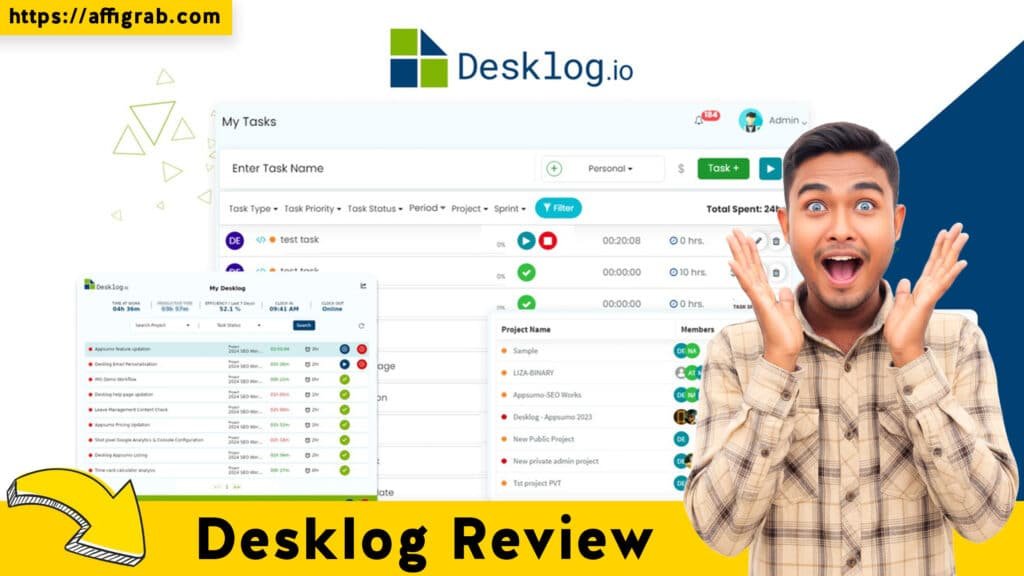
Deep Dive into Core Features (Hands-On Analysis)
Desklog excels in its core competency: automatically and verifiably collecting time and activity data.
1. Automatic Time Tracking (Desktop App): This feature runs silently in the background after the user Clocks In. It eliminates the human error of forgotten timers. It automatically detects and records productive, non-productive, idle, and offline time by analyzing application and URL usage.
2. Screenshots & Activity Level: This is Desklog’s competitive edge. The activity score (or “efficiency tracking”) is derived from keyboard and mouse inputs, providing an objective measure of engagement. The optional (but included) screenshot feature provides the visual proof needed for audit-trail confidence, allowing project managers to justify every billable minute to a client.
3. Project & Task Management Integration: Time tracked via the desktop app is automatically tagged to the project/task the user is working on, provided they’ve set it up correctly. This enables Project Billing, Profit & Loss Calculation, and the generation of timesheets organized by project—connecting raw activity directly to client deliverables.
🔥 Click Here to Grab the Lifetime Deal Before it’s Gone!
4. Detailed Reports: Desklog offers a variety of exportable reports for billing and payroll. These are not just simple time-total reports; they are granular Automated Timesheets that include the breakdown of activity types (productive, non-productive), total hours, and associated costs.
Simulated Hands-On Test Case: Verifying Productivity
To test the accuracy and auditable quality of the system, I simulated a diverse, six-hour workday:
- Activity 1 (1 hour): An internal team meeting (idle time on the computer, though a note was manually added).
- Activity 2 (2 hours): Coding in an IDE (high activity/productive app).
- Activity 3 (30 minutes): Reading a non-work-related article on a generic news site (low activity/non-productive URL).
- Activity 4 (2.5 hours): Drafting a client proposal in Google Docs (medium activity/productive URL).
I then reviewed the Daily Log and User Timeline report in the web dashboard.
Outcome and Analysis: The resulting timeline was perfectly segmented:
- The first hour was flagged as Idle Time, which I was prompted to manually justify (e.g., “Team Sync Meeting”).
- The two hours of coding showed a high, consistent Productivity Score (Green), with accompanying screenshots confirming the IDE was open.
- The 30-minute news site visit was flagged in a distinctly Non-Productive (Red/Orange) color, and the URL tracking report showed the specific, non-work URL.
- The final 2.5 hours showed a medium-to-high Activity Level (Yellow/Green), with screenshots confirming the proposal was open.
The resulting data was easily exportable as a clean CSV/PDF, and the clear, segmented timeline with verifiable screenshots validated Desklog’s utility for confident payroll and client billing. The monitoring features were not overly invasive—they simply provided the necessary proof of work.
🔥 Click Here to Grab the Lifetime Deal Before it’s Gone!
Deal Economics and Market Comparison
The Desklog Lifetime Deal (LTD) on AppSumo is a case study in cost-saving for project-based organizations.
| Plan | Desklog LTD (Tier 1) | Toggl Track Premium (Annual) |
| Users | Reasonable user limit (typically 5-10 users per code) | $18 per user/month |
| Features Included | Automated Tracking, Screenshots, App/URL Tracking, Detailed Reporting, Project Billing | Advanced features, Integrations, Timeline View |
| Total Cost | $33 One-Time Payment | $216/user/year |
LTD Value Breakdown: The Break-Even Point
Let’s calculate the savings for a small agency with a team of 5 employees using a competing SaaS like Toggl Track’s Premium Tier (at the lower annual rate of $\$18$ per user/month, or $\$216$ per user/year):
- Toggl Track Annual Cost (5 Users): $5 \times \$216 = \$1,080$ recurring every year.
- Desklog LTD Cost (Tier 1): $33 one-time.
The Desklog LTD pays for itself in just two months of use compared to the competition. You get the Pro-level features—including the vital screenshot and activity monitoring features—for life, eliminating a major line-item from your monthly SaaS budget.
🔥 Click Here to Grab the Lifetime Deal Before it’s Gone!
Who is this LTD Best For?
This LTD is a Must-Buy for:
- Project-Based Agencies (Web/Design/Marketing): Who need to prove billable hours and justify every minute to clients.
- Remote Teams & Outsourced Staff: Managers who need an objective, verifiable measure of engagement and productivity without constant check-ins.
- Small to Mid-sized Businesses (SMBs): Looking to implement verifiable time tracking and cost control without the recurring, per-seat expense that cripples cash flow.
Final Verdict: Verifiable Productivity at an Unbeatable Price
| Desklog Pros 👍 | Desklog Cons 👎 |
| Zero Recurring Cost for Pro-level features (massive ROI). | Steep Learning Curve for Complex Reports: The sheer depth of the data can be overwhelming initially. |
| Reliable Screenshot Capture & URL Tracking provides an indisputable audit trail for billing. | Limited Integrations Beyond Core PM: While Jira/ClickUp support is there, the ecosystem is smaller than major competitors. |
| Automatic, Accurate Time Tracking eliminates manual entry and forgotten timers. | Basic Mobile App Functionality: Primarily focused on a simple clock-in/out, lacking the detailed reporting of the desktop/web version. |
| Unified Web Dashboard combines time, activity, and screenshots for efficient oversight. | Privacy Concern Management: Admins must be diligent about communicating the why of monitoring to maintain team morale. |
| Project Billing & Profit/Loss Calculation are built-in for better financial insights. | Occasional UI Polish: Some parts of the web interface could benefit from a more modern design overhaul. |
🔥 Click Here to Grab the Lifetime Deal Before it’s Gone!
Final Conclusion: The Unmissable ROI
Desklog is not just a time tracker; it is a verifiable productivity analytics platform masquerading as an AppSumo deal. For agency owners and project managers who require hard, auditable data to justify client invoices or monitor remote staff efficiency, the features included in this Lifetime Deal are essential.By offering features—like automatic screenshots and detailed activity scoring—that rivals often place in their most expensive tiers, Desklog delivers a superior value proposition. If you are currently paying a recurring fee for any time tracking tool that lacks this depth of monitoring, or if you simply need to enforce accountability across your remote team, the Desklog LTD is a no-brainer acquisition for total cost control and productivity oversight.
Affiliate Disclosure: This review is based on hands-on experience and market analysis. It contains links to the AppSumo deal. We may earn a small commission if you make a purchase through these links, which supports our ability to continue providing honest and detailed SaaS reviews.
🔥 Click Here to Grab the Lifetime Deal Before it’s Gone!
Explore Our Pages: WP Themes, WP Plugins