
DocPro Let’s be honest: Unless you are a lawyer, staring at a blank Word document trying to draft a “simple” Non-Disclosure Agreement (NDA) is a nightmare. You have two bad options: pay a lawyer $300 an hour to write it for you, or subscribe to expensive software like Adobe Acrobat Pro, which—while great for editing PDFs—doesn’t actually write the legal clauses for you.
Enter DocPro. Currently making waves on AppSumo with a Lifetime Deal (LTD) around $179, this tool promises to be the legal department for startups and freelancers who can’t afford a legal department.
But is it just a glorified template library, or a genuine replacement for expensive monthly subscriptions? I bought the deal, ran the “Document Wizard” through its paces, and here is my honest verdict.
Table of Contents
First Impressions & UI/UX
When you first log into DocPro, don’t expect the sleek, minimalist aesthetic of a Silicon Valley unicorn like Notion or Slack. The interface is undeniably functional—perhaps even a bit utilitarian. It feels like a robust digital library rather than a shiny new SaaS toy.
🔥 Click Here to Grab the Lifetime Deal Before it’s Gone!
However, for a tool designed to handle 2,000+ complex legal documents, the organization is surprisingly logical. The dashboard is divided into clear categories (Business, HR, Personal, Family), and the search bar is prominent—which is critical because you do not want to be manually browsing through 1,500 contracts to find a specific “Service Level Agreement.”
Ease of Navigation
Finding the right category is intuitive. If you need an employment contract, you click “HR.” If you need a website privacy policy, you go to “Business.” It’s straightforward, though the sheer volume of documents can initially feel overwhelming.
Key Design Highlight: The “Document Wizard”
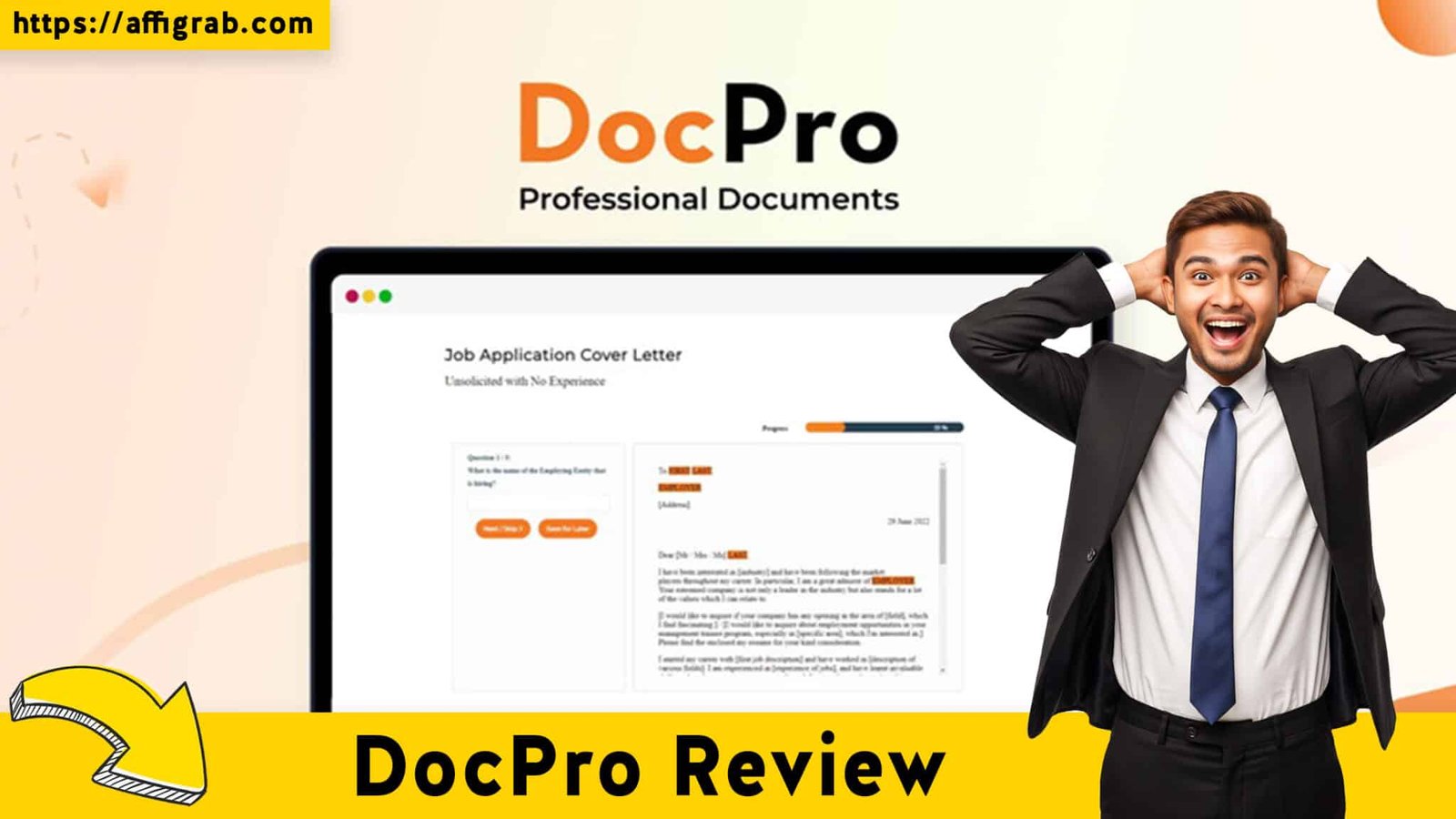
This is the tool’s secret weapon. Unlike legacy sites that just give you a static Word doc with [INSERT NAME HERE] brackets, DocPro uses an interactive Document Wizard.
It transforms legal drafting into a chat-like Q&A session. instead of asking you to “draft a termination clause,” it asks, “How much notice is required for termination?” You select “30 Days” from a dropdown, and the Wizard injects the legally phrased clause into the document background. This lowers the barrier to entry significantly for non-lawyers.

Deep Dive into Core Features (Hands-On Analysis)
While the UI is passable, the value of DocPro lies in the engine under the hood. Here is how the core features stack up.
1. The Template Library
The library is massive. We are talking about 2,000+ documents. It’s not just business contracts; it covers:
- Startups: Founders’ agreements, Shareholders’ agreements.
- HR: Offer letters, Employee handbooks.
- Personal: Wills, Tenancy agreements, Renovation contracts.
🔥 Click Here to Grab the Lifetime Deal Before it’s Gone!
2. Smart Customization Engine
This is where DocPro beats a static template download. The engine allows you to select your Jurisdiction (Common Law, US, UK, etc.). This is vital because a contract legal in London might not hold water in New York. The engine adapts the terminology (e.g., “solicitor” vs. “attorney”) based on your selection.
3. Export Options
Once you finish the Wizard, you can export to Word (DOCX) or PDF.
- Why this matters: Adobe Acrobat is great, but editing a PDF is rigid. DocPro exports to Word, meaning you have full freedom to tweak formatting, add logos, or make last-minute changes before sending it out.
MANDATORY TEST CASE: The “Freelance Graphic Design Agreement”
To see if this tool is actually usable, I simulated a real-world scenario. I pretended to be a freelance designer onboarding a new corporate client.
1. The Goal: Create a service agreement that protects my IP and ensures I get paid for milestones.
2. The Process:
- I searched for “Freelance Agreement” and selected the template.
- The Wizard: It asked me specific questions:
- Will you be paid a lump sum or by milestones? (I chose Milestones).
- Who owns the copyright upon completion? (I chose “Client owns upon full payment”—a crucial distinction).
- Which state/country laws apply?
3. Time Elapsed: 4 minutes and 30 seconds.
The Outcome:
The generated document was 6 pages long, professionally formatted with numbered clauses, and legally distinct. It automatically included a “Schedule A” for the project specs, which saved me from having to format a table manually. I exported it to Word, and it was ready to sign. Quality Rating: 9/10.
Deal Economics & Market Comparison
🔥 Click Here to Grab the Lifetime Deal Before it’s Gone!
This is where the AppSumo Lifetime Deal (LTD) becomes a “no-brainer” for the right user.
LTD Value Breakdown
- DocPro (AppSumo Deal): ~$179 (One-time payment). Lifetime access.
- Adobe Acrobat Pro: ~$19.99/month (Standard pricing). That is $240 per year, every year.
The Math: By month 9, DocPro has paid for itself compared to one year of Adobe. Over 5 years, you save over $1,000.
DocPro vs. Adobe Acrobat Pro
It is important to understand that these tools serve different purposes. Adobe is a Container (it manages files); DocPro is the Content (it creates the words).
| Feature | DocPro (AppSumo LTD) | Adobe Acrobat Pro (SaaS) |
| Primary Function | Generating Legal Content | Editing/Managing PDFs |
| Legal Templates | 2,000+ Templates | Zero (You bring the text) |
| Drafting Method | Q&A “Wizard” Flow | Manual Typing/Editing |
| Export Format | Word & PDF | PDF Focused |
| E-Signature | Basic Integration | Advanced / Industry Standard |
| Cost | ~$179 One-Time | ~$240 Per Year |
Who is this LTD Best For?
This deal is a must-buy for Freelancers, Agency Owners, and HR Managers. If you send out more than 3 contracts a year (NDAs, new hire offers, client agreements), the lawyer fees alone would cost 10x the price of this deal.
Final Verdict
DocPro isn’t trying to replace your PDF editor; it’s trying to replace the need to call a lawyer for routine paperwork.
🔥 Click Here to Grab the Lifetime Deal Before it’s Gone!
Pros and Cons
| Pros | Cons |
| Massive Database: 2,000+ docs covers 99% of SMB needs. | UI is Dated: Functional, but lacks a modern “SaaS” polish. |
| No Recurring Costs: The $179 one-time fee is a steal compared to subscriptions. | Not a PDF Editor: You can’t edit existing PDFs like you can in Adobe. |
| Legal Logic: The Wizard asks smart questions (Jurisdiction, IP rights) to protect you. | Complex Litigation: It does not replace a human lawyer for high-stakes court battles. |
| Export to Word: Allows for total control over the final look and branding. | E-Sign Limits: Check the deal terms; credits for e-signing may be capped. |
Conclusion
Is DocPro the “Adobe Killer”? No, because they do different things. But is it the best value legal tool on AppSumo? Absolutely.
If you are tired of Googling “Free Contract Template” and worrying if the result will hold up in court, DocPro is the solution. It provides the “peace of mind” content that Adobe Acrobat lacks, all for a price cheaper than one hour of a customized legal consultation.
🔥 Click Here to Grab the Lifetime Deal Before it’s Gone!
Explore Our Pages: WP Themes, WP Plugins