

Flat Icons We are living in the era of “Subscription Fatigue.” As a designer or developer, you are likely already paying monthly fees for Adobe CC, Figma, hosting, project management tools, and stock photo sites. When you add premium icon libraries like Icons8 or Flaticon to the mix—which can cost upwards of $20 to $30 every single month—your overhead skyrockets.
While free libraries exist, they often suffer from inconsistent styles and poor vector quality that can make a professional UI look amateurish.
Enter Flat Icons, currently featured as a Lifetime Deal (LTD) on AppSumo. It promises a massive library of premium, high-quality icons for a single, one-time payment. But can a static library really compete with the subscription giants? I dove into the assets to see if this deal is a smart investment or just digital hoarding.
Table of Contents
First Impressions & Library Organization
Get the Flat Icons Lifetime Deal on AppSumo Now
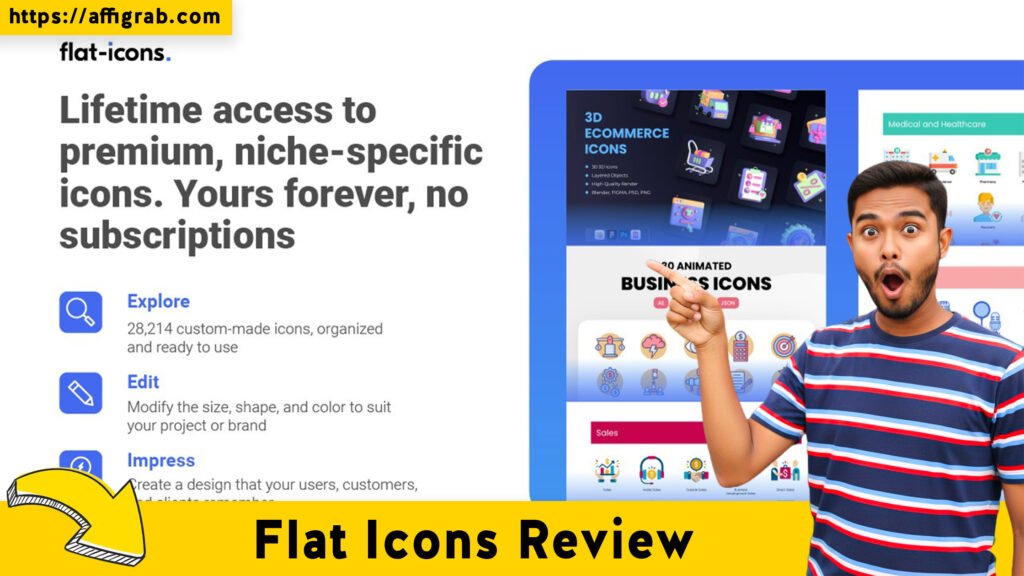
Upon accessing the Flat Icons dashboard (and the subsequent massive download files), the first thing that strikes you is the sheer variety of styles. We aren’t just talking about “Flat” icons as the name suggests; the library covers Line, Filled, Color, Hand-Drawn, and Sticker styles.
The organization is folder-based and intuitive. If you are downloading the packs, they are neatly categorized by industry (e.g., E-commerce, Education, SEO, Medical) and then sub-categorized by file type. This makes local asset management significantly easier than trying to hunt through a disorganized “Downloads” folder.
Key Design Highlight: Visual Consistency
The biggest gripe I have with using free resources (like Noun Project or Google Icons) is Visual Inconsistency. If you mix a 2px stroke icon with a 4px stroke icon, your UI looks broken.
Flat Icons excels here. The packs are built on consistent grid systems. If you grab a “User” icon and a “Settings” icon from the same style pack, they share the same stroke weight, corner radius, and visual weight. This allows you to build complex interfaces where every element looks like it belongs to the same family—a crucial requirement for high-end UI work.
Deep Dive into Core Features (Hands-On Analysis)
To understand if this library is production-ready, I analyzed four critical aspects of the product:
1. Format Variety: The bundles generally include AI (Adobe Illustrator), EPS, SVG, PNG, and sometimes PDF. This covers the entire spectrum from print design to responsive web development.
2. Customizability: Because the source files (AI/EPS) are included, you have total control over stroke width and removing elements.
3. Webfont Generation: The library includes IconJar support and often pre-made web fonts (TTF/WOFF), which is a massive time-saver for developers who prefer using icon fonts over inline SVGs.
4. Compatibility: I found zero issues importing these files into Figma, Sketch, or Photoshop.
The “Stress Test”: From Selection to Figma Implementation
To ensure this review goes beyond surface-level specs, I performed a practical workflow test.
The Scenario: I acted as a UI designer building a pricing table for a SaaS startup. I needed three specific icons: a “Rocket” (for the Pro plan), a “Lightbulb” (for the Basic plan), and a “Crown” (for the Enterprise plan).
Get the Flat Icons Lifetime Deal on AppSumo Now
The Process:
- I navigated to the “Line” style category within the library.
- I located the relevant icons. Instead of using the PNGs, I selected the SVG format to ensure scalability.
- I dragged the raw SVG files directly onto a Figma canvas.
- Quality Check: I zoomed in to 3200% to inspect the vector nodes (anchor points).
The Outcome:
The vectors were surprisingly clean. Unlike many “auto-traced” icons you find in cheaper bundles, these were hand-crafted. There were no unnecessary stray anchor points or broken paths.
- Scaling: I scaled the icons up to 500px width; they remained perfectly sharp.
- Coloring: Because the paths were closed correctly, applying a “Selection Color” change in Figma took one click. I successfully changed the brand color from black to a specific Hex code (#4F46E5) instantly.
Verdict on Quality: These are professional-grade vectors, not hasty exports.
Part 3: Deal Economics and Market Comparison
This is where the AppSumo deal shifts from “nice to have” to “no-brainer.” Let’s look at the math.
LTD Value Breakdown
The Competitor (Icons8/Flaticon): A standard commercial license subscription typically costs around $21 per month.
- Annual Cost: ~$252/year.
- 5-Year Cost: ~$1,260
Flat Icons (AppSumo LTD): ~$69 (One-time payment).
The Savings: By purchasing the LTD, you are essentially paying for 3 months of a competitor’s subscription and getting lifetime access. If you use this library for more than 90 days, you are in profit.
Comparison Table
| Feature | Flat Icons (AppSumo) | Icons8 / Flaticon (Subscription) |
| Payment Model | One-time Payment (LTD) | Monthly Recurring ($20+/mo) |
| Commercial License | Lifetime / Royalty-Free | Active Subscription Required* |
| Asset Volume | ~20,000+ (Fixed Library) | Millions (Constantly Growing) |
| Searchability | Folder/Keyword Search | AI-Powered / Advanced Tagging |
| Usage Rights | Use in unlimited projects | Often capped per day/month |
Who is this LTD Best For?
This deal is purpose-built for Freelancers, Digital Agencies, and Solopreneurs. If you build websites for clients or create content regularly, having a royalty-free library on your hard drive eliminates the fear of copyright strikes and the drain of monthly fees.
Part 4: Final Verdict
Is Flat Icons perfect? No. It lacks the infinite, daily-updated variety of a giant search engine like Flaticon. However, for 95% of standard design projects, it is more than sufficient.
Pros and Cons
| Pros | Cons |
| ✅ Cost: One-time payment beats subscriptions. | ❌ Library Size: Smaller than subscription giants. |
| ✅ Quality: Clean, hand-crafted vector paths. | ❌ Search: Finding niche icons takes longer. |
| ✅ Variety: Includes AI, EPS, SVG, and Webfonts. | ❌ Updates: New icons aren’t added daily. |
| ✅ License: truly hassle-free commercial use. | |
| ✅ Consistency: Sets are visually cohesive. |
Conclusion
If you are tired of “renting” your design assets, Flat Icons is a must-buy. While it may not replace Icons8 for very specific, niche search queries, it serves as an incredible foundational library that covers all your essential UI needs. The SVG quality is top-tier, and the ROI is immediate.
For the price of a nice dinner, you secure a career-long asset library. That is a deal hard to pass up.
Get the Flat Icons Lifetime Deal on AppSumo Now
(Disclosure: This post contains affiliate links. If you purchase through these links, I may earn a commission at no extra cost to you. I only review products I have personally tested and believe in.)
Explore Our Pages: WP Themes, WP Plugins, Blog