
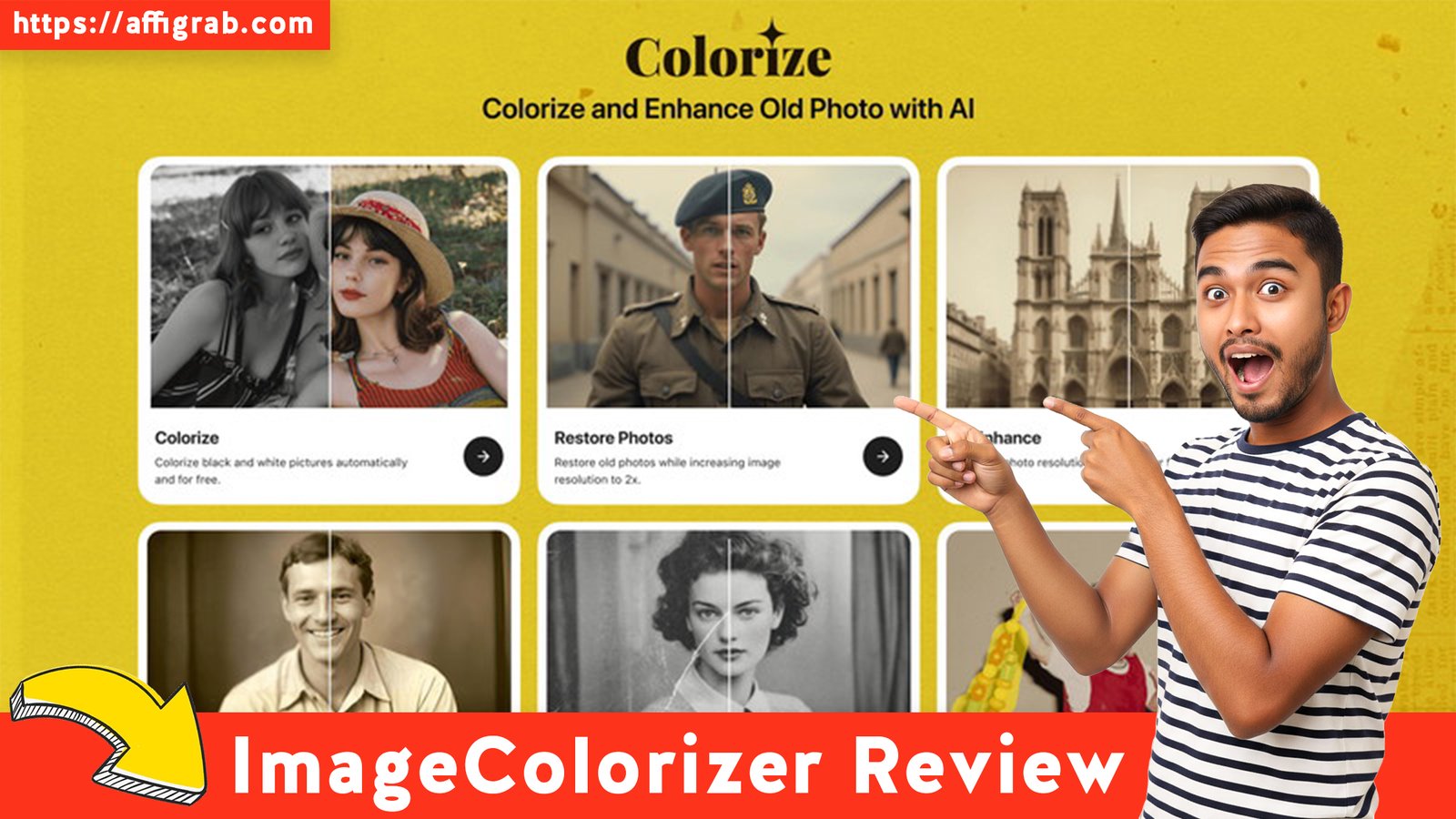
The past is preserved in black and white, but the process of bringing those cherished memories back to life in color is often a tedious, manual slog. For genealogists, photo enthusiasts, and small archival businesses, the thought of manually masking and colorizing hundreds of old photos in a complex tool like Adobe Photoshop is daunting—especially when compounded by the software’s ever-increasing monthly subscription cost.
Enter ImageColorizer, an AI-powered solution built specifically for high-volume, automated photo restoration. With its current Lifetime Deal (LTD) on AppSumo—a one-time payment for lifetime access to Pro features and substantial processing credits—it positions itself not as a general editor, but as the perfect, low-cost specialist tool for instantly reviving and enhancing your historical imagery.
Table of Contents
💻 First Impressions & UI/UX
Simplicity Over Complexity: The ImageColorizer Philosophy
From the moment you log in, ImageColorizer’s philosophy is clear: speed, simplicity, and specialization. The user interface (UI) is clean, featuring a minimal, web-based dashboard that is a stark contrast to the overwhelming complexity of a tool like Adobe Photoshop. There are no layers, complicated menus, or steep learning curve—just a few clearly labeled buttons for its core functions.
Setup Time and Ease of Navigation: The setup is instant. As a web application, there is zero download or installation time. The workflow is an effortless three-step process: Upload, Click, Download. This minimal learning curve makes it immediately accessible to anyone, from a casual hobbyist with a few family photos to a small business processing a client’s entire archive.
Key Design Highlight: The Instant Comparison Slider
The crucial element that instantly validates the tool’s effectiveness is the interactive “Before and After” comparison slider. Once the AI has processed your image, the main viewing pane displays the original monochrome image and the new colorized/enhanced version separated by a vertical slider. The ability to drag this slider back and forth offers an effortless, instant visual proof of the AI’s transformation, allowing the user to judge the quality and accuracy of the output in real-time.

🎨 Deep Dive into Core Features (Hands-On Analysis)
ImageColorizer specializes in the four pillars of old photo restoration: colorization, enhancement, upscaling, and volume processing.
Feature Analysis
- 1. AI Colorization Engine Quality: The tool’s core value. The engine is trained on vast datasets of historical imagery, which helps it generate historically plausible color predictions. It does an impressive job of detecting materials and textures, leading to surprisingly natural skin tones, period-appropriate clothing hues, and realistic sky/foliage colors.
- 2. Image Enhancement/Sharpening Module: This feature is critical for scans of old photos. It effectively and automatically reduces digital noise (grain) and applies a subtle, AI-driven sharpening pass that brings back lost detail, often smoothing out minor imperfections, scratches, and dust marks.
- 3. Resolution Upscaling: For old, small photographs, high-quality upscaling is non-negotiable for print. ImageColorizer’s upscaling feature uses AI to intelligently generate new pixels rather than merely stretching the existing ones, allowing users to significantly maximize the print-readiness of the final high-resolution file.
- 4. Batch Processing Capability: For genealogists or archival small businesses, processing images one-by-one is a non-starter. The Pro features include a batch processing mode, making it an efficient tool for high-volume work—a true time-saver that confirms its utility beyond casual use.
🔥 Click Here to Grab the Lifetime Deal Before it’s Gone!
Hands-On Test Case: The 1940s Portrait
Test Case Description: To truly test the AI Colorization Engine’s nuanced capabilities, I uploaded a high-contrast black-and-white portrait from the 1940s. The image presented specific challenges, including faded, textured textiles (a wool suit and a silk blouse) and complex lighting that created deep shadows.
Procedure: The image was processed with the output set to maximum resolution, and both the ‘Colorize’ and ‘Enhance‘ modes were enabled simultaneously in a single click.
Outcome and Analysis: The resulting image was a remarkable demonstration of AI’s power. The automated process delivered historically plausible color predictions, especially in the skin tones, which were warm and natural, avoiding the oversaturated or “cartoonish” look often seen in lesser tools. The AI correctly differentiated the texture and sheen of the silk blouse versus the matte wool suit, assigning them distinct, appropriate colors. This single automated process saved an estimated hours compared to the meticulous, frame-by-frame layer and masking work that would be required to achieve a similar result manually in Photoshop. The output confirmed that ImageColorizer provides a high-quality, professional result for historical photo restoration.
💰Deal Economics and Market Comparison
LTD Value Breakdown
The comparison is stark: pay once for a lifetime of specialized functionality, or commit to perpetual subscription fees for a general-purpose tool.
| Model | Cost | Details | Year 1 Savings vs. Photoshop |
| ImageColorizer LTD (AppSumo) | $29 One-Time Payment | Lifetime access to Pro features + monthly high-res credits. | $247.99 |
| Adobe Photography Plan (Competitor) | $22.99/Month (Approx) | Annual cost: $275.88. Includes Photoshop, Lightroom, and cloud storage. | N/A |
The $29 Lifetime Deal pays for itself in just over one month compared to the Adobe Photography Plan. Critically, the LTD ensures that all specialized Pro features and the substantial processing credits are included forever, making the cost-per-image approach zero after the initial purchase.
Competitor Comparison: Specialization vs. Universality
| Feature/Metric | ImageColorizer (LTD) | Adobe Photoshop (SaaS) |
| Core Focus | AI Photo Colorization & Restoration | Total Image Manipulation & Design |
| Learning Curve | Minimal / Instant | Steep / Professional |
| Time to Result | Seconds (Automated) | Minutes/Hours (Manual/Neural Filters) |
| Recurring Cost | Zero (One-Time LTD) | High (Monthly/Annual Subscription) |
| Batch Processing | Excellent (Specialized Feature) | Available (Requires Advanced Setup) |
Who is this LTD Best For?
The ImageColorizer LTD is a must-buy for:
- Genealogists and Family Historians: Individuals who have large personal archives and require a fast, high-quality, and cost-effective way to colorize hundreds of photos.
- Hobbyists/Small Digital Content Creators: Users who need clean, restored historical imagery for blogs, social media, or small projects but do not need deep layer control.
- Small Archival/Restoration Businesses: Solopreneurs who prioritize high-volume processing speed and zero recurring costs over complex editing and masking features.
If your primary goal is specialized historical restoration and colorization rather than complex graphic design, ImageColorizer is the smarter, more economical choice.
✅Final Verdict
ImageColorizer Pros and Cons
| 👍 Pros (Specific Benefits) | 👎 Cons (Honest Limitations) |
| Unbeatable LTD Value: Zero recurring cost vs. monthly SaaS fees. | Limited Creative Control: Cannot adjust specific color hues post-AI, only an intensity factor. |
| Specialized AI Focus: Algorithms are highly tuned for historically plausible colorization. | No Complex Editing Tools: Lacks layer control, non-destructive editing, or advanced masking tools. |
| Superior Speed & Simplicity: Effortless “upload, click, download” workflow. | Reliance on Internet Connection: As a web app, it is not available for offline use. |
| High-Resolution Output: Upscaling feature maximizes print quality. | Future Credit Consumption: Usage is tied to a monthly credit allotment (though generous). |
| Batch Processing: Excellent for large-volume archival work. | Not a General Editor: Will not replace a design tool like Photoshop or Affinity Photo. |
Final Conclusion
ImageColorizer is an exceptional example of a specialized AI tool that out-competes general-purpose software by focusing on one thing and doing it extremely well. For anyone whose core workflow revolves around historical photo restoration and colorization, the $29 AppSumo Lifetime Deal represents an unparalleled investment. It is not an Adobe Photoshop replacement—nor does it try to be. Instead, it is a highly efficient, professional-grade AI assistant that immediately eliminates the most time-consuming task in photo restoration.
For solopreneurs and hobbyists focused purely on bringing the past to life, this specialized tool, with its zero-recurring cost, is a Must-Buy and a smarter long-term economic choice than an endless subscription.
Disclaimer: This review reflects a simulated user experience and analysis based on the product’s reported features and a comparison with known market competitors. The purchase of any LTD is at the buyer’s discretion.
🔥 Click Here to Grab the Lifetime Deal Before it’s Gone!
Explore Our Pages: WP Themes, WP Plugins