
The asynchronous video revolution, largely championed by tools like Loom, promised to kill the endless email thread and the pointless “quick sync” meeting. It worked—until the recurring bills started piling up. For solopreneurs, small teams, and marketers, paying $15 or $20 per user, per month, forever, just to send quick video messages, feels like a steep price.
This is the exact problem Konvey aims to solve.
Currently available as a lifetime deal on AppSumo, Konvey positions itself as a direct, low-cost solution for screen recording and, more interestingly, video collection.But is it just another half-baked “Loom clone,” or is it a genuinely valuable tool that can replace a costly subscription? I’ve spent the last few days putting the Konvey LTD through its paces to find out.
Table of Contents
First Impressions & UI/UX
My first impression of Konvey can be summed up in one word: clean. In a world of feature-bloated SaaS tools, Konvey is refreshingly simple. The interface is fast, modern, and intuitive, clearly taking cues from an “if it ain’t broke” design philosophy.
Setup Time & Navigation
Setup was trivial. It’s a Chrome extension, and from clicking “install” to recording my first video, the entire process took less than 5 minutes. There is virtually no learning curve. If you’ve ever used any screen recorder, you will feel immediately at home.
But the Key Design Highlight—and what truly sets it apart from a simple clone—is the main dashboard’s organization. It’s intelligently split into two main tabs:
- My Videos: Everything you have personally recorded.
- Received Videos: A dedicated inbox for all videos collected via your “Video Request” links.
This isn’t just a filter; it’s a purpose-built workflow. It immediately frames the tool not just as a video broadcaster but as a video receiver, making it effortless to manage incoming testimonials, client feedback, or bug reports without cluttering your personal recordings.
Deep Dive into Core Features (Hands-On Analysis)
Konvey focuses on the 20% of features that 80% of users need. Here’s how they perform.
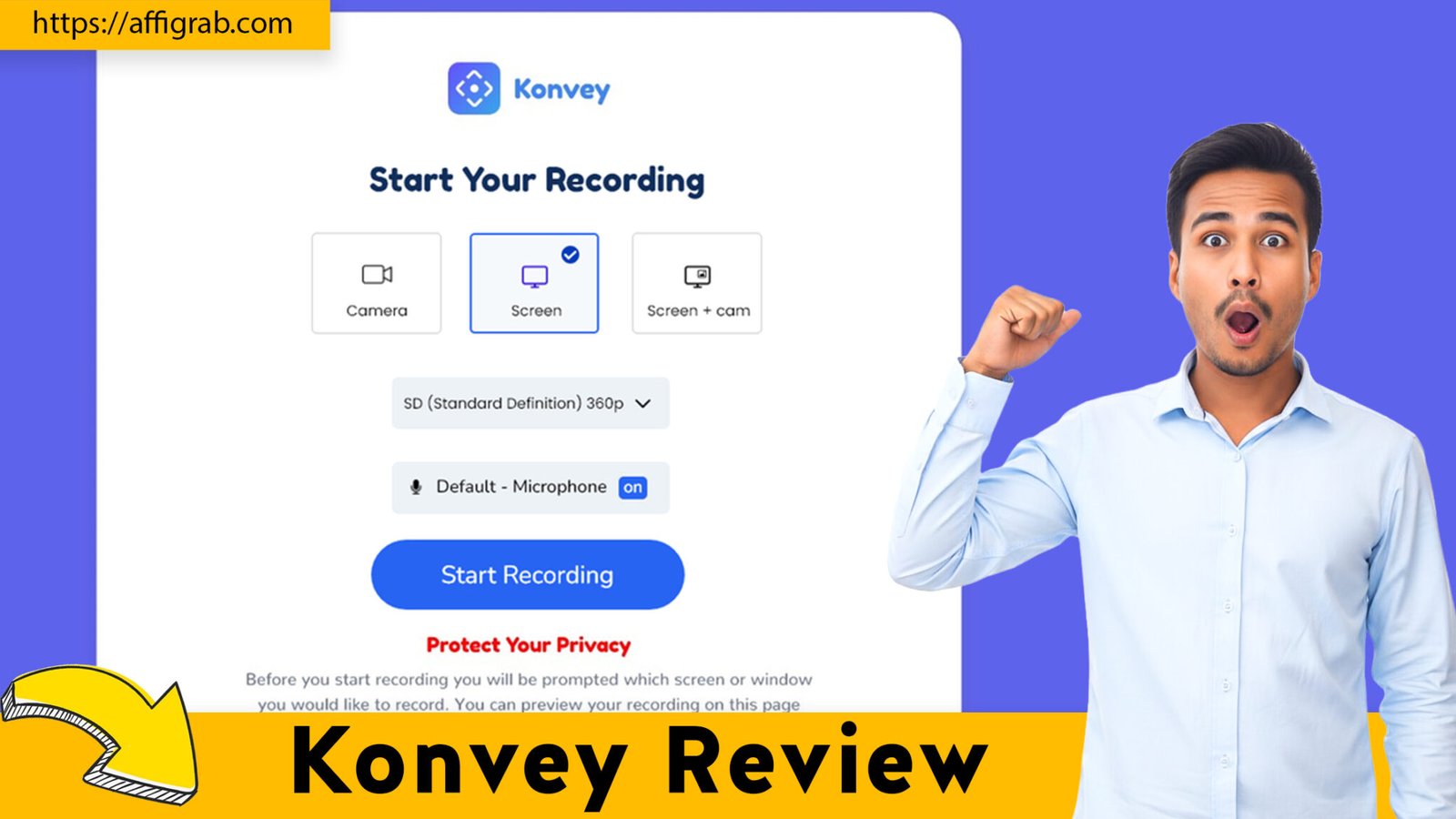
- Screen, Camera, & Audio Recording: As expected, Konvey handles the fundamentals perfectly. You can choose to record your screen, your camera (as a bubble), or both, along with your microphone audio. The quality is crisp (HD), and in my testing, the recordings were stable with no lag or sync issues.
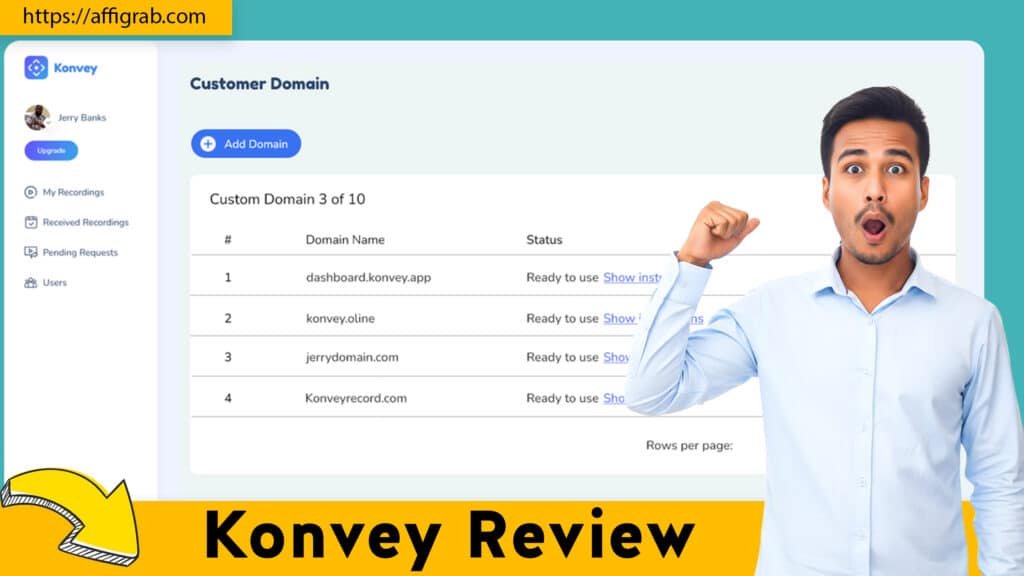
- Simple Branding (Logo & Custom Domain): You can easily upload your logo to brand your video-sharing and request pages. This adds a layer of professionalism that is essential for client-facing communication. The ability to use a custom domain (CNAME) is also available on higher tiers of the deal, which is a huge plus for agencies and brands.
- Easy Sharing & Notifications: Once recorded, you get a simple shareable link. The system also provides notifications when someone watches your video, which is standard but necessary for tracking engagement.
- The “Video Request” Link Feature: This is Konvey’s killer app. This feature flips the script: instead of just sending videos, you can collect them from anyone, frictionlessly. You generate a unique public link, send it to a client, customer, or colleague, and they can record a video for you directly from that page—no install or login required.
🔥Check out the Konvey Lifetime Deal on AppSumo here before it’s gone.
Mandatory Hands-On Test Case: The “Client Testimonial”
I put this unique “Video Request” feature to a practical test, simulating a real-world scenario: collecting a video testimonial from a client.
The Process:
- I navigated to the “Video Request” tab and created a new link titled “Client Testimonial Collection.”
- In the settings, I uploaded my blog’s logo to brand the request page.
- To keep the testimonial concise, I set a 2-minute recording limit.
- Finally, I copied the public link and sent it to a test email address (simulating my “client”).
The Result (End-User Experience):
My “client” received the link and clicked it. They were taken to a clean, professional landing page featuring my logo and a simple “Record Now” button. Crucially, they did not need to install any software, create an account, or log in. They just clicked the button, granted browser permissions for their camera/mic, and recorded their message.
The Result (My Experience):
Less than 60 seconds after my “client” hit “submit,” the new video appeared perfectly in my “Received Videos” dashboard. The video quality was excellent, the branded page looked professional, and the entire process was seamless.
This test confirms that Konvey is an incredibly powerful and simple tool for frictionlessly collecting user-generated content, client feedback, or support tickets.
Prefer visuals? Here is a quick Konvey Review walkthrough for you.
Deal Economics and Market Comparison
This is where the AppSumo deal shines.
LTD Value Breakdown
- Konvey Lifetime Deal (Tier 1): $49 (one-time payment)
- Loom (Business Tier): $15 per user/month
Let’s do the math. At $15/month, a Loom subscription costs $180 in the first year alone. This means the Konvey lifetime deal pays for itself in just over 3 months.
You save $131 in Year 1, and $180 every single year after that. For a solopreneur or a small team, this is a significant operational saving for a tool that provides the same core daily function.
Competitor Comparison: Konvey vs. Loom
| Feature | Konvey (AppSumo LTD) | Loom (Business Tier) |
| Cost | $49 (One-Time) | $180 / year (Recurring) |
| Core Recording | Yes (Screen, Cam, Audio) | Yes (Screen, Cam, Audio) |
| “Video Request” Link | Yes (Killer Feature) | No |
| Advanced AI | No (No summaries, etc.) | Yes (Auto-summaries, etc.) |
| Editing | Basic (Trim) | Basic-to-Intermediate |
| Best For | Value & Video Collection | Advanced AI Features |
So, what do you sacrifice for that massive cost saving? Primarily, Loom’s advanced AI features like auto-summaries, transcription, and silence removal.
Who is this LTD Best For?
This deal is a no-brainer for:
- Marketers who need an easy way to collect video testimonials.
- Solopreneurs & Coaches who use asynchronous video for client communication and feedback.
- Customer Support Agents who want to get video bug reports from users without friction.
- Small Teams (under 5) who need a simple Loom replacement without the recurring bill.
If you rely heavily on AI summaries and have a large budget, you may still need Loom. For everyone else, this deal is built for you.
Final Verdict
After a thorough hands-on test, Konvey is far more than just another clone. It’s a smart, lean, and effective tool that solves two problems at once: quick video messaging and simple video collection.
Pros and Cons Table
| Pros | Cons |
| Unbeatable Lifetime Value: Pays for itself in ~3 months vs. Loom. | Limited Recording Hours on Tier 1: Check the deal tiers; heavy users may need to upgrade. |
| Unique “Video Request” Feature: A powerful tool for testimonials and feedback. | Basic Video Editing: Only offers simple trimming. Not a full editor. |
| Simple, Fast & Clean UI: Zero learning curve and very responsive. | Lacks Loom’s AI Features: No auto-transcription or AI summaries. |
| No Install for Recipients: The video request feature is 100% frictionless. | CNAME on Higher Tiers Only: The $49 base tier includes logo branding, but custom domains require a higher tier. |
| Professional Branding: Logo and CNAME (on higher tiers) keep you on-brand. |
Final Conclusion
Konvey isn’t trying to be a full-blown video editing suite or an AI powerhouse. It’s a focused tool designed to do two things exceptionally well: replace the core function of Loom and add a powerful video collection feature that Loom doesn’t even have.
For its target audience, the value is undeniable. You are replacing a recurring monthly cost with a tiny one-time payment for a tool that is fast, reliable, and professional. The ability to seamlessly collect video testimonials alone is worth the price of admission.For solopreneurs, marketers, and coaches, the Konvey AppSumo lifetime deal is a must-buy.
🔥Check out the Konvey Lifetime Deal on AppSumo here before it’s gone.
Explore Our Pages: WP Themes, WP Plugins