
You tired of bleeding cash on expensive scheduling tools just to book a few client meetings?
If you are a solopreneur or a small consultant, paying upwards of $800 a year for a suite like HubSpot—when you only need reliable booking functionality—hurts the bottom line. It’s overkill. You need a solution that is streamlined, professional, and doesn’t come with a monthly subscription that eats into your profits.
Table of Contents
Enter Meet Oscar.
This emerging scheduling tool is making waves on AppSumo with a compelling value proposition: comprehensive calendar automation for a single, low one-time payment. In this Meet Oscar Review, I’m going to break down exactly why this tool might be the “HubSpot killer” for small teams, looking at its interface, core features, and the undeniable math behind its lifetime deal.
First Impressions & UI/UX
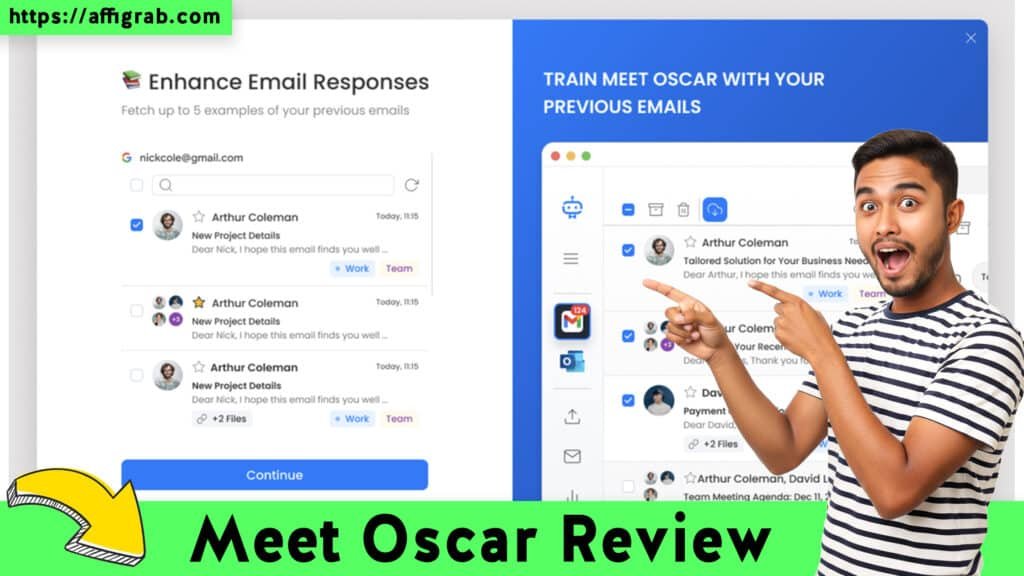
When I first logged into the Meet Oscar dashboard, the difference was immediate. Unlike enterprise-grade CRMs that clutter your screen with a million overlapping tabs, Meet Oscar is refreshingly minimalist.
Setup Time: Under 10 Minutes
As a tech blogger who tests dozens of SaaS tools weekly, “Time to Value” is my primary metric. I was able to connect my Google Calendar and set up my profile photo, brand colors, and timezone in less than 8 minutes. The onboarding wizard is straightforward, guiding you step-by-step without unnecessary friction.
Check out the Meet Oscar Lifetime Deal on AppSumo here
Ease of Navigation
The interface uses a clean, card-based layout. Your booking types are displayed clearly on the main dashboard, and your availability settings are just one click away.
- Key Design Highlight: The dashboard separates “Event Types” from “Availability Schedules.” This logical separation allows you to create one master schedule (e.g., “Standard Work Hours”) and apply it to multiple different booking types instantly, rather than configuring hours for every single meeting link.
Deep Dive into Core Features (Hands-On Analysis)
To truly evaluate if Meet Oscar can handle a real-world consulting workflow, I didn’t just look at the settings—I ran a simulation.
The Simulation: Setting Up a “Discovery Call”
To test the flexibility of the system, I created a specific scenario: a 15-Minute Discovery Call intended for cold leads. My requirements were strict:
- Duration: 15 minutes.
- Buffer: 10 minutes between calls to prevent burnout.
- Limit: Maximum of 3 calls per day.
The Outcome:
The setup process was seamless. In the event editor, I easily toggled the “Buffer Time” setting and set it to 10 minutes. The “Daily Limit” feature was prominent, allowing me to cap the bookings at 3.
When I opened the generated booking link on my mobile device, the responsiveness was flawless. The system correctly blocked off times based on my connected Google Calendar and enforced the 10-minute buffer perfectly. If I had a meeting ending at 2:00 PM, the next available slot for a client was automatically pushed to 2:10 PM.
Other Key Features Analyzed
- Unlimited Booking Types: Unlike free tiers of other software that limit you to one event type, Meet Oscar allows unlimited variations (e.g., 30-min consultation, 1-hour strategy session, quick coffee chat).
- Payment Integrations: I verified the integration with Stripe. It allows you to collect payments upfront before the booking is confirmed—a crucial feature for paid consultants to reduce no-shows.
- Calendar Sync: The two-way sync was instant. A test event added to my Google Calendar immediately blocked that slot on my Meet Oscar booking page.
Deal Economics and Market Comparison
This is where the argument for Meet Oscar becomes undeniable. Let’s look at the numbers.
Check out the Meet Oscar Lifetime Deal on AppSumo here
The industry standard for robust scheduling often points to HubSpot (Sales Hub) or high-tier Calendly plans. For a comparable set of features in the HubSpot ecosystem, you are looking at substantial recurring costs.
The Math: Year 1 Savings
HubSpot / Competitor Cost: ~$800/year (Estimated recurring fees)
Meet Oscar Cost: $59 (One-time Lifetime Deal)
Total Savings: $741 in the first year alone.
Because Meet Oscar is an AppSumo Lifetime Deal (LTD), your cost for Year 2, Year 3, and Year 4 is $0.
Feature vs. Cost Comparison
| Feature | Meet Oscar (LTD) | HubSpot / Competitor |
| Pricing Model | $59 One-Time | ~$800 / Year (Recurring) |
| Booking Types | Unlimited | often Limited by Tier |
| Calendar Sync | 2-Way Sync Included | Included |
| Payment Collection | Included (Stripe) | Often requires Higher Tier |
| User Interface | Simple, Focused | Complex, Feature-Dense |
| Target Audience | Solopreneurs & Small Teams | Enterprise & Large Sales Teams |
Final Verdict
Is Meet Oscar perfect? No tool is. It lacks the massive CRM infrastructure and complex automation sequences of HubSpot. However, for a solopreneur or a small team of under five people, those “missing” features are often just distractions.
Check out the Meet Oscar Lifetime Deal on AppSumo here
Here is my balanced take on the platform:
Pros & Cons
| Pros (Why You Should Buy) | Cons (Limitations) |
| ✅ Unbeatable Value: One payment replaces monthly subs. | ❌ Less Native Integrations: Fewer native apps than HubSpot. |
| ✅ Simple UI: Zero learning curve; set up in minutes. | ❌ Basic CRM: It is a scheduler, not a full marketing suite. |
| ✅ Unlimited Events: No caps on how many link types you make. | ❌ Reporting: Analytics are basic compared to enterprise tools. |
| ✅ Control: Excellent buffer and daily limit settings. |
Conclusion
If you are a coach, consultant, or freelancer, you do not need an $800/year enterprise tool just to let people book time on your calendar. You need reliability, professionalism, and ease of use.
Meet Oscar delivers exactly that. It handles the heavy lifting of scheduling without the heavy price tag.
My Recommendation: MUST-BUY for Solopreneurs.
Grab the lifetime deal while it is still available on AppSumo. It pays for itself in less than two months of what you would pay for a competitor.
Ready to automate your calendar?
Check out the Meet Oscar Lifetime Deal on AppSumo here
(Affiliate Disclosure: This review contains affiliate links. If you purchase through my link, I may earn a small commission at no extra cost to you. I only recommend tools I have personally tested and believe in.)
Explore Our Pages: WP Themes, WP Plugins