
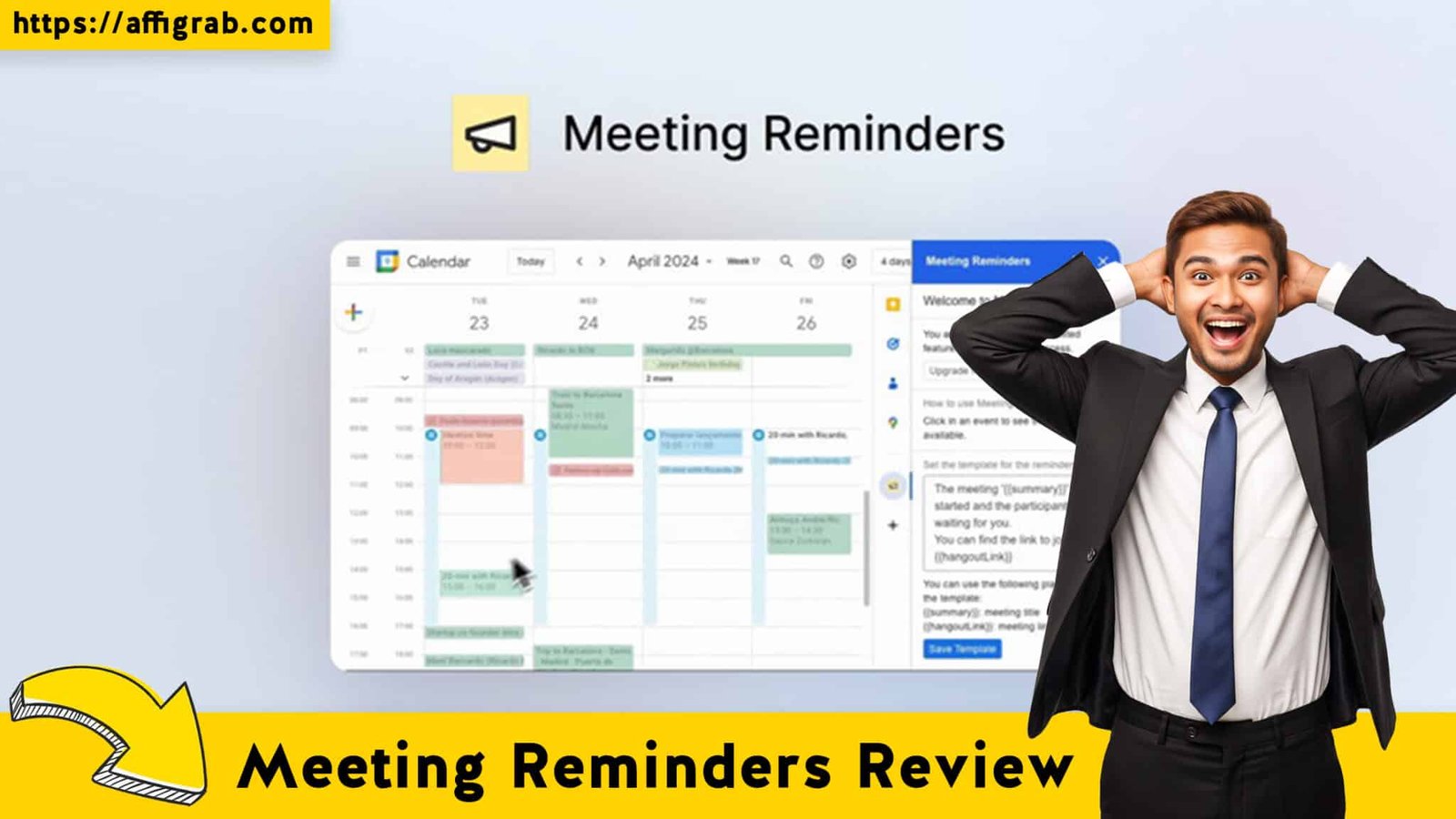
Meeting Reminders We have all been there. You prepare for a demo, you open the Zoom room five minutes early, you check your mic… and then you wait. And wait. Ten minutes later, you realize you’ve been ghosted.
For sales professionals and consultants, “no-shows” aren’t just annoying; they are lost revenue. The standard solution has always been expensive scheduling tools like YouCanBookMe or Calendly. But what if you don’t need a fancy booking page? What if you just want to ensure the people already on your Google Calendar actually show up?
Enter Meeting Reminders, a simple yet powerful Google Workspace add-on that is currently making waves on AppSumo. It promises to automate the “nudge” process for a one-time fee, eliminating the need for monthly subscriptions just to send SMS or email alerts.
Is it worth the switch from the big players? Let’s dive in.
Table of Contents
First Impressions & UI/UX
The Interface: “Native” Google Integration
Unlike many SaaS tools that force you to log into a separate dashboard to manage your settings, Meeting Reminders lives exactly where you work: inside Google Calendar.
Upon installation, the tool appears as a sidebar add-on on the right side of your Google Workspace. This is a massive plus for workflow. It feels “native,” almost as if Google built it themselves but forgot to tell anyone. There is no learning curve regarding navigation; if you know how to use Google Calendar, you know how to use this.
🔥 Click Here to Grab the Lifetime Deal Before it’s Gone!
Setup Experience
The setup was refreshingly fast. Because it is a Google Workspace Marketplace app, installation took about 30 seconds. Once verified, the sidebar loaded immediately. You don’t have to sync calendars or mess with API keys for the basic email functionality—it just reads your current events.
Key Design Highlight: The “Two-Click” Workflow
The most brilliant design choice here is the speed of execution.
Most automation tools require you to set up complex “Zaps” or workflows. With Meeting Reminders, you simply click an existing event on your calendar, and the sidebar updates to show that event’s details. You then click “Add Reminder.”
That’s it. Two clicks to insure your meeting against a no-show. It fits seamlessly into the flow of booking a meeting without requiring you to leave the tab.
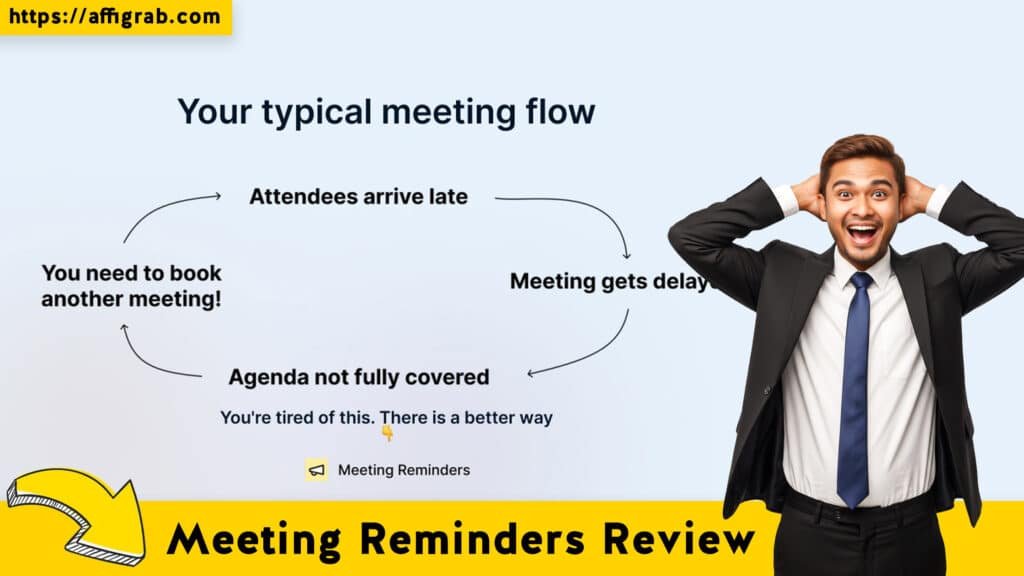
Deep Dive into Core Features (Hands-On Analysis)
While the interface is simple, the engine is surprisingly robust. Here is the breakdown of the features that matter most to power users.
🔥 Click Here to Grab the Lifetime Deal Before it’s Gone!
Feature Analysis
1. Multi-Channel Notifications: The tool isn’t limited to email. It allows you to send reminders via SMS and WhatsApp. This is critical because email open rates are dropping, but SMS read rates sit near 98%. Note: For high-volume SMS, you typically need to connect your own gateway, which gives you control over costs rather than paying a markup.
2. Direct Calendar Integration: The tool reads the “Guest List” directly from the Google Calendar invite. You don’t need to manually type in the client’s email address again; Meeting Reminders pulls it automatically.
3. Customizable Templates: You aren’t stuck with a robotic “You have a meeting” message. You can create templates that sound like you. (e.g., “Hey! Looking forward to our chat in an hour. Here is the link so you don’t have to dig for it.”)
4. Automated Scheduling: You can stack triggers. For example, you can set a friendly email for 24 hours prior and an urgent SMS for 10 minutes prior.
MANDATORY TEST CASE: The “Client Onboarding” Simulation
To test the reliability of Meeting Reminders, I didn’t just look at the settings—I ran a live simulation.
The Setup:
1. I created a dummy event in Google Calendar titled “Final Project Review – Client Onboarding” for 10:00 AM.
2. I invited my secondary personal email address and added my personal cell phone number to the contact details.
3. Opening the Meeting Reminders sidebar, I configured a specific workflow:
- Trigger 1: An Email reminder to go out 24 hours before.
- Trigger 2: An SMS alert to go out 1 hour before.
- Template: I customized the SMS to say: “Hi {Guest Name}, hopping on in 1 hour! Here is the Zoom link: {Link}.”
The Outcome:
The test was a success. The email arrived exactly at 10:00 AM the day prior. More importantly, the SMS hit my phone at 9:00 AM on the day of the meeting. The dynamic variables worked perfectly—it successfully pulled the correct Zoom link from the calendar invite and inserted it into the text message. This proved the system can handle dynamic data without breaking.
Deal Economics and Market Comparison
🔥 Click Here to Grab the Lifetime Deal Before it’s Gone!
This is where the Meeting Reminders Lifetime Deal (LTD) becomes a financial no-brainer.
LTD Value Breakdown
- Meeting Reminders (AppSumo LTD): ~$9.00 (One-time payment).
- YouCanBookMe (Paid Plan): YouCanBookMe is an excellent tool, but to unlock automated follow-ups and SMS features, you generally need their paid tier, which hovers around $13.00/month per calendar.
Year 1 Cost Calculation:
- YouCanBookMe: $13 x 12 months = $156.00
- Meeting Reminders: $9.00 (Total)
Total Savings: $147.00 in the first year alone.
Competitor Comparison
It is important to understand the distinction: YouCanBookMe is primarily a scheduling tool (creating a booking page for people to pick times). Meeting Reminders is a retention tool (optimizing events that are already booked).
If you already have a way to get meetings on your calendar (manual entry, or a free scheduler like Calendly Basic), paying $156/year just to send SMS reminders is overkill. Meeting Reminders allows you to add that premium “SMS Insurance” to your workflow for the price of two coffees.
Who is this LTD Best For?
This deal is perfect for Account Managers, Consultants, and Freelancers who schedule their own meetings manually or use free booking tools but are tired of clients forgetting appointments. If you live in Google Calendar, this is a must-have utility.
Final Verdict
🔥 Click Here to Grab the Lifetime Deal Before it’s Gone!
Is Meeting Reminders the most advanced tool on the market? No. Is it the best value for solving the specific problem of “No-Shows”? Absolutely.
Pros and Cons
| Pros | Cons |
| Zero Recurring Costs: Pay once, keep it forever. | Not a Scheduler: Does not create a “booking link” for clients to choose times; it only works on existing events. |
| WhatsApp & SMS: Reaches clients where they actually look. | Google Only: Currently locked to the Google Workspace ecosystem (no Outlook support yet). |
| Seamless Workflow: Sidebar integration means you never leave your calendar tab. | Gateway Setup: For heavy SMS users, you may need to configure your own API (e.g., Twilio) for volume. |
| Dynamic Variables: Smartly pulls links and names from the invite. |
Final Conclusion
If you have lost even one sales call or billable hour this year because a client forgot to show up, Meeting Reminders pays for itself immediately. It is a low-risk, high-reward utility that fixes a massive pain point for pennies on the dollar compared to monthly SaaS subscriptions.
For anyone using Google Calendar for business, this is a “set and forget” tool that you will wish you had bought sooner.
🔥 Click Here to Grab the Lifetime Deal Before it’s Gone!
Explore Our Pages: WP Themes, WP Plugins
(Affiliate Disclosure: We may earn a commission if you buy through this link, at no extra cost to you.)