
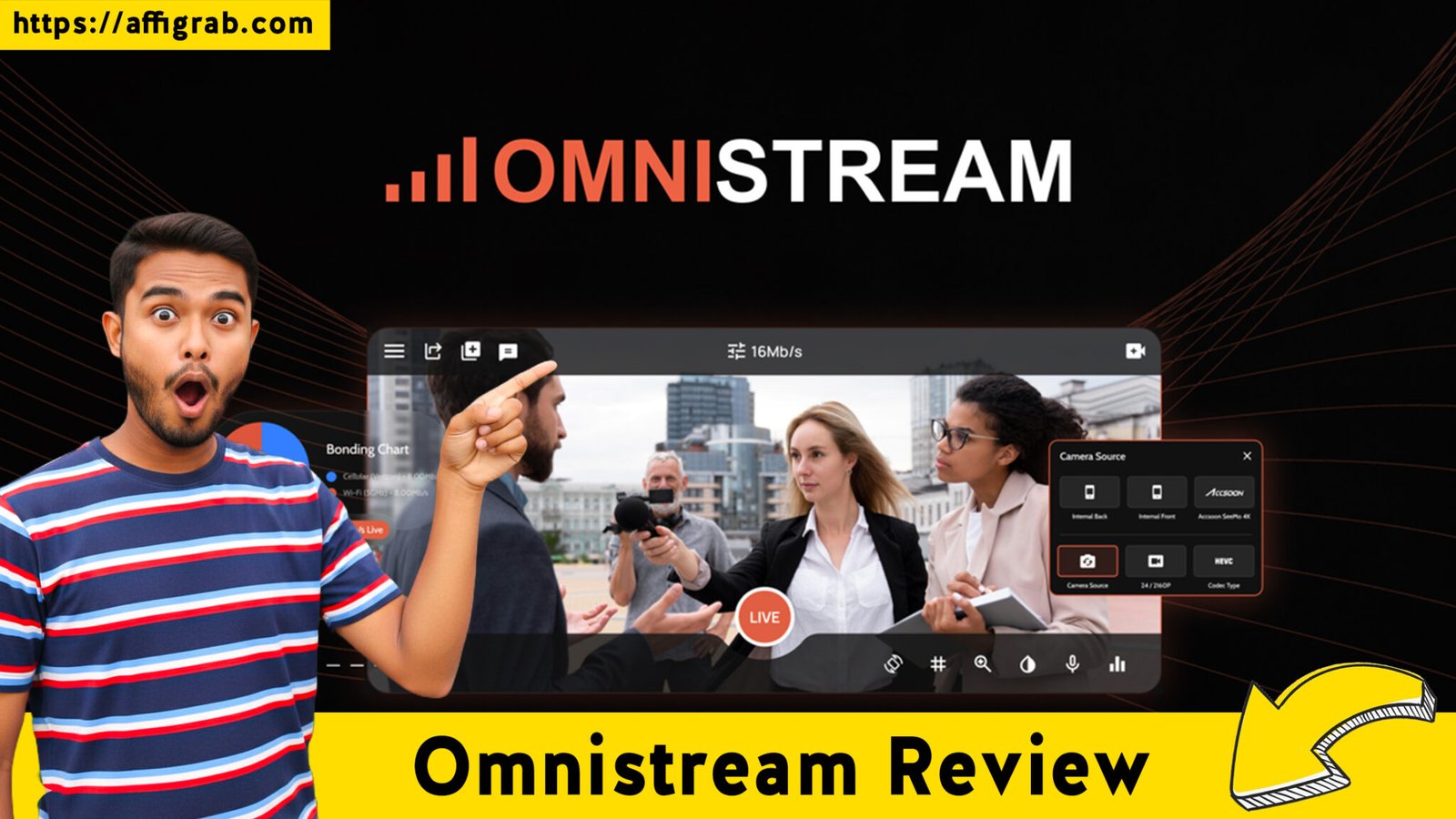
Omnistream Review: In the world of live streaming, there is nothing more terrifying than seeing the “reconnecting” spinner mid-broadcast. Whether you are streaming a Sunday church service, a high-stakes high school football game, or a breaking news report from the field, your connection is your lifeline.
Most mobile streamers rely on a single 4G or 5G connection, which is prone to drops in crowded areas or remote locations. Enter Omnistream—a SaaS tool designed to bring “broadcast truck” reliability to the smartphone in your pocket.
Table of Contents
The Quick Verdict
Omnistream is a powerful mobile-first streaming application that utilizes cellular bonding technology to combine multiple network connections (Wi-Fi and multiple cellular carriers) into one stable, high-bandwidth pipe. It transforms a standard smartphone into a professional virtual TV studio, complete with graphic overlays, remote guest management, and multi-platform distribution.
Who is it for?
- Churches and Nonprofits: For streaming services from locations with spotty Wi-Fi.
- Youth Sports Teams: To provide high-quality, stable broadcasts for parents and scouts.
- Field Journalists: For sending reliable feeds back to the station without a satellite truck.
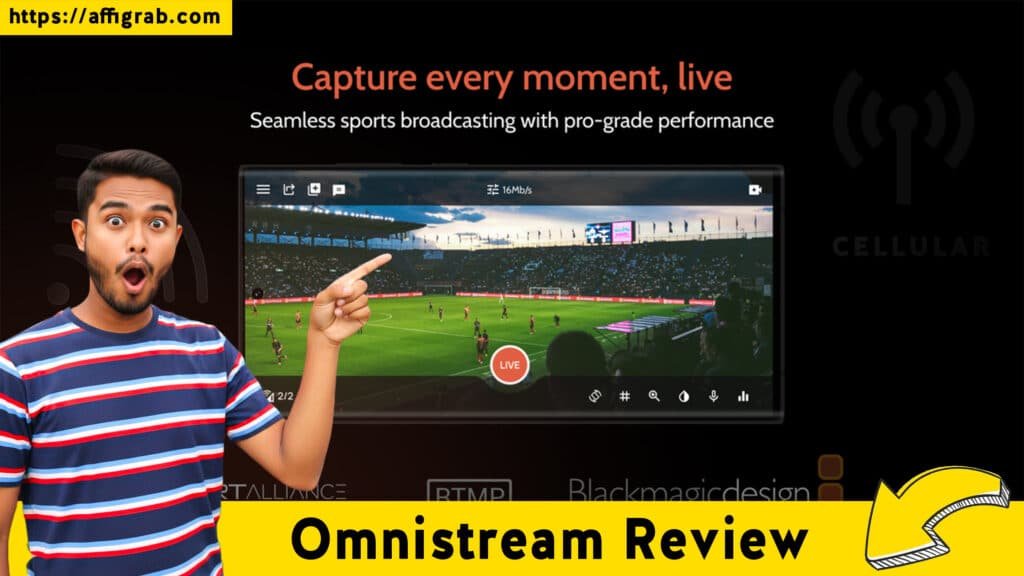
- Content Creators: Who want to broadcast to YouTube, Facebook, and Twitch simultaneously with DSLR-level quality.
If you need a “set it and forget it” solution for mobile streaming that won’t fail when the crowd gets thick, Omnistream is currently the most accessible professional-grade tool on the market.
Deep Feature Breakdown: Beyond the Basic Stream
Omnistream isn’t just a camera app; it’s a sophisticated production suite. Here is how its core features translate into actual workflow benefits:
👉 Click here to secure the Omnistream Lifetime Deal before it expires!
1. Multi-Network Cellular Bonding
This is the “secret sauce.” Typically, if your Wi-Fi dips, your stream dies. Omnistream allows you to bond your Wi-Fi with multiple cellular data plans.
- The Benefit: It ensures a redundant connection. If one carrier fluctuates, the others pick up the slack, preventing frame drops and ensuring your audience never sees a “buffer” screen.
2. Virtual TV Studio & Overlays
Within the app, you can manage your production like a professional director. You can add lower-thirds, brand logos, and graphical enhancements directly onto the live feed.
- The Benefit: You don’t need to post-process your videos or use expensive external hardware to make your stream look professional. It’s “broadcast-ready” the moment you hit go.
3. Remote Guest Invitation
The “Corporate” tiers allow you to invite remote guests to join your stream. Guests simply install a lightweight app (no login required) and appear in your broadcast.
- The Benefit: This makes it incredibly easy to conduct interviews or host multi-person talk shows from different locations without technical friction for the guests.
4. External Camera (DSLR/HDMI) Support
You aren’t limited to the tiny sensor on your phone. Omnistream supports HDMI-to-USB-C adapters for Android and specific adapters for iOS.
- The Benefit: You can use a professional DSLR or camcorder for cinematic depth-of-field and superior low-light performance while still using your phone for the bonding and transmission.
The “Pain Point” Solver: What Business Problem Does This Fix?
The primary problem Omnistream solves is Network Volatility.
Most businesses fail at live streaming not because their content is bad, but because their technical infrastructure is fragile. If you are a realtor doing a live tour or a school streaming a graduation, you are often at the mercy of the local signal. Omnistream removes the “single point of failure.” By aggregating different networks, it provides a safety net that was previously only available to major news networks with five-figure hardware budgets.
Plan & Pricing Analysis: AppSumo Tiers
The Omnistream AppSumo deal is structured to scale with your production needs. Here is a breakdown of what each tier offers:
- Tier 1 ($99): Ideal for individual creators. You get 1 License and 360 hours of streaming per month. This includes cellular bonding, multi-platform distribution, and smartphone/DSLR support.
- Tier 2 ($198): This is the “sweet spot.” It moves you to Unlimited hours per month and grants 2 Licenses. Crucially, it unlocks the Remote Dashboard and Guest Invitations, making it viable for small teams.
- Tier 3 ($297): Expands your capacity to 4 Licenses and includes all features from Tier 2. Best for organizations with multiple concurrent streaming teams (e.g., a school district or a small media house).
- Tier 4 & 5: These increase the license count to 6 and 10 respectively, designed for larger enterprise deployments or agencies managing multiple client streams.
User Experience (UX): Simple App, Powerful Backend
👉 Click here to secure the Omnistream Lifetime Deal before it expires!
The UX of Omnistream is designed for the “non-technical” professional. The interface is split between the mobile app (the “Capture” side) and a web-based remote dashboard (the “Control” side).
The app feels familiar to anyone who has used a camera, but with added toggles for network monitoring. The Remote Dashboard is particularly impressive—it allows a producer to sit in an office and manage the overlays, guests, and destinations while the camera operator focuses entirely on framing the shot. This separation of duties is what makes it feel like a professional production tool rather than a social media app.
Pros & Cons
Pros:
- Rock-Solid Stability: The bonding technology is significantly more reliable than standard streaming.
- Low Entry Barrier: No need for $30,000 “backpack” bonding units.
- Simultaneous Multi-Platform: Stream to Facebook, YouTube, and Twitch at the same time.
- SRT Support: Professional-grade protocol for low-latency streaming to OBS or vMix.
Cons:
- Data Intensive: Since you are bonding multiple networks, you will consume data across all connected SIM cards.
- Hardware Required for DSLR: You will need to purchase a separate HDMI-to-USB-C adapter to use external cameras.
- Learning Curve: While the app is simple, mastering the Remote Dashboard and SRT settings takes a bit of practice.
Final Thought: Is It Worth It?
If your business or organization relies on live video to communicate, Omnistream is a must-have. In 2026, audience expectations for video quality are higher than ever. A pixelated, lagging stream is no longer acceptable. Omnistream provides the technical “insurance policy” you need to ensure your message gets through. For a one-time lifetime price on AppSumo, you are essentially getting a professional broadcast suite that fits in your pocket.
Recommendation: If you stream more than once a month, skip Tier 1 and go straight for Tier 2. The unlimited hours and guest invitation features are essential for growing a professional digital presence.
Explore Our Pages: Appsumo Deals, WP Themes, WP Plugins
👉 Click here to secure the Omnistream Lifetime Deal before it expires!