
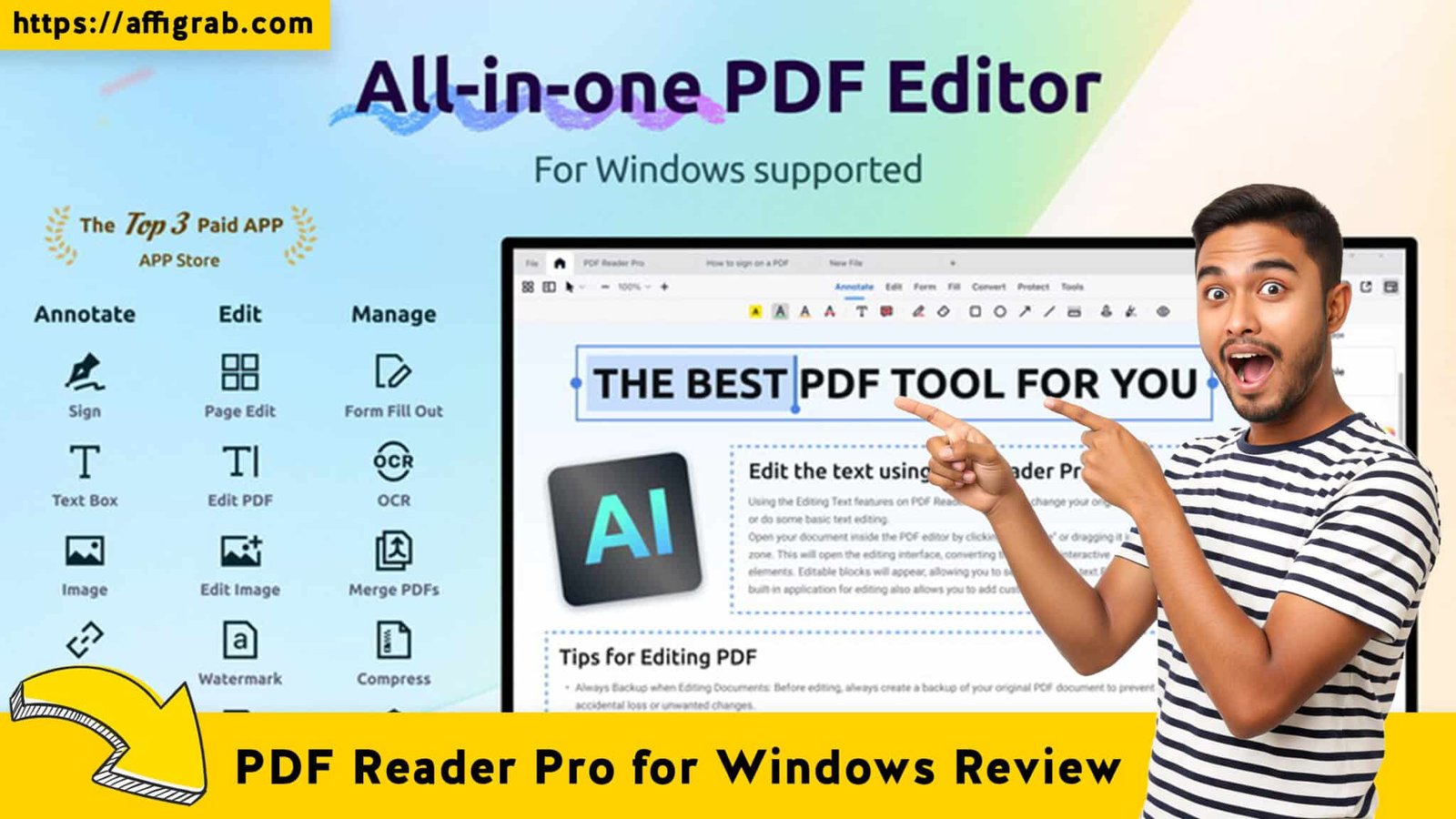
PDF Reader Pro for Windows Let’s be honest: dealing with PDFs is often the most frustrating part of the workday. You usually have two bad options: stick with a “free” reader that treats your documents like locked images (making simple text edits impossible), or surrender your wallet to Adobe or Foxit for a heavy, expensive monthly subscription that costs as much as a utility bill.
For freelancers, students, and small business owners, that recurring cost is hard to justify.
Enter PDF Reader Pro for Windows. Currently featured on AppSumo, this tool promises to be the lightweight, all-in-one powerhouse that breaks the subscription cycle. But does it actually hold up against industry giants like Foxit PDF Editor? I took the Lifetime Deal (LTD) for a spin to find out if it’s a genuine productivity hack or just another file viewer.
Table of Contents
First Impressions & UI/UX
Interface Analysis: A Familiar Friend
Upon launching PDF Reader Pro, the first thing I noticed was the lack of a learning curve. The interface is heavily inspired by the Microsoft Office ribbon style. If you know how to use Word or Excel, you already know how to use this. The toolbars are organized logically with familiar icons, which is a massive relief compared to the cluttered, non-intuitive menus often found in open-source alternatives.
Setup & Navigation
The setup was practically instant. Unlike the massive download files required for Adobe Acrobat Pro, PDF Reader Pro is surprisingly lightweight. It launched in under two seconds on my mid-range Windows laptop—no “loading plugins” splash screen to wait for.
Key Design Highlight: The Tabbed Viewing System
I have to call out one specific design choice that makes a huge difference in daily workflow: The Tabbed Viewing System.
🔥 Click Here to Grab the Lifetime Deal Before it’s Gone!
Most lightweight readers force you to open new windows for every document, cluttering your taskbar. PDF Reader Pro handles documents exactly like a web browser handles tabs. I was able to open four different contracts and a large eBook simultaneously, switching between them instantly without any system lag. For anyone doing research or cross-referencing data, this is a game-changer.
Deep Dive into Core Features (Hands-On Analysis)
While a pretty interface is nice, a PDF editor lives or dies by its tools. Here is how the core features performed.
Key Features Tested
1. Direct Text & Image Editing: The ability to click on existing text in a PDF and type over it, matching the font automatically.
2. File Conversion: Converting PDFs into editable formats like Word, Excel, and PowerPoint.
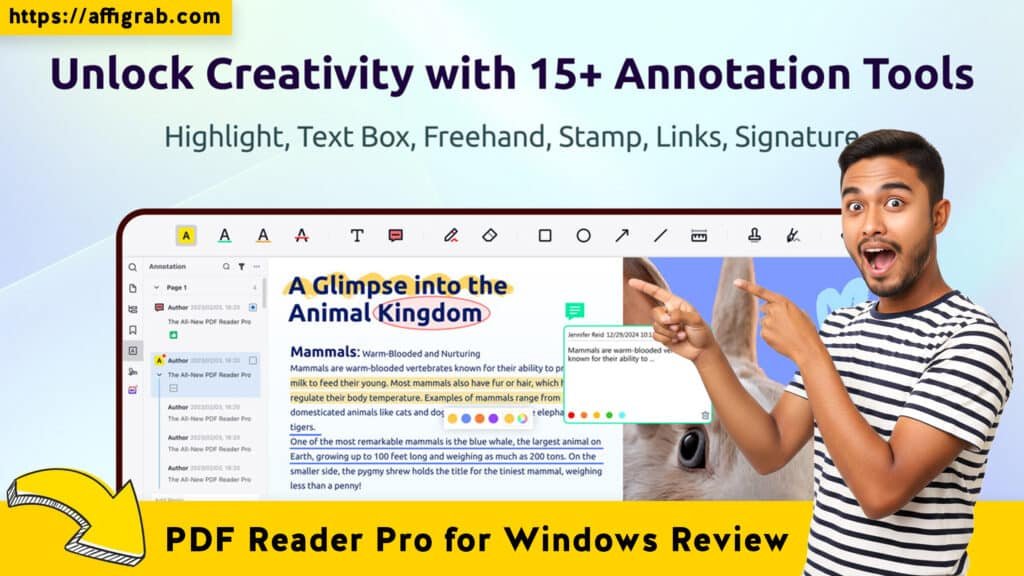
3. Annotation & Markup: A full suite of highlighters, underlines, stamps (“Approved,” “Confidential”), and signature tools.
4. OCR (Optical Character Recognition): The critical feature for turning scanned images into selectable, searchable text.
The Hands-On Test Case: The “Bad Invoice” Scenario
To verify the marketing claims, I didn’t just click around; I simulated a real-world disaster scenario common in administrative work.
The Context:
I took a static, scanned PDF of an invoice that contained a typo in the final dollar amount. Because it was a scan, the text was just an image—completely uneditable by standard means.
The Test:
- I imported the scanned invoice into PDF Reader Pro.
- I ran the OCR feature to recognize the text.
- I used the Edit Text tool to correct the typo in the dollar amount.
- Finally, I exported the corrected document as a Microsoft Word (.docx) file to see if the tables held up.
The Outcome:
The results were impressive. The OCR accurately recognized about 98% of the text, only struggling slightly with a very faint logo. When I went to edit the dollar amount, the software automatically detected the font type and size, making the correction look native to the original document.
Most importantly, the conversion to Word was seamless. Often, PDF-to-Word converters break table formatting, sending lines flying across the page. In this test, the invoice table structure remained rigid, and the document was immediately ready for further editing in Word.
Deal Economics and Market Comparison
🔥 Click Here to Grab the Lifetime Deal Before it’s Gone!
This is where the “Deal Aggregator” aspect stops and the value proposition begins. Why buy this when Foxit exists?
LTD Value Breakdown
At the time of writing, the PDF Reader Pro Lifetime Deal is approx. $59.99 (one-time). Let’s compare that to the standard market rate for Foxit PDF Editor, which has largely moved to a subscription model (approx. $167.88/year).
| Comparison | PDF Reader Pro (AppSumo) | Foxit PDF Editor (Sub) | Your Savings |
| Year 1 Cost | ~$59.99 | ~$167.88 | $107.89 |
| Year 3 Cost | $0 (Included) | ~$335.76 | $443.65 |
Competitor Contrast
- Foxit (Free Version): Great for reading, but you hit a paywall the moment you try to edit text or convert files.
- Foxit (Paid): Excellent features, but distinct “rental” costs.
- PDF Reader Pro: You get the “Paid” features (Editing, OCR, Converting) for a price that is actually lower than half a year of the competitor’s subscription.
Who is this LTD Best For?
This deal is the perfect fit for students, legal assistants, educators, and small business owners. If you handle heavy documentation and need to sign, edit, or mark up papers but don’t require high-end pre-press print production tools, paying a monthly rent for software makes no sense. This fills that gap perfectly.
Final Verdict
🔥 Click Here to Grab the Lifetime Deal Before it’s Gone!
Is it perfect? No software is. But is it the best value for money currently available for Windows PDF management? Absolutely.
Pros and Cons
| Pros | Cons |
| ✅ Performance: Extremely lightweight; launches instantly. | ❌ Mobile Separate: This license is usually specific to Windows; the mobile app is often a separate purchase. |
| ✅ OCR Engine: surprisingly accurate text recognition for the price point. | ❌ UI Aesthetic: While functional, the “Office 2016” look might feel slightly dated to users used to modern, minimal web apps. |
| ✅ Cost: One-time payment beats monthly subscriptions hands down. | ❌ Advanced Pre-Press: Lacks niche features for commercial printing (like CMYK color separation). |
| ✅ UX: Tabbed viewing makes multitasking incredibly easy. |
Conclusion
PDF Reader Pro for Windows is a robust, no-nonsense utility that respects your time and your computer’s resources. It successfully strips away the bloat of Adobe and the recurring costs of Foxit, leaving you with a functional tool that just works.
If you are tired of being blocked from editing your own documents because you didn’t pay a monthly subscription fee, this is a Must-Buy.
(Note: This review contains affiliate links. I may receive a commission if you purchase through my link, at no extra cost to you. I only recommend tools I have personally tested and believe in.)
🔥 Click Here to Grab the Lifetime Deal Before it’s Gone!
Explore Our Pages: WP Themes, WP Plugins