
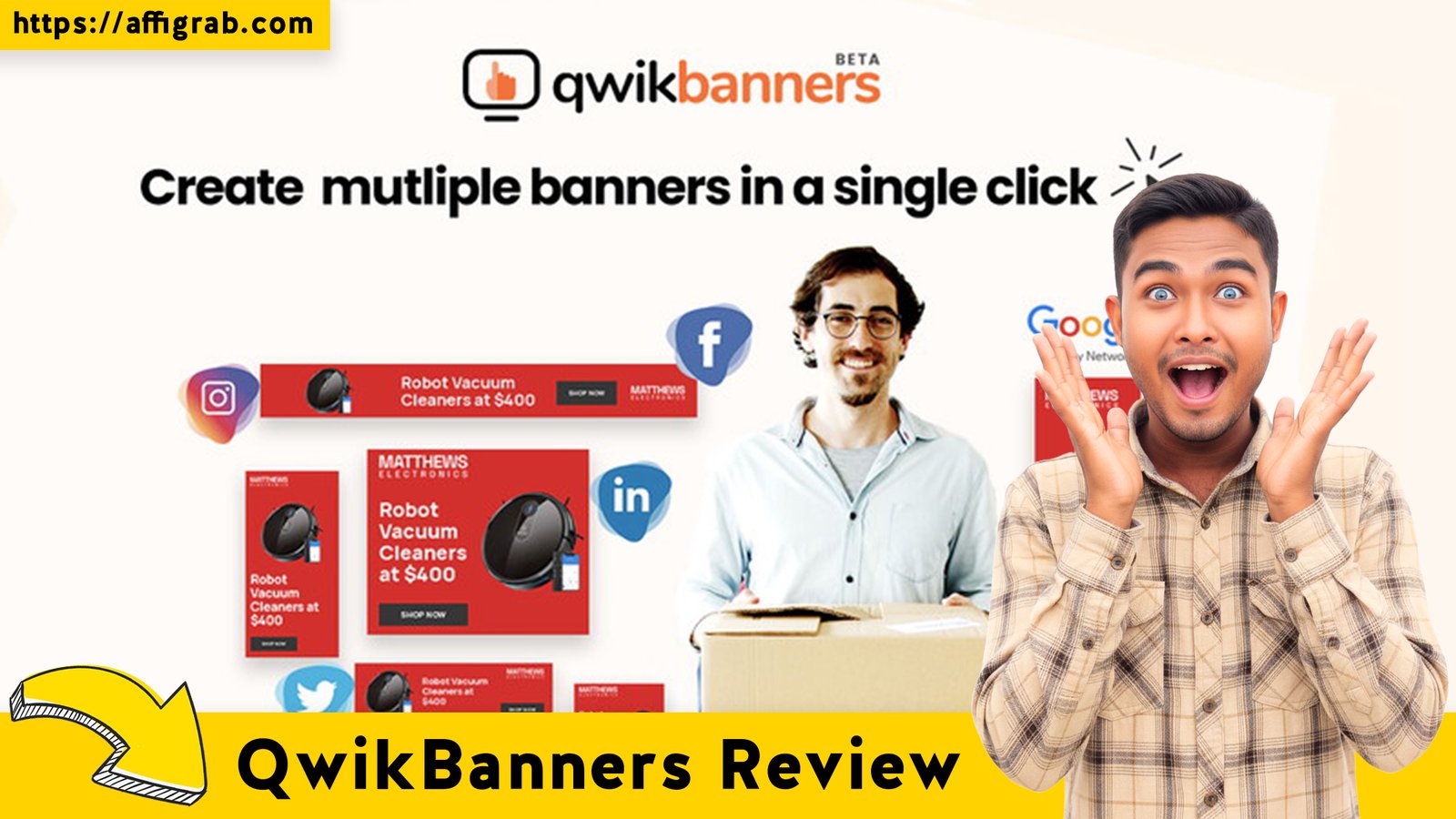
QwikBanners The constant demand for fresh, professional-looking graphics across social media, blogs, and ad campaigns is a major time sink for solopreneurs and small marketing teams. Worse, premium design tools like Adobe Express or even simpler options like Snappa come with recurring monthly subscription fees that quickly eat into a tight budget.
Enter QwikBanners, a dedicated graphic and banner generation tool that promises rapid, high-quality design without the complexity or the high price tag. With its appearance as an AppSumo Lifetime Deal (LTD) for a single, low payment of $59, QwikBanners positions itself as the ideal, low-cost solution for the content creation treadmill.
But does this lifetime access truly deliver the speed and feature set needed to replace a reliable monthly subscription? We put the tool to the test to see if it’s the definitive Snappa alternative.
Table of Contents
First Impressions & UI/UX
🔥 Click Here to Grab the Lifetime Deal Before it’s Gone!
From the moment you log in, QwikBanners makes it clear that its primary goal is speed and accessibility. The overall user interface (UI) is clean, modern, and uncluttered, leaning into a minimalist design aesthetic that feels less intimidating than a full-suite editor.
- Setup Time: Zero. There’s no complex onboarding; you’re immediately dropped into the main dashboard, which gives instant access to the core editor.
- Ease of Navigation: The editor utilizes a drag-and-drop paradigm that is highly intuitive. The learning curve is minimal—anyone who has used a web-based editor before will feel instantly at home. This focus on simplicity is a huge advantage over competitors that sometimes try to cram too many features into a single screen.
Key Design Highlight: Platform-First Organization
The most crucial time-saving element of the QwikBanners UI is its main dashboard, which organizes the entire template library by platform and required size. Instead of browsing generic categories, you select the specific output first: Facebook Cover Photo, Instagram Story, Google Ad Banner 300×250, or Pinterest Pin. This eliminates the most common pre-design headache of correctly sizing the canvas, ensuring your assets are ready-to-publish from the very first click.
Deep Dive into Core Features (Hands-On Analysis)
The Pro features unlocked by the $59 LTD are robust, focusing entirely on maximizing workflow efficiency for the busy content creator.
Feature Analysis:
1. Unlimited Premium Templates and Stock Photo Access: The library is extensive and categorized well, covering a wide range of niches. Access to high-quality, unlimited stock photos directly within the editor means no switching between tabs or worrying about licensing. Performance: Smooth and fast integration.
2. Magic Resize Functionality: This feature is critical for social media managers. It allows you to instantly convert a design from one platform size (e.g., a square Instagram post) to another (e.g., a wide Twitter header) in a single click, automatically adjusting the layout to fit the new dimensions. Performance: Highly effective, significantly reducing the time required to create a full set of cross-platform assets.
3. Brand Kit Storage: The ability to save color palettes, logos, and custom fonts for one-click application is essential for maintaining brand consistency. Performance: Works flawlessly, applying saved brand colors to text and elements instantly.
4. Background Removal Tool: A premium feature often locked behind higher tiers in competitor products. It allows for one-click removal of the background from uploaded images (e.g., a product photo or a headshot). Performance: Surprisingly precise for an integrated, one-click tool, producing clean cutouts without the common jagged edges.
Hands-On Test Case: The Full Workflow Efficiency Test
Test Scenario: Create a promotional graphic for a new product announcement and deploy it across two different advertising platforms in the shortest possible time.
- I selected a pre-made ‘Facebook Ad‘ template (1200x628).
- I used the saved Brand Kit to apply my business’s primary color scheme and font.
- I uploaded a product image and immediately used the one-click ‘Background Removal‘ feature on the uploaded image to create a professional-looking cutout.
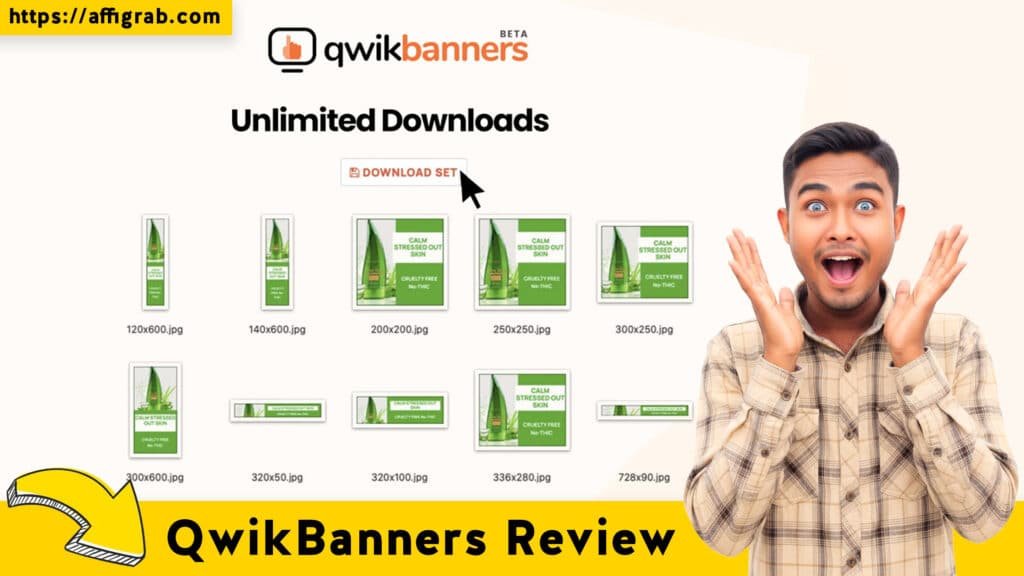
- Once the Facebook Ad was finalized, I used the ‘Magic Resize’ button and instantly converted the design into a ‘Google Ad Banner’ (336x280).
Outcome and Analysis: The entire process—from template selection to having two perfectly sized, on-brand, high-resolution assets ready for download—took under 5 minutes. The background removal was precise, and the Magic Resize feature successfully maintained the key visual hierarchy despite the radical change in aspect ratio. The quality of the final PNG exports was excellent. This test confirms QwikBanners’ promise of speed and reliability for daily graphic creation.
🔥 Click Here to Grab the Lifetime Deal Before it’s Gone!
Deal Economics and Market Comparison
LTD Value Breakdown: Instant ROI
The QwikBanners AppSumo Lifetime Deal is priced at a one-time payment of $59. This grants access to all Pro features forever, including unlimited downloads, background removal, and the entire template/stock library.
Let’s compare this to the main competitor, Snappa’s Pro Tier, which offers a similar feature set for solopreneurs:
| Competitor Pricing | Annual Cost |
| Snappa Pro Tier | $\sim\$20$/month or $\sim\$240$/year |
Savings Calculation:
- Cost in Year 1: $\$240$ (Snappa) vs. $\$59$ (QwikBanners LTD)
- Savings in Year 1: $\$181$
- Break-Even Point: You break even on the QwikBanners LTD in less than 3 months compared to Snappa’s monthly cost. After that, it is pure profit.
🔥 Click Here to Grab the Lifetime Deal Before it’s Gone!
Competitor Comparison: QwikBanners vs. Snappa
| Feature | QwikBanners (LTD) | Snappa (Pro Tier) | Analysis |
| Recurring Cost | $0 (One-time $59) | $\sim\$240$/Year | QwikBanners is the long-term winner. |
| Core Design Features | Unlimited Templates, Brand Kit, Background Removal, Magic Resize | Similar Features | QwikBanners offers 85% of the core features needed by a solopreneur. |
| Advanced Editing | Limited photo editor (basic filters/crop) | Slightly more advanced options/layer control | Snappa is better for complex layer management. |
| Workflow Speed | Ultra-Fast, Platform-Focused UI | Very Fast, but less platform-centric in the dashboard | QwikBanners excels at high-volume, quick graphic creation. |
Who is this LTD Best For?
🔥 Click Here to Grab the Lifetime Deal Before it’s Gone!
The QwikBanners LTD is an absolute must-buy for:
- Content Creators & Bloggers who need a constant supply of YouTube thumbnails, blog headers, and social posts.
- Virtual Assistants (VAs) who manage multiple clients and require a low-cost, high-efficiency tool.
- Small Business Owners who manage their own social media and need a fast, non-complex tool for daily graphic creation.
If you are a professional designer who requires complex layer management, advanced Photoshop-like filters, or advanced animation/video exports, this tool is not for you. But for the 90% of graphics a solopreneur needs, QwikBanners is perfect.
Final Verdict
QwikBanners has successfully positioned itself as a serious, low-cost contender in the graphic design space. It trades complex features for blazing-fast workflow efficiency, making it the ideal tool for anyone whose primary need is generating high-quality, correctly-sized assets quickly and cheaply.
Pros and Cons Table
| ✅ Pros (The Green Lights) | ❌ Cons (The Trade-Offs) |
| Unbeatable Value: Zero recurring cost for all Pro features. | Limited Photo Editor: Basic cropping, filtering, and adjustments only. |
| Ultra-Fast Workflow: Platform-first design selection saves huge amounts of time. | Font Selection: Adequate, but not as exhaustive as competitors with deep Google Font integration. |
| Excellent Background Removal: One-click, precise tool included forever. | No Advanced Animation/Video Export: Strictly focused on static graphic and banner generation. |
| Massive Template Library: Wide and high-quality selection across all major platforms. | Layer Control: Not ideal for extremely complex multi-layer designs (it’s simple by design). |
| Minimal Learning Curve: Easy to master for any non-designer. |
Final Conclusion: Must-Buy for Speed and Savings
🔥 Click Here to Grab the Lifetime Deal Before it’s Gone!
The QwikBanners AppSumo Lifetime Deal is a rare find. It provides a core set of robust, premium features—especially the Background Remover and Magic Resize—at a cost that the tool pays for itself in just a few months. For solopreneurs and small marketing teams focused on rapid, consistent content creation, this deal is a decisive Must-Buy. It completely solves the problem of high recurring design costs without sacrificing speed or quality.
Affiliate Disclosure: This review contains affiliate links. If you choose to purchase QwikBanners through the link provided, I may earn a small commission at no extra cost to you. I only recommend products I have tested and genuinely believe offer high value.
🔥 Click Here to Grab the Lifetime Deal Before it’s Gone!
Explore Our Pages: WP Themes, WP Plugins