
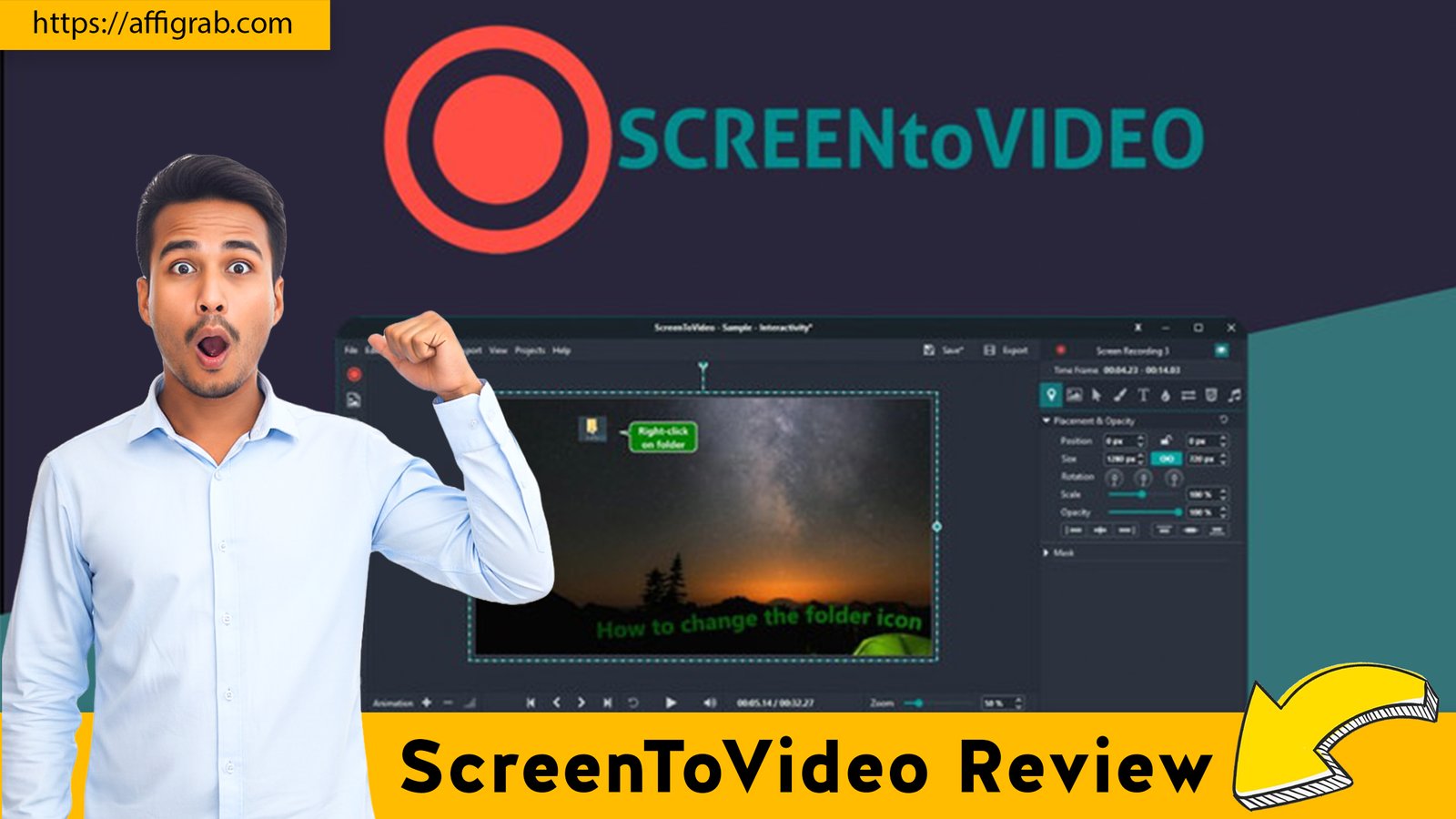
The era of easy-to-create video content is here, but it comes with frustrating roadblocks. For content creators, educators, and customer support teams, the pain points are all too familiar: 5-minute recording limits, ugly watermarks that erode brand trust, a complete lack of built-in editing forcing you to use external software, and the crushing weight of high recurring SaaS costs like Loom’s Business Tier.
Enter ScreenToVideo, a robust desktop recording and editing tool, currently available as a Lifetime Deal (LTD) on AppSumo. Priced at a single, one-time payment, this deal promises to be the perfect, low-cost solution, offering true recording freedom with unlimited time, local control, and a powerful editor baked right in. Is it the Loom killer we’ve been waiting for? Let’s dive deep.
Table of Contents
⚡First Impressions & UI/UX
ScreenToVideo is a desktop application for Windows, a crucial distinction from cloud-first tools like Loom. This architecture immediately pays dividends in performance, offering powerful local rendering and smooth editing capabilities.
- Installation Time: The install is fast and lightweight, typical of a dedicated desktop application, with no browser extensions or lengthy cloud-sync setups required.
- Ease of Navigation: The overall user interface utilizes a classic ribbon menu/toolbar design. While perhaps not as minimalist as some modern web-first tools, the clean design prioritizes function. It is intuitive—if you’ve ever used a Microsoft Office application, you’ll feel right at home. The learning curve for basic capture is minimal.
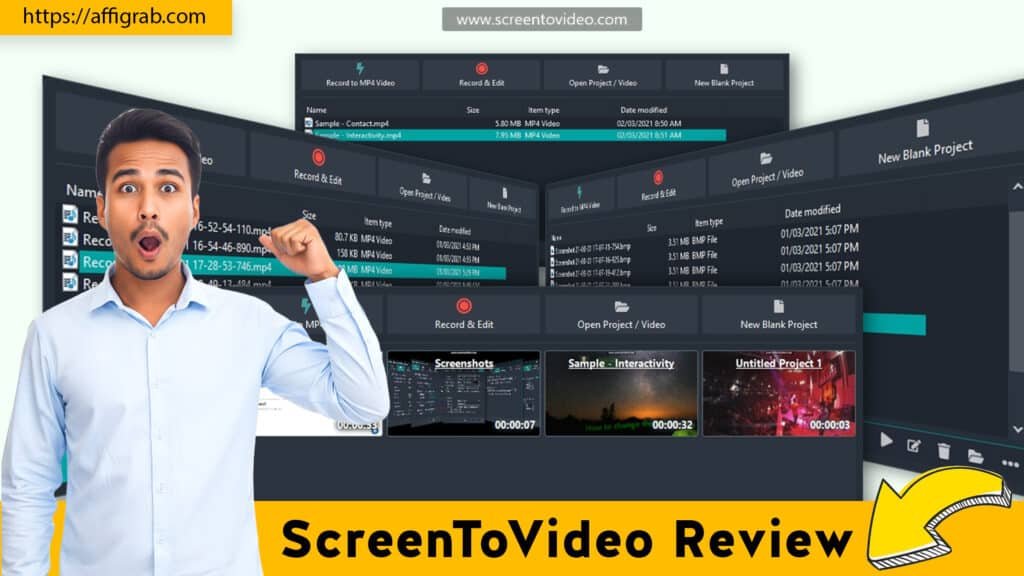
🌟 Key Design Highlight: The clarity and configurability of the Pre-Recording Setup Panel is a standout feature. Before hitting record, you can effortlessly toggle and fine-tune your settings: selecting the exact screen region (full-screen, window, or custom area), adjusting webcam placement and shape, and confirming microphone and system audio inputs. This level of immediate, up-front control streamlines the professional recording process and drastically reduces the need for re-takes.
⚙️ Deep Dive into Core Features (Hands-On Analysis)
The power of ScreenToVideo lies in its “all-in-one” nature, combining high-quality recording with professional-grade editing.
Feature Analysis
- Unlimited Recording Length & Local Storage: Unlike the 5-minute cap in many free tools or the storage quotas of some cloud platforms, this LTD tier grants unlimited recording time and uses local storage. This is a non-negotiable for long-form content, webinars, full-length tutorials, or extensive customer support troubleshooting videos.
- Built-in Advanced Editing Timeline: This is ScreenToVideo’s true differentiator. It moves beyond simple trimming (which is often all Loom offers) to provide a multi-track timeline that supports cutting, stitching, inserting media (images, video, audio), transitions, and frame-accurate precise control after recording.
- Annotation and Cursor Effects: Crucial for tutorials, the tool allows you to add dynamic text, shapes, and arrows, and apply animated mouse emphasis (like a spotlight or glowing ring) to draw attention. This is all done post-recording on the timeline, giving you time to polish.
- Text-to-Speech Integration: This feature allows you to convert a written script into a professional voice-over narration using services like the Microsoft Speech API or Google Cloud Text-to-Speech. This is a massive win for accessibility, non-native speakers, or creators who prefer not to use their own voice, allowing for high-quality, professional narration without a voice actor.
Mandatory Hands-On Test Case
To test the advanced recording and editing features, I performed a specific, practical test case designed to challenge both the capture quality and the editor’s robustness.
- The Test: I recorded a 15-minute technical tutorial detailing a complex software setup. The recording used full-screen capture, a circular webcam overlay in the lower-right corner, and simultaneous mic narration and system audio (for sound effects).
- The Edit: I then loaded the raw recording into the built-in editor. I used the timeline to trim a 45-second error section where I stumbled over a step. I added a persistent text annotation box over a key settings dialog to highlight an important warning. Finally, I applied an animated cursor highlight effect for three seconds while clicking the “Save” button.
- Outcome and Quality: The result was a high-quality, seamless MP4 video file. The editing timeline was frame-accurate, allowing me to easily identify and cut the mistake without interrupting the flow of the tutorial. The local rendering was fast (especially after switching to hardware rendering, as noted by other users), confirming the editor’s robustness for mid-length content creation where precision is key.
➡️ Click here to check out the Lifetime Deal on AppSumo.
💰 Deal Economics and Market Comparison
The true value of this AppSumo LTD shines when compared against the annual recurring costs of its main SaaS competitor.
LTD Value Breakdown
| Deal Item | ScreenToVideo LTD | Loom Business Tier |
| Price | $59 One-Time Payment | ~$20/user/month (Billed Annually) = $240/user/year |
| Subscription Type | Lifetime Access (LTD) | Annual / Monthly Subscription |
| Year 1 Savings | N/A | $240 – $59 = $171 Saved |
| Updates | Includes all future Pro/Plus Exclusive Plan updates. | Requires continuous subscription renewal. |
By purchasing the ScreenToVideo LTD, a solo creator saves $171 in the first year alone. The savings multiply rapidly, making the LTD an exceptional value proposition for anyone creating videos for more than a few months.
Competitor Comparison: ScreenToVideo vs. Loom
| Feature | ScreenToVideo (Desktop/LTD) | Loom (Cloud/SaaS) |
| Cost | Zero Recurring Cost (LTD) | High Recurring Cost (Per User/Year) |
| Editing Power | Superior (Multi-Track Timeline, Transitions, Effects) | Basic (Trimming, Stitching, Silence Removal) |
| Video Storage | Local Storage (Unlimited) | Cloud Storage (Unlimited on Paid Tiers) |
| Sharing | Manual Uploads (Google Drive, YouTube, etc.) | Instant Share Link Generation |
| Platform | Windows-Only Desktop App | Cross-Platform (Web, Desktop, Mobile) |
Who is this LTD Best For?
This LTD is perfect for:
- Content Creators and Educators who need full, uncompromising control over their video production and require advanced editing for professional-looking tutorials, courses, and demos.
- Solopreneurs and Small Teams who are highly budget-conscious and cannot justify paying a monthly, per-user subscription for a core utility tool.
- Customer Support/Sales Teams who require the freedom of unlimited recording time and storage without worrying about cloud quotas or the monthly bill growing with the team.
⚖️ Final Verdict
ScreenToVideo is a powerful desktop application that solves the problem of combining high-quality screen recording with genuinely useful video editing, all for a single, low price.
| 👍 Pros | 👎 Cons |
| Lifetime Unlimited Recordings & Storage (True recording freedom). | Windows-Only Desktop App (No native Mac or Linux version). |
| Advanced Timeline Editor Included (Rivals dedicated video editors). | Sharing is Manual/Requires Uploads (No instant, native share link). |
| High-Quality Local Rendering (Fast exports, high-res video). | Interface is slightly dated compared to web-first tools. |
| Text-to-Speech Integration (A powerful tool for accessibility/narration). | Limited Team Features/Analytics (Lacks the viewer insights of Loom). |
| Zero Recurring Cost for all Pro features and updates. | Minor reported glitches with drawing/UI elements in some corner cases. |
Final Conclusion
For the $59 one-time payment, ScreenToVideo is a Must-Buy for solopreneurs, educators, and small teams looking for a definitive, desktop-based Loom alternative. Its robust feature set—especially the powerful built-in editor—outstrips the basic trimming offered by its cloud competitors, and the lifetime access eliminates a painful recurring subscription cost. If you are on Windows, require full editorial control, and value local control over instant cloud sharing, this LTD is an outstanding investment that will pay for itself in the first year.
➡️ Click here to check out the Lifetime Deal on AppSumo.
Explore Our Pages: WP Themes, WP Plugins