
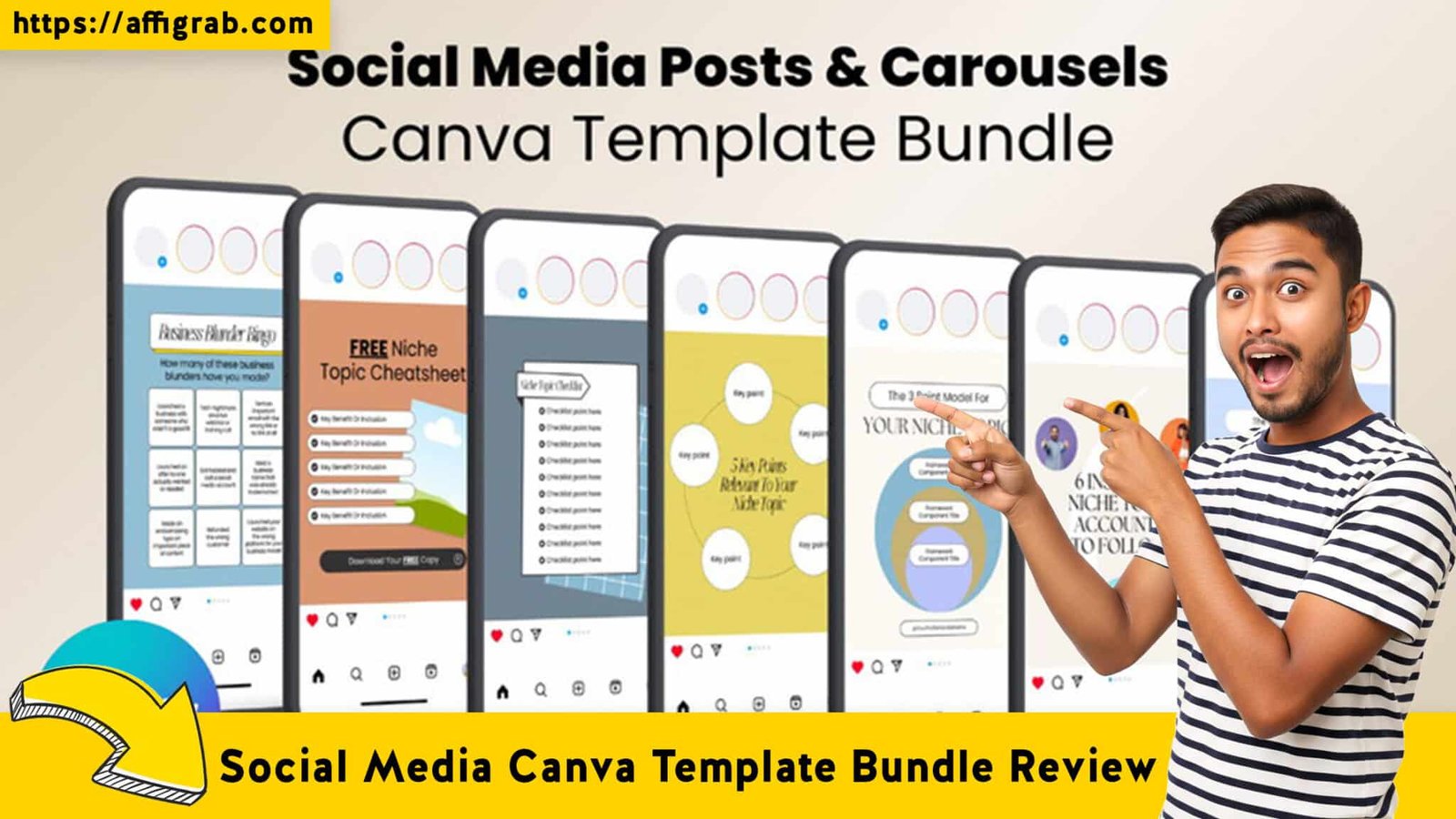
Every content creator knows the feeling: staring at a blank white square on a screen, the cursor blinking, while the clock ticks down on your posting schedule. You have the expertise, but you lack the visual flair. To bridge this gap, many creators turn to all-in-one platforms like Kajabi or hire expensive freelance designers. While effective, these routes come with a steep price tag—often hundreds of dollars in recurring monthly fees.
Enter the Social Media Canva Template Bundle, currently featured on AppSumo. This deal promises to democratize high-end design, offering a library of professional assets for a single, low price. But does quantity equal quality?
In this review, I strip away the marketing hype to see if this bundle truly replaces the need for expensive subscriptions, or if it’s just another folder of digital clutter.
Table of Contents
First Impressions & File Organization
Access & Usability
Upon purchasing the Lifetime Deal (LTD), the redemption process was straightforward. Instead of a cumbersome ZIP file containing thousands of heavy PNGs, the deliverables were provided via a master PDF dashboard. This dashboard contained direct “One-Click Import” links into Canva.
- The Import Experience: Clicking the link immediately opened my Canva browser tab with a prompt: “Use Template for New Design.” It added the files directly to my “All Designs” folder without glitches.
🔥 Click Here to Grab the Lifetime Deal Before it’s Gone!
Organization Structure
With a bundle of this magnitude (often 1,000+ templates), chaos is the enemy. Fortunately, the creators have organized the master file logically. Categories are sorted not just by platform (Instagram, LinkedIn, Pinterest), but by Purpose:
- Educational/Carousel
- Promotional/Sales
- Quotes/Viral Content
- Podcast/Audiograms
Key Design Highlight: “Smart Grouping”
The standout feature during the initial setup was the structure of the elements. The designers utilized Canva’s “Group” feature effectively. When you move a text box, the background shape moves with it. This is a crucial detail often missed in cheaper templates, ensuring that non-designers don’t accidentally “break” the layout when moving elements around.
Deep Dive into Core Features (Hands-On Analysis)
To truly evaluate the bundle, I looked at three critical criteria: Variety, Customizability, and Compatibility.
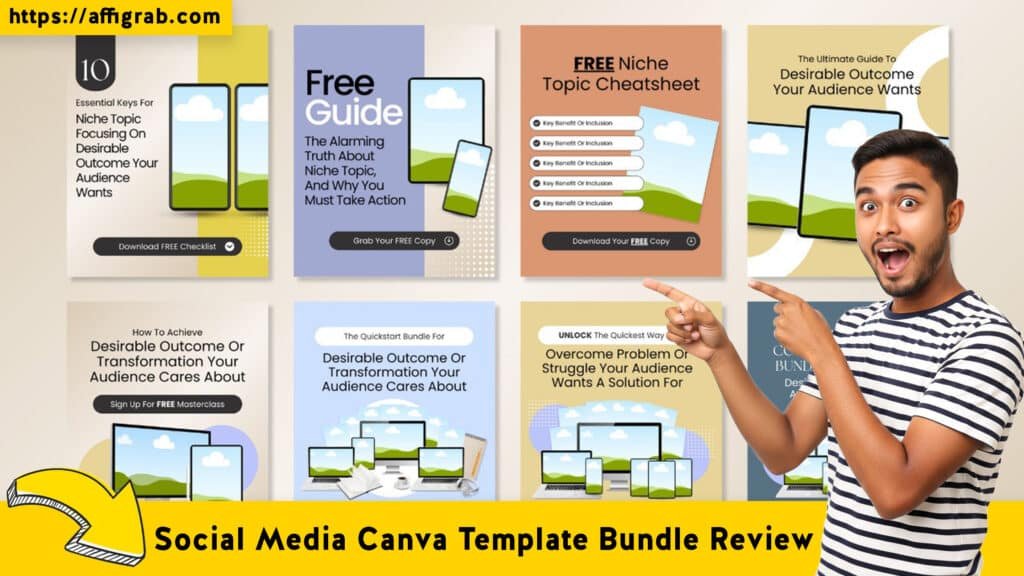
- Variety of Formats: The bundle covers the “Holy Trinity” of current engagement: Instagram Stories (vertical), LinkedIn Carousels (PDF slide decks), and Pinterest Pins. The aesthetic leans heavily towards modern minimalism—think beige tones, bold serif fonts, and ample whitespace. This is the current “industry standard” look for coaches and consultants.
- Compatibility: I tested these on a Canva Free account. 95% of the elements worked perfectly. There were a few “Pro” elements (specific stock photos), but Canva allows you to easily swap those out for free alternatives without ruining the design structure.
MANDATORY TEST CASE: The “3-Minute Launch” Challenge
🔥 Click Here to Grab the Lifetime Deal Before it’s Gone!
To move beyond theory, I put the bundle to a timed test.
The Scenario: Create a cohesive 5-slide “Course Launch” carousel for Instagram.
The Goal: Must be export-ready in under 3 minutes.
The Brand Specs: Bright Orange (Hex #FF5733) and Dark Blue (Hex #003366).
The Process:
1. Selection: I chose a “Webinar Announcement” template set from the library.
2. Global Style Application: Using Canva’s “Styles” tab, I shuffled my specific Brand Kit colors (#FF5733) into the template. The template logic held up—backgrounds turned dark blue, accents turned orange, and text remained legible white.
3. Content Swap: I dragged a user-generated photo into the pre-set image frame (no resizing required) and pasted my copy.
4. Resizing: I used the “Magic Switch” (Pro feature) to test resizing it into a Story format.
The Outcome:
The post was ready for export in 2 minutes and 45 seconds. The layers remained organized, and the text hierarchy was preserved even after the radical color shift. This proved that the templates are built with flexible layers, not static background images.
Deal Economics and Market Comparison
🔥 Click Here to Grab the Lifetime Deal Before it’s Gone!
LTD Value Breakdown
The core value proposition here is Ownership vs. Renting.
- Social Media Canva Template Bundle: ~$59 (One-time payment). You own the files forever.
- Competitor Benchmark (Kajabi): Kajabi is an incredible all-in-one tool, but their “Growth” plan is roughly $179/month.
Many creators stick with Kajabi solely because the built-in page builders and templates look “expensive.” By using this Canva Bundle, you can achieve that same “high-ticket consultant” aesthetic on your social media and free landing pages (like WordPress or System.io) without the $1,900+ annual overhead of a premium platform.
Comparison: The Bundle vs. Kajabi (Design Focus)
| Feature | Social Media Canva Bundle | Kajabi (Platform) |
| Cost | ~$59 (One-Time) | $179+/Month |
| Asset Ownership | You own the files (export as PDF/JPG). | You rent the ecosystem; lose access if you cancel. |
| Flexibility | High (Edit fully in Canva). | Medium (Bound by site-builder limitations). |
| Best For | Social Media Marketing & Branding. | Course Hosting & Funnel Logic. |
| Recurring Fees | $0 | High |
Who is this LTD Best For?
This deal is the “Missing Link” for Solopreneurs, Course Creators, and Social Media Managers who want the visual credibility of a high-end brand but prefer a lean tech stack with no recurring monthly billing for design.
Final Verdict
Is this bundle a magic pill? No—you still have to write the content. However, it removes the friction of design, allowing you to focus on your message.
🔥 Click Here to Grab the Lifetime Deal Before it’s Gone!
Pros and Cons
| Pros | Cons |
| Massive Time Saver: “Done-for-you” layouts reduce creation time by 80%. | Requires Canva: You must be comfortable using the Canva interface. |
| High-End Aesthetic: effectively mimics the “Kajabi/Teachable” look for a fraction of the price. | Manual Customization: Unlike AI tools, you still have to drag and drop photos manually. |
| One-Time Cost: Zero recurring fees; tremendous ROI if used for client work. | Not a Hosting Platform: It provides the images, not the website (unlike Kajabi). |
Conclusion
If you are tired of your feed looking amateurish but refuse to add another monthly subscription to your credit card, the Social Media Canva Template Bundle is a no-brainer. It bridges the gap between “DIY” and “Agency Quality.”
It is not a software replacement; it is an asset injection. For the price of a single month of decent coffee, you secure a lifetime library that ensures you never face a blank page again.
Affiliate Disclosure: This review is based on an objective analysis of the product’s utility. I may receive a commission if you purchase through links on this page, at no extra cost to you.
🔥 Click Here to Grab the Lifetime Deal Before it’s Gone!
Explore Our Pages: WP Themes, WP Plugins