
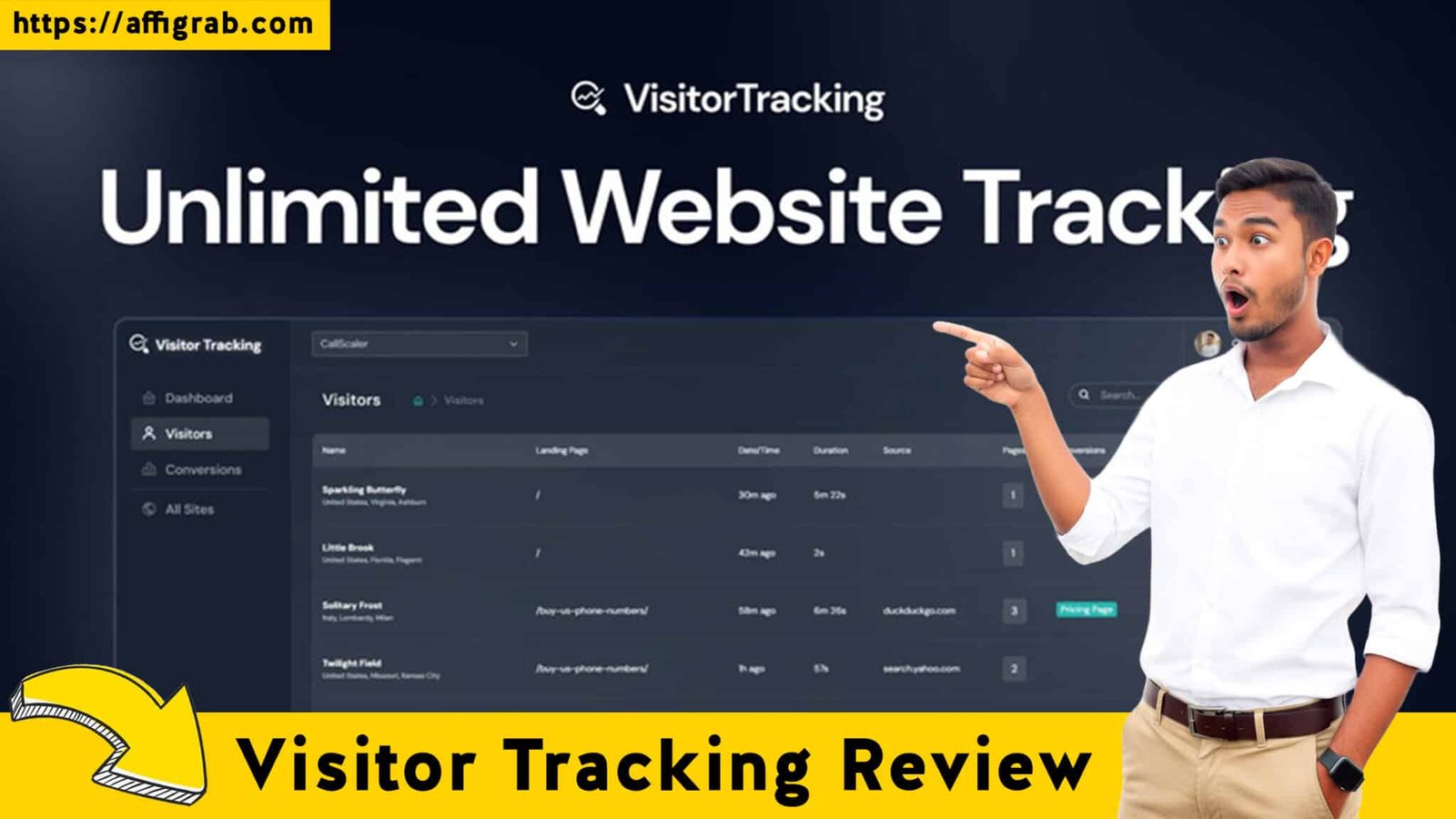
Visitor Tracking The constant struggle for any website owner is the blind spot. Google Analytics tells you what happened (e.g., a 60% bounce rate on your new landing page), but it can’t tell you why. This lack of qualitative insight forces businesses to subscribe to powerful user behavior analytics tools. The problem? Tools like Hotjar are indispensable but come with a steep, recurring monthly cost that can quickly drain the budget of a solopreneur or small agency.
Enter Visitor Tracking – Unlimited Website Tracking, the latest Lifetime Deal (LTD) on AppSumo. This tool promises to deliver the core qualitative data you need—session recordings and heatmaps—for a single, low-cost payment. We took this LTD for a thorough, hands-on test to determine if it’s the perfect, low-cost solution for actionable insights, or just another cheap imitation.
Table of Contents
💻 First Impressions & UI/UX
Visitor Tracking immediately impresses with its clarity and focus. Unlike some competitors that feel bloated with unnecessary features, the UI/UX is built around getting you to the “aha!” moment quickly.
Setup Time and Navigation
The Setup Time is virtually instantaneous. After a quick signup, you get a small tracking script to paste into your website’s header (or use a simple integration like Google Tag Manager). This process took me less than 5 minutes. The overall Ease of Navigation is high. The main dashboard is intuitive, with clear, large icons directing you straight to Heatmaps, Session Recordings, or your list of connected websites. There is a minimal learning curve, which is crucial for busy marketers.
🔥 Click Here to Grab the Lifetime Deal Before it’s Gone!
Key Design Highlight: Multi-Site Management
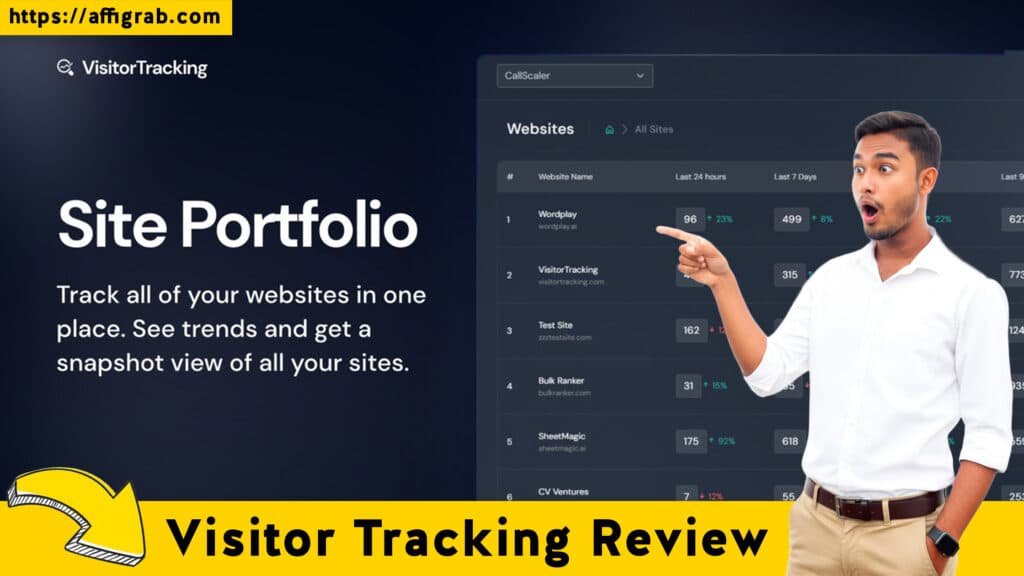
A standout feature is the visual clarity of the main dashboard. It has a section dedicated to multi-site management that clearly and visually presents the Recording/Pageview Quota Usage and Active Tracking Status across all connected websites. For an agency or a solopreneur running multiple niche sites, this is a lifesaver. You can see at a glance if a client site’s tracking has been accidentally turned off or if you are approaching your monthly session limit, making multi-site management truly effortless.
🛠️ Deep Dive into Core Features (Hands-On Analysis)
Visitor Tracking delivers where it counts: the core behavior analytics features.
Feature Analysis
- Unlimited Website Tracking (Shared Limit): This is a huge value proposition. You can install the tracker on an unlimited number of domains, which is ideal for agencies. The limitation is a shared monthly pageview/session limit (e.g., 10,000 sessions/month for the Tier 1 LTD), which you distribute across your sites.
- Detailed Heatmap Generation: It supports the three essential heatmap types: Click maps (where users click), Scroll maps (how far down they go), and Move maps (where their cursor hovers). They load quickly and overlay accurately on both desktop and mobile views.
- Session Recording Playback with Filtering: The tool continuously records a sample of user sessions (the Visitor Stream). The player itself is smooth, with key functionality like the ability to skip inactivity to drastically cut down review time.
- Passive Conversion & Funnel Tracking: This allows you to define a conversion step (e.g., viewing the ‘thank you’ page) and then filter recordings based on users who did or did not reach that goal. This is its core CRO diagnostic power.
Mandatory Hands-On Test Case: Conversion Diagnosis
🔥 Click Here to Grab the Lifetime Deal Before it’s Gone!
To test the filtering and diagnostic capabilities, I reviewed 100 recent sessions on an e-commerce checkout page. I then applied a filter to only view recordings from mobile users who did not convert (using the passive conversion filter on the ‘checkout success’ page).
- Outcome and Quality Analysis: The tool successfully isolated the 15 most relevant sessions within seconds. The playback was smooth and the session player included the highly-useful ‘skip inactivity’ button. Crucially, the recordings clearly showed mobile users repeatedly struggling with a specific accordion menu on the final payment step, indicating a clear UX bug or design flaw. This single diagnosis confirmed its diagnostic power for Conversion Rate Optimization (CRO). The quality of the playback and the speed of the filtering were excellent, making it a truly actionable tool.
💰 Deal Economics and Market Comparison
The value proposition of this LTD is undeniable, especially when measured against the industry leader.
LTD Value Breakdown
🔥 Click Here to Grab the Lifetime Deal Before it’s Gone!
- Visitor Tracking LTD Price: $69 one-time payment for lifetime access. This includes Unlimited Websites and a generous monthly pageview/session limit (e.g., 10,000).
- Competitor Price (Hotjar): The equivalent tier for Hotjar’s Observe product, the Plus Tier, starts at approximately $49/month for a similar volume of daily sessions.
- Savings: Over just Year 1, the cost of Hotjar is $49/month x 12 = $588/year. The Visitor Tracking LTD price is a flat $69. You break even in less than two months!
- Emphasis: For a one-time $69 payment, you get access to all core features, including the high recording limit and unlimited websites, forever. This eliminates a major recurring business expense.
Visitor Tracking vs. Hotjar Comparison
| Feature/Cost | Visitor Tracking (LTD) | Hotjar (Observe Plus Tier) |
| Recurring Cost | $0 (One-Time Payment) | $49/Month ($588/Year) |
| Unlimited Websites | Yes | Yes (for a single organization) |
| Core Features | Essential Behavior Analytics (Heatmaps, Recordings, Funnels) | Essential Behavior Analytics + Surveys & Feedback Polls |
| Enterprise Features | Limited | Robust, High-Volume Options |
| Value Score | 100% Core Features, 0% Recurring Cost | Excellent Features, High Recurring Cost |
The key difference is that Hotjar includes an entire separate product for integrated Surveys and Feedback Polls (Hotjar Ask) which Visitor Tracking currently lacks.
Who is this LTD Best For?
This LTD is perfect for:
- Small Businesses and E-commerce Shops who need robust behavioral data (heatmaps and recordings/visitor stream) but cannot justify a $600+ annual subscription.
- Solopreneurs and Niche Site Owners who manage multiple websites and need reliable data on each without a per-site fee.
- Agencies with a Few Clients who need to quickly diagnose UX issues for client reports.
It is not for enterprise-level businesses that require millions of pageviews per month, complex A/B testing integration, or Hotjar’s integrated survey/feedback/user interview features.
🎯 Final Verdict
Pros and Cons Table
| ✅ Pros (Why Buy?) | ❌ Cons (Limitations) |
| Zero Recurring Cost for lifetime access. | Monthly Pageview/Session Limits will be restrictive for high-traffic sites (e.g., 1M+ views). |
| Unlimited Websites makes it ideal for agencies and portfolio managers. | Lacks built-in Survey/Feedback/Poll tools like Hotjar Ask. |
| Simple Dashboard and excellent ease of use (minimal learning curve). | Basic Funnel Analysis compared to dedicated CRO tools. |
| Effective Conversion Tracking via non-converting user filtering. | Limited historical data retention (often 90 days on LTDs). |
🔥 Click Here to Grab the Lifetime Deal Before it’s Gone!
Final Conclusion
Visitor Tracking - Unlimited Website Tracking is an absolute Must-Buy for solopreneurs, small teams, and budget-conscious marketers. It delivers the essential qualitative data—heatmaps and session recordings—that finally allow you to get the “why” behind your website’s performance. By eliminating the high monthly bill associated with competitors like Hotjar, it democratizes powerful CRO diagnostics. This deal is the single best way to introduce user behavior analytics into your business without touching your recurring expense budget.
Disclaimer: This review contains affiliate links. If you purchase the product through the link below, we may receive a small commission at no extra cost to you. We only recommend products we genuinely believe offer excellent value.
🔥 Click Here to Grab the Lifetime Deal Before it’s Gone!
Explore Our Pages: WP Themes, WP Plugins