
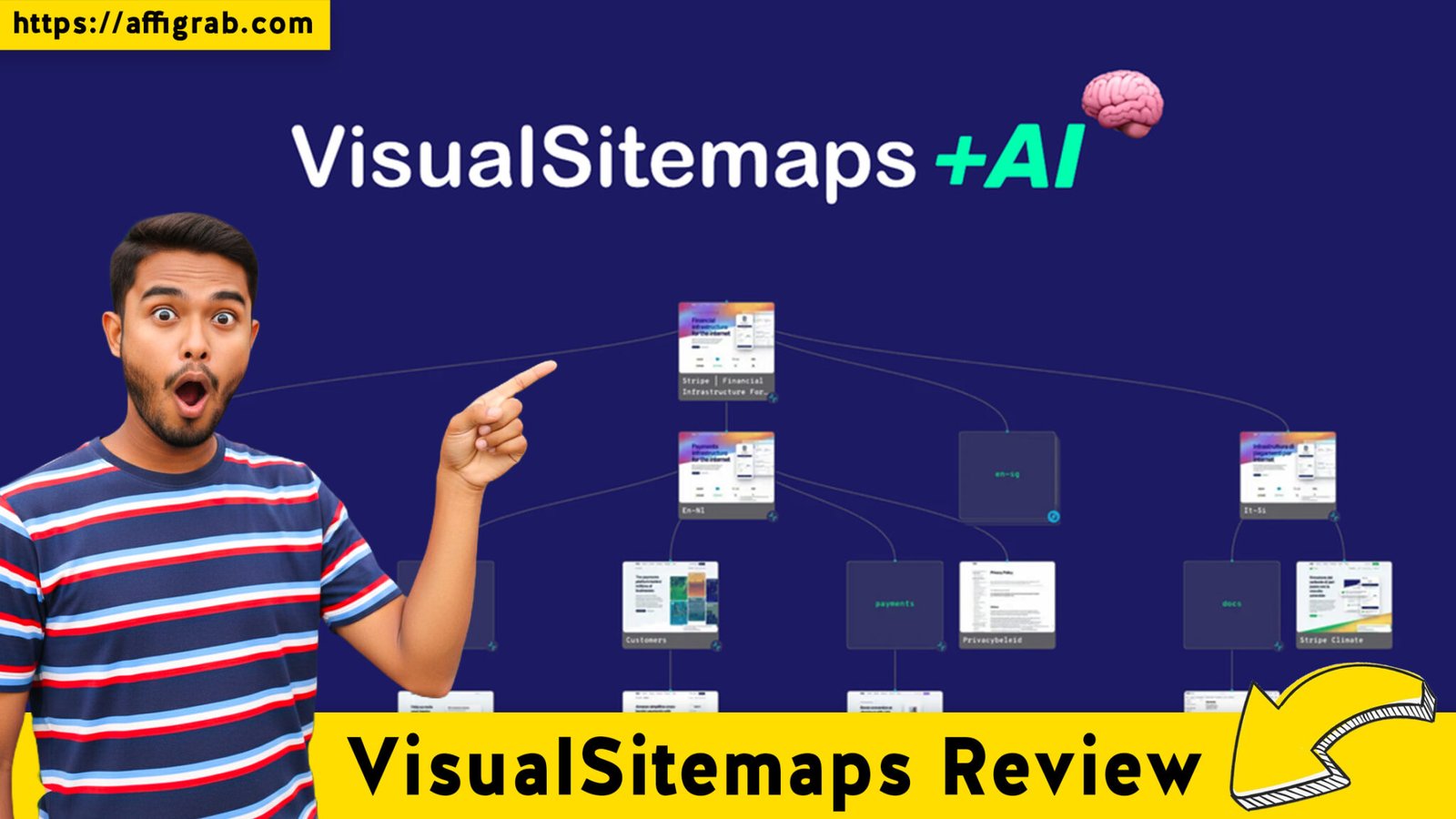
VisualSitemaps Review is the central focus of today’s deep dive into one of the most essential assets for web developers, SEO specialists, and UI/UX designers. If you have ever spent hours manually drawing boxes in Figma or Lucidchart just to map out a client’s existing website, you know the struggle of site architecture management. VisualSitemaps promises to automate this entire headache with a single click.
Table of Contents
The Quick Verdict
VisualSitemaps is a robust, cloud-based automation tool designed to crawl any public or private (password-protected) website and instantly generate a high-resolution visual map. Unlike standard XML sitemap generators, this tool captures high-quality screenshots of every page, allowing you to see the actual layout and UI alongside the site structure.
Who is it for?
- SEO Professionals: To identify structural weaknesses and “orphan” pages in seconds.
- Web Agencies: To provide professional site audits during the client onboarding phase.
- UX/UI Designers: To analyze the user journey and information architecture of complex sites.
- Content Strategists: To visualize content silos and planning for migrations.
- If you are looking for a way to cut your site-mapping time by 90% while delivering a polished, professional deliverable to stakeholders, VisualSitemaps is an absolute “must-buy” on AppSumo.
The “Pain Point” Solver: Why Does This Tool Exist?
In the digital agency world, “discovery” is often the most unbillable and tedious phase. When a client asks for a website redesign, the first step is understanding what they currently have. Manually clicking through every link, taking screenshots, and documenting the hierarchy is a recipe for human error and burnout.
VisualSitemaps solves the “Visibility Gap.” It eliminates the guesswork of site migrations. It stops you from missing hidden sub-directories or old landing pages that could hurt SEO if forgotten. By providing a “birds-eye view” of an entire digital ecosystem, it moves the project from the “investigation” phase to the “execution” phase in minutes rather than days.
Deep Feature Breakdown: Workflow Benefits
1. Automated Visual Crawling
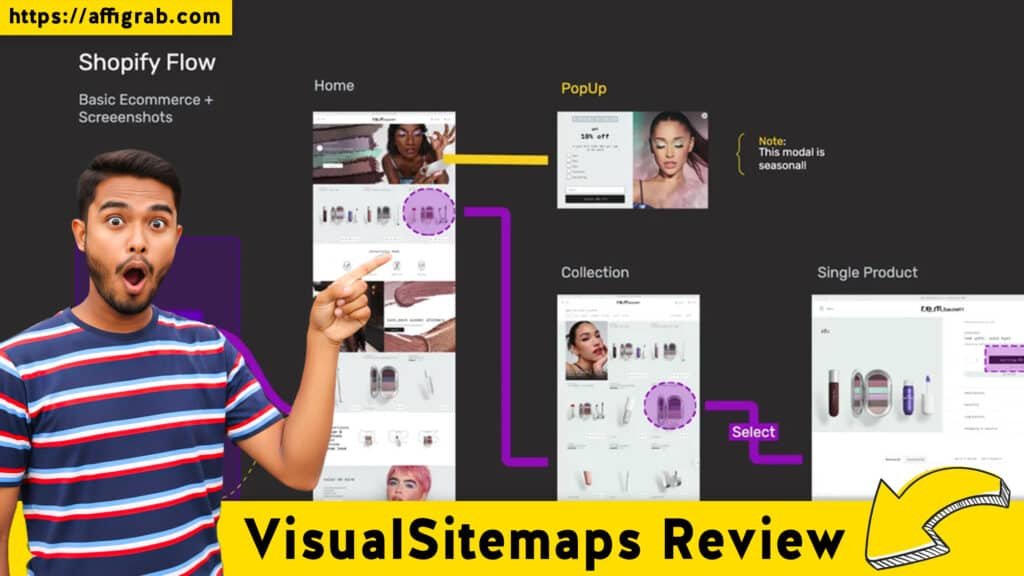
The core power of VisualSitemaps lies in its crawler. You simply input a URL, and the tool navigates the site like a human user would, but at lightning speed.
- The Benefit: You don’t just get a list of URLs; you get a visual thumbnail of every page. This is invaluable for identifying outdated branding or broken layouts across a site with hundreds of pages without having to open them individually.
2. Password-Protected Site Crawling
Many tools stop at the login screen. VisualSitemaps allows you to input credentials to crawl staging sites, private portals, or intranets.
- The Benefit: This is a game-changer for developers working on “behind-the-scenes” overhauls. You can audit the new site in a staging environment and compare it visually to the live site before the big launch.
3. Advanced Filtering and Customization
You can choose to crawl specific depths, include/exclude certain directories, or filter by file types.
- The Benefit: If you are only tasked with redesigning the “Blog” section of a massive 10,000-page enterprise site, you can set the tool to ignore the rest. This saves your crawl credits and keeps your workspace clean.
4. High-Resolution Exports (PDF, PNG, JSON)
VisualSitemaps allows you to export your maps in various formats, including huge high-res PDFs that can be zoomed in infinitely.
- The Base Benefit: These exports are “client-ready.” Attaching a 50-page visual sitemap to a proposal instantly increases your perceived authority and the value of your services.
User Experience (UX): Simplicity Meets Power
The interface of VisualSitemaps is remarkably clean for a tool that handles such complex data. Upon logging in, you are greeted with a simple dashboard where you can start a “New Sitemap.”
The drag-and-drop editor within the sitemap view allows you to reorganize the architecture visually. If you decide a page should move from a sub-menu to the main navigation, you can move it on the map to visualize the new flow. The “Thumbnail View” vs. “List View” toggle makes it easy to switch between high-level architectural planning and granular data analysis.
Plan & Pricing Analysis: The AppSumo Advantage
The AppSumo lifetime deal is structured to scale with your agency’s needs. Here is how the tiers generally break down:
- Tier 1: Perfect for freelancers. It usually includes a generous limit of pages per crawl and a set number of sitemaps per month. This is ideal if you handle 1–2 large projects at a time.
- Tier 2: Designed for growing agencies. This tier typically increases the crawl depth and total pages, allowing you to tackle massive e-commerce sites or deep-directory corporate portals.
- Tier 3: The “Power User” level. This often unlocks white-labeling features or the highest volume of concurrent crawls. If you are running audits daily for dozens of prospects, this is the cost-effective “forever” solution.
Note: Always check the specific page limits on the current AppSumo listing, as they are tailored to provide maximum value for the 2026 update.
Pros & Cons
Pros:
- Extreme Time Savings: What takes 5 hours manually takes 5 minutes automatically.
- Visual Clarity: Thumbnails help non-technical clients understand site structure better than a spreadsheet ever could.
- Staging Site Support: Ability to crawl behind logins is a premium feature included here.
- Collaboration: Easy to share links with team members for real-time review.
Cons:
- Learning Curve for Filters: Setting up complex “Include/Exclude” rules for massive sites requires a bit of trial and error.
- Crawl Limits: On very large sites (10k+ pages), you need to be strategic with your tier limits to ensure you don’t run out of credits mid-month.
Final Thought
After a thorough VisualSitemaps Review, it is clear that this is not just another “nice-to-have” utility. It is a foundational tool for anyone who touches a website’s structure. In an era where “User Experience” is the primary ranking factor for search engines, having a tool that allows you to see the “Big Picture” of your UX is vital.If you want to stop the tedious work of manual mapping and start delivering high-end, visual site audits that impress clients and streamline your development, the VisualSitemaps lifetime deal is a powerful investment for your SaaS stack in 2026. Grab it before it returns to a monthly subscription model.
Explore Our Pages: WP Themes, WP Plugins