
Let’s be honest: bookkeeping is the part of freelancing that everyone hates. It’s tedious, it’s boring, and if you’re using tools like Freshbooks or QuickBooks, it’s surprisingly expensive. You are likely tired of drowning in crumpled receipts and paying monthly subscriptions just to send a few invoices.
If you’ve been scrolling through AppSumo recently, you’ve likely seen Fynlo, an AI-powered accounting tool promising to automate your financial headaches for a single one-time payment. But can a $49 lifetime deal really replace an industry giant like Freshbooks?
Table of Contents
In this Fynlo vs Freshbooks review, I’m putting Fynlo through a rigorous hands-on test to see if it’s a viable solution for your business or just another “shelf-ware” deal.

First Impressions (UI/UX & Speed)
When you log into traditional accounting software (looking at you, QuickBooks), you are often bombarded with complex menus, payroll features you don’t need, and upsell banners.
Fynlo is refreshingly different.
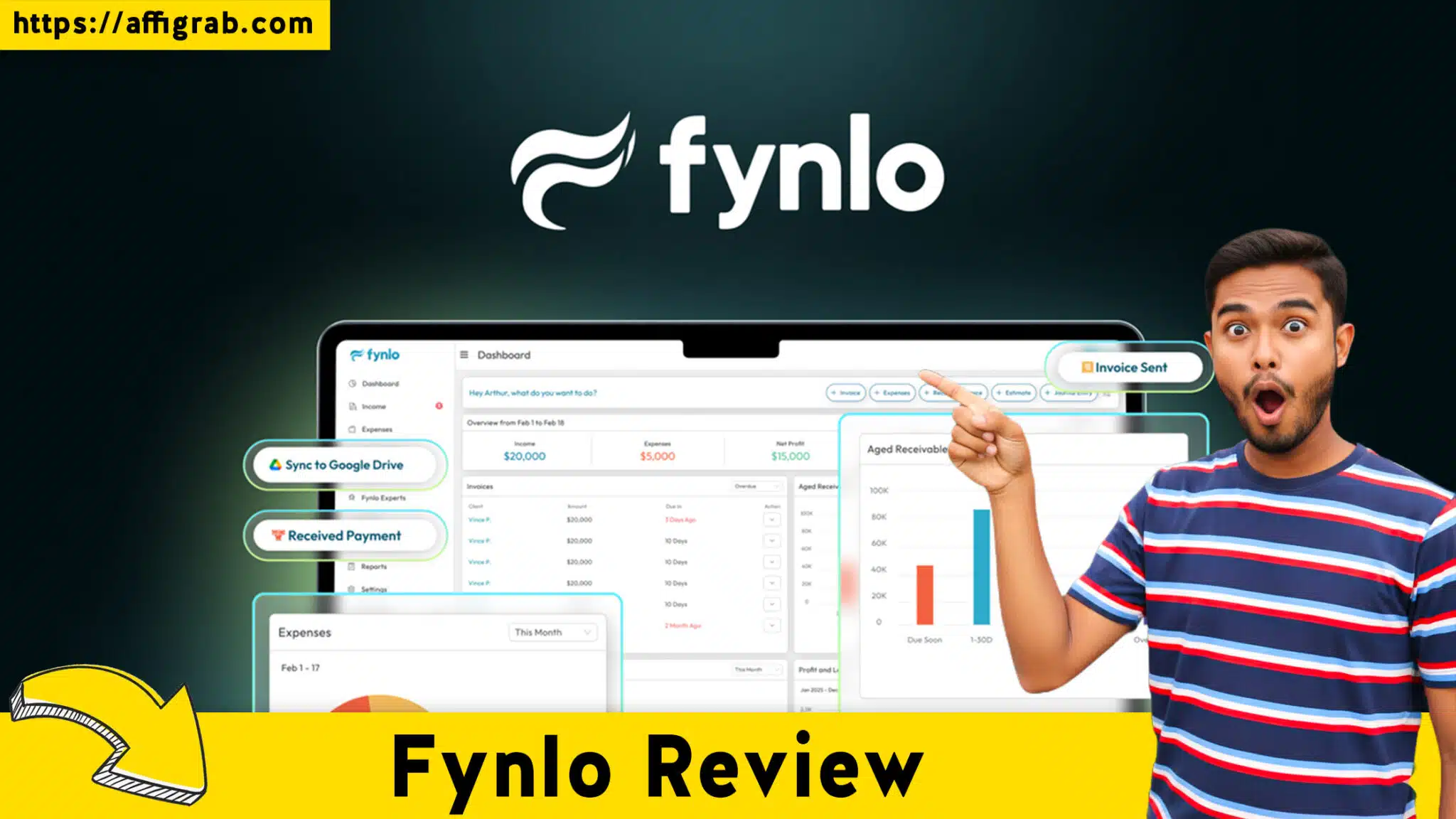
Upon logging in, the first thing I noticed was the speed. The dashboard loads instantly—no spinning wheels. The interface is clean, minimalist, and built strictly for utility. It doesn’t feel like “accounting software”; it feels like a modern productivity tool.
The “At-a-Glance” Dashboard:
View the Fynlo Deal on AppSumo
Fynlo nails the visual hierarchy. Instead of burying data in reports, the main dashboard gives you exactly what you need to know in seconds:
- Cash Flow: A simple bar chart comparing Income vs. Expenses.
- Invoice Status: A clear traffic-light system showing what is Paid, Pending, and Overdue.
Setup Time:
It took me exactly 4 minutes to set up my account, upload a logo, and set my base currency. If you are migrating from a spreadsheet or a complex ERP, the lack of friction here is a massive relief.
Feature Analysis & The “Coffee Receipt” Test
A pretty dashboard is nice, but does the AI actually work? To find out, I didn’t just click around—I ran a specific simulation to test its real-world capabilities.
The Hands-On Test Case
Scenario: I am a freelance SEO consultant. I need to expense a client meeting and bill a client for a recurring service.
- Test A: Expense a crumpled coffee receipt.
- Test B: Create a recurring invoice for a “$1,500 Monthly SEO Retainer.”
The Results:
View the Fynlo Deal on AppSumo
1. AI Receipt Scanning (OCR Test):
I took a photo of a faded coffee receipt I had in my pocket. I uploaded it to Fynlo’s “Expenses” tab.
- Outcome: Fynlo’s AI processed the image in about 10 seconds. It correctly identified the Merchant Name, the Date, and the Total Amount. I didn’t have to type a single digit. I simply approved the data, and it was added to my ledger.
- Verdict: Highly accurate, even on less-than-perfect images.
2. Recurring Invoicing:
I navigated to the Invoice Designer. The editor is “WYSIWYG” (What You See Is What You Get)—clean and simple. I set up the client profile and selected “Recurring.”
- Outcome: I successfully scheduled the invoice to be sent automatically on the 1st of every month. The entire process took less than 30 seconds.
- Verdict: This feature alone saves hours of manual admin work per year.
3. Google Drive Sync:
I connected my Google Drive account. Fynlo immediately created a structured folder system. Every time I upload a receipt or generate an invoice in Fynlo, a PDF copy is automatically backed up to my Drive. This is a brilliant safety net for tax season.
Market Comparison (Deal Economics)
This is where the math gets interesting. Freshbooks is an excellent tool, but its pricing model is designed to scale with you, often becoming a significant overhead.
Fynlo vs Freshbooks Cost Analysis (Year 1)
| Feature | Fynlo (AppSumo Tier 1) | Freshbooks (Lite Plan) |
| Price | $49 One-Time | ~$312 / Year ($26/mo) |
| Recurring Cost | $0 | Yes |
| AI Receipt Scanning | Included | Included |
| Recurring Invoices | Included | Included |
| Client Limit | 500 Profiles | 5 Clients (Lite Plan) |
| Bank Feeds | Manual/Import | Live Connection |
The Bottom Line:
By choosing the Fynlo Lifetime Deal, you save approximately $263 in the first year alone. Over a 5-year period, that savings grows to over $1,300.
View the Fynlo Deal on AppSumo
Who is this for?
Fynlo is purpose-built for Freelancers, Solopreneurs, and Agencies.
- If you need payroll, inventory management for 5,000 SKUs, or complex multi-entity tax filing, stick with Freshbooks or Xero.
- If you sell services and want to get paid without monthly fees, Fynlo is the clear winner.
Verdict
Is Fynlo perfect? No. It is a newer tool, and it lacks the deep ecosystem of integrations that Freshbooks has (specifically, live bank feeds are currently handled via statement imports or manual entry rather than a direct live link in some regions). However, the value proposition is undeniable.
Pros & Cons
| Pros | Cons |
| ✅ Unbeatable Value: One-time payment pays for itself in 2 months. | ❌ New Ecosystem: Fewer native integrations than competitors. |
| ✅ AI Accuracy: Receipt scanning is fast and precise. | ❌ Bank Feeds: Relies on imports rather than live API feeds (for now). |
| ✅ Unlimited Clients: No arbitrary limits on how many clients you can bill. | ❌ Inventory: Basic features only; not for e-commerce giants. |
| ✅ Drive Sync: Automatic backups to your own cloud storage. |
Conclusion
If you are a solopreneur or small agency owner, Fynlo is a must-buy.
It effectively replaces the core invoicing and expense tracking functions of Freshbooks for a fraction of the cost. The UI is cleaner, the AI works as advertised, and the freedom from monthly subscriptions is a massive financial win.
My Recommendation: Grab the Tier 1 license ($49). It’s enough for almost any freelancer. If you run a larger agency with a team, Tier 2 offers better user limits.
View the Fynlo Deal on AppSumo
Affiliate Disclosure: This article contains affiliate links. If you purchase Fynlo through these links, I may earn a small commission at no extra cost to you. I only review products I have personally tested and believe in.
Explore Our Pages: WP Themes, WP Plugins