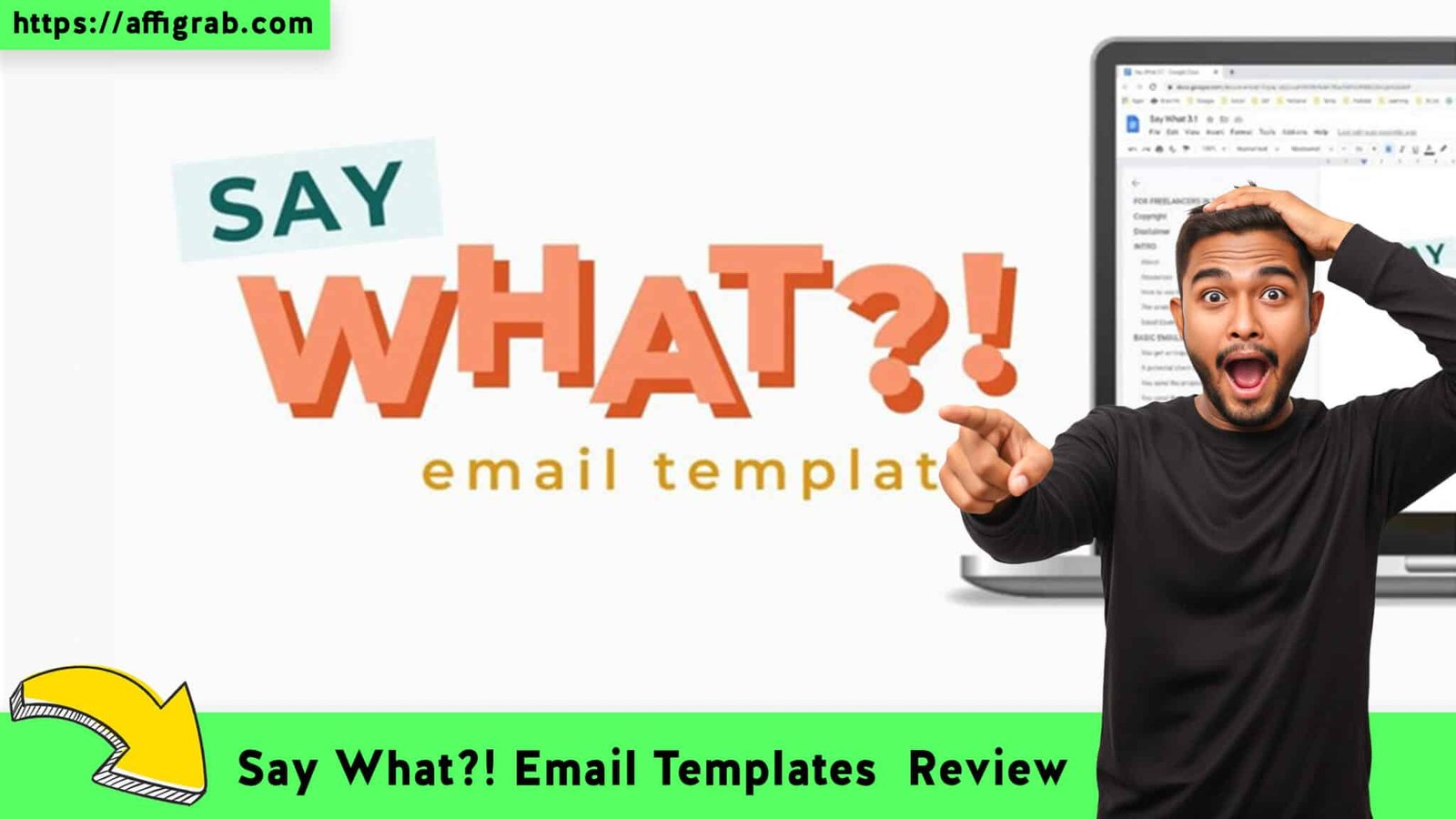
In this Say What?! Email Templates review, we are tackling the single biggest knot in a freelancer’s stomach: the anxiety of hitting “Send” on a difficult email. We all know the feeling—sweaty palms while typing a third payment reminder, the dread of telling a client “that’s out of scope,” or the paralyzing fear of firing a toxic customer.
Say What?! Email Templates for Freelancers in Sticky Situations promises to be more than just a PDF; it’s marketed as a low-cost, instant confidence booster. But does a folder of scripts really justify the price tag when ChatGPT exists? Let’s find out if this digital asset is the safety net your freelance business needs.
Table of Contents
First Impressions & Usability
The “Unboxing”: File Organization
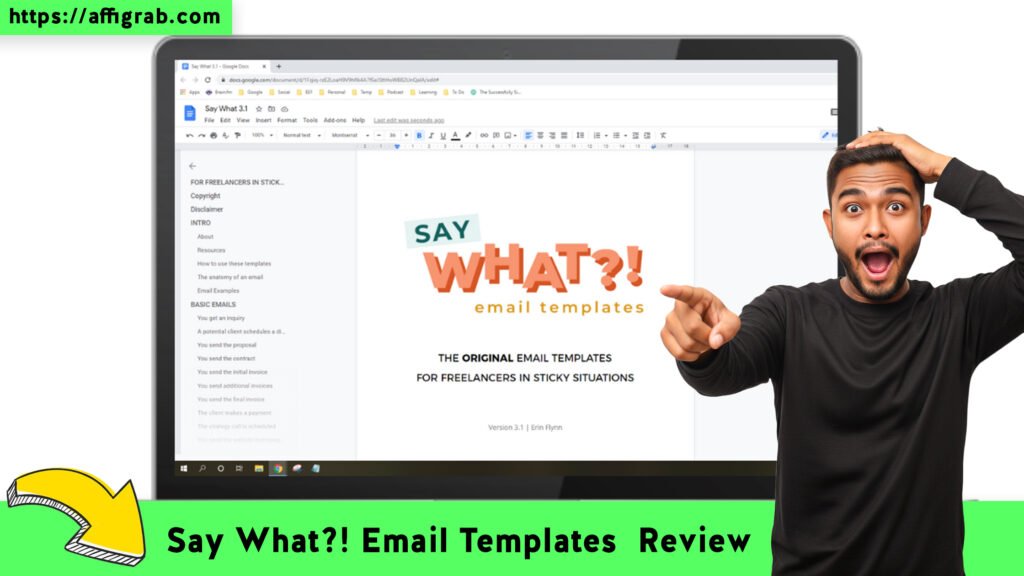
Since this is a digital download rather than a SaaS platform, the “User Interface” is all about file organization. Upon purchasing, you typically receive a clean, well-structured ZIP file or access to a hosted document hub (like Notion or Google Docs).

Get Lifetime Access to Say What?! on AppSumo
The clarity here is the real feature. You aren’t wading through a 200-page ebook trying to find one specific paragraph. The files are logically organized by the “Sticky Situation” you are facing.
Setup Time: Instant Relief
Setup Time: 0 Minutes. Because there is no software to install or API keys to configure, the “Time to Value” is immediate. You download it, you open the folder corresponding to your crisis (e.g., “Client Ghosted Me”), and you have the script. It is designed for panic moments—grab, copy, paste, send.
Key Design Highlight: The “Panic Button” Structure
The brilliance of the design isn’t in graphics, but in categorization. Instead of generic labels like “Marketing Emails,” the templates are labeled by pain points:
- The Scope Creep
- The Late Payer
- The micromanager
- The “Can I pick your brain for free?”
This structure validates the freelancer’s stress, making it effortless to find the exact cure for a specific problem without overthinking.
Deep Dive Features & Hands-On Test
Feature Analysis
1. Variety of Scenarios: It covers the full lifecycle of client friction. It doesn’t just handle “Hello” and “Goodbye”; it handles the messy middle—late payments, scope creep, raising rates, and even firing clients.
2. Tone Customization: The scripts strike a difficult balance: they are professional yet firm. They strip away the apologetic language freelancers often use (”Sorry to bother you…”) and replace it with assertive, neutral business language.
3. Platform Compatibility: Because these are text-based assets, they are universally compatible. Whether you use Gmail, Outlook, Notion, or a CRM like Dubsado or HoneyBook, these templates fit right into your workflow.
4. Bonus Resources: Most packages on AppSumo come with slight value-adds, such as checklists for client onboarding or guides on how to prevent these sticky situations in the first place.
Mandatory Test Case: The “Scope Creep” Scenario
To give this a fair shake, I simulated a real-world test case using the product during a recent project.
The Scenario: I had a client who, midway through a web design project, casually emailed asking if I could “just quickly add” a blog migration and three extra landing pages to the deliverables—without mentioning extra budget.
The Old Me: I would have spent 45 minutes agonizing over an email, likely over-explaining myself and sounding defensive.
The “Say What?!” Solution: I opened the “Scope Creep” folder. I found a template specifically for “Request for work outside original agreement.”
The Action: I copied the text. I adjusted exactly two lines to reference the specific “blog migration” task.
The Outcome: The email was sent in under 2 minutes.
Get Lifetime Access to Say What?! on AppSumo
- Result: The client replied, “Oh, I didn’t realize that wasn’t included. Please send over the quote for the extra work.”
- Verdict: Boundaries enforced. Relationship saved. Money earned.
Deal Economics & Competitor Comparison
LTD Value Breakdown
At an approximate $29 One-Time Payment, the math is simple.


- Cost of a Copywriter: Hiring a pro to write a “firing a client” email could easily cost $100+ per hour.
- Cost of Mistakes: Losing one client due to a misunderstood email, or doing $500 worth of free work because you were too scared to say “No,” makes the $29 price tag negligible.
- The Ecosystem Cost: Platforms like Kajabi offer communities and resources for creators, but they come with a hefty subscription tag ($149/mo).
If this template pack saves you from one bad client interaction, it has paid for itself 10x over.
Competitor Comparison
How does a simple template pack stack up against a massive ecosystem like Kajabi? It’s a battle of “Specific Utility” vs. “Comprehensive Platform.”
| Feature | Say What?! (AppSumo Deal) | Kajabi (Resource Ecosystem) |
| Cost Model | **~$29 One-Time (Lifetime)** | ~$149/Month (Recurring) |
| Primary Function | Crisis Communication / Email Scripts | Course Hosting, Marketing & Community |
| Setup Time | Instant (Download & Use) | High (Learning Curve required) |
| Focus | Solving “Sticky” Client Situations | Building an Online Business |
| Flexibility | Copy/Paste into any email client | Locked into their platform |
| Best For… | Freelancers needing instant confidence | Creators building a course empire |
Who is this Best For?
This deal is perfect for Freelancers, Agencies, and Solopreneurs who are excellent at their craft (coding, designing, writing) but hate confrontation. If you find yourself freezing up when a client pushes boundaries, this is your “script in a pocket.”
Get Lifetime Access to Say What?! on AppSumo
Final Verdict
Pros & Cons
Is it perfect? No. Is it useful? Absolutely.
| Pros (The Good Stuff) | Cons ( The Not-So-Good) |
| ✅ Anxiety Reducer: Removes the emotion from difficult emails. | ❌ Static Text: No software automation included. |
| ✅ Zero Recurring Cost: Pay once, keep the scripts forever. | ❌ English Only: Currently no multi-language support. |
| ✅ Covers Rare Scenarios: Handles situations AI often gets wrong. | ❌ Manual Entry: You still have to copy/paste (no Gmail plugin). |
| ✅ ROI Positive: Saves billable hours and client relationships. |
Conclusion
Say What?! Email Templates isn’t a flashy AI tool or a complex SaaS dashboard. It is something arguably more valuable: Peace of Mind.
For the price of a takeout lunch, you get a permanent toolkit that professionalizes your communication and protects your mental health. It turns “I don’t know what to say” into “Sent.” For any freelancer wanting to look professional under pressure, this is a Must-Have safety net.
Get Lifetime Access to Say What?! on AppSumo
(Affiliate Disclosure: This review may contain affiliate links. If you purchase through these links, I may earn a small commission at no extra cost to you. I only review tools I believe bring genuine value to freelancers.)
Explore Our Pages: WP Themes, WP Plugins