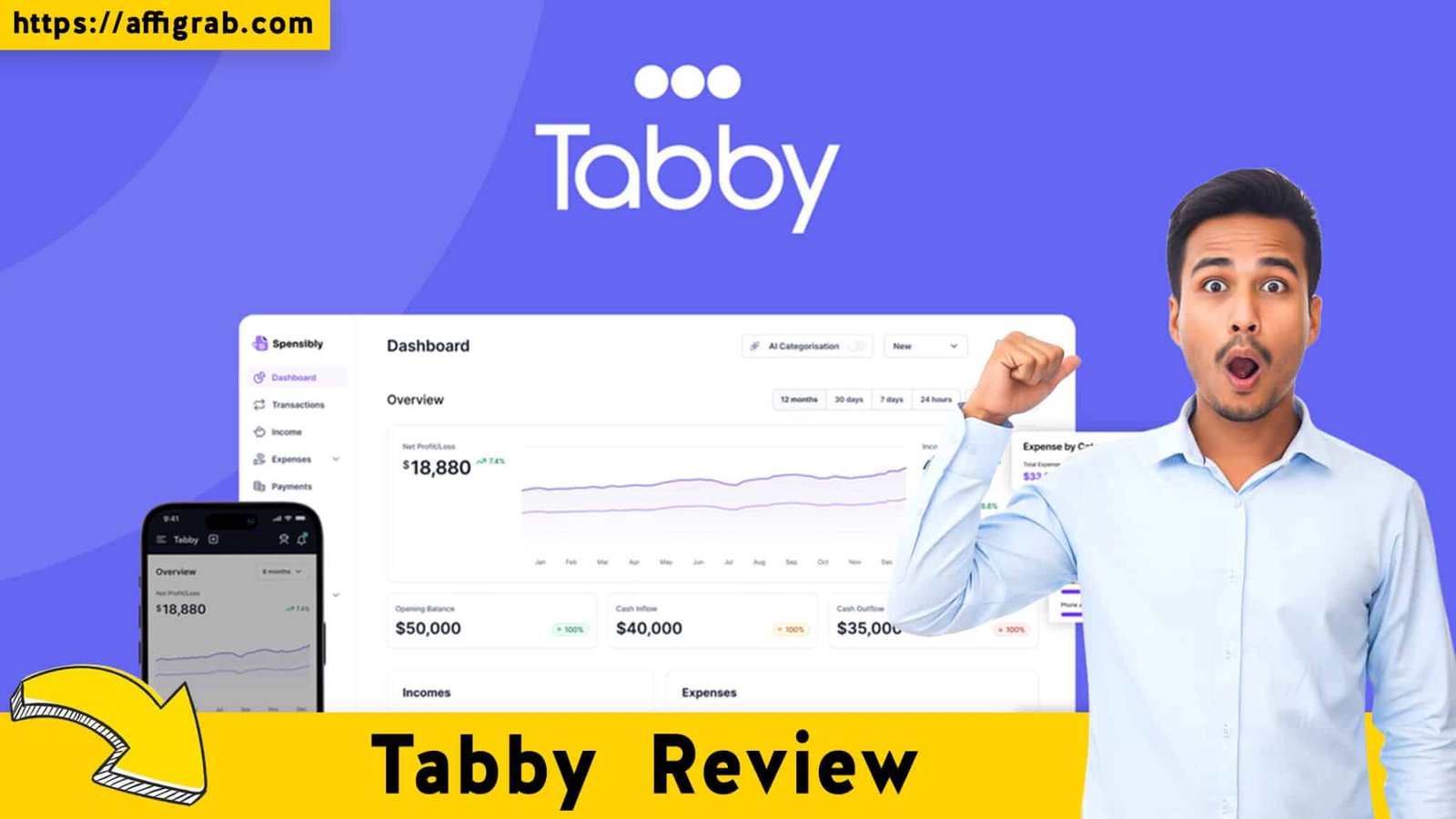
Managing client relationships, tracking time, and sending invoices shouldn’t require a degree in accounting—nor should it eat up a significant portion of your monthly profits. For years, freelancers and agencies have relied on industry giants like FreshBooks or QuickBooks. While powerful, these tools often come with bloated features and increasingly high monthly subscriptions.
Enter Tabby, a streamlined platform designed to handle invoicing, proposals, and client management without the recurring costs. Currently offering a lifetime license, Tabby promises to simplify the administrative side of your business. But does it have the feature depth to replace established competitors?
In this review, I dissect the UI, put the features through a specific hands-on test case, and break down the economics to help you decide if this deal is right for your business.

Table of Contents
First Impressions & UI/UX
Upon logging into Tabby for the first time, the contrast between it and legacy accounting software is stark. Where competitors often feel cluttered with complex banking reconciliation tabs and tax compliance forms, Tabby embraces a minimalist, modern aesthetic.
Get the Tabby Lifetime Deal on AppSumo
The user interface (UI) is designed for speed. There is practically no learning curve; the platform focuses entirely on the “get paid” workflow rather than the “accounting compliance” workflow.
Setup and Navigation
I timed the onboarding process to gauge the “Time to Value.” It took less than 10 minutes to set up a full agency profile, upload a logo, configure currency settings, and connect a payment gateway.
Key Design Highlight
The standout element of the user experience (UX) is the Main Dashboard organization. It creates a logical hierarchy that mirrors a freelancer’s actual thought process. The left-hand sidebar clearly segments Clients, Invoices, and Projects. This makes management effortless; you aren’t digging through sub-menus to find a client’s email or check the status of a specific project. It is clean, responsive, and distraction-free.
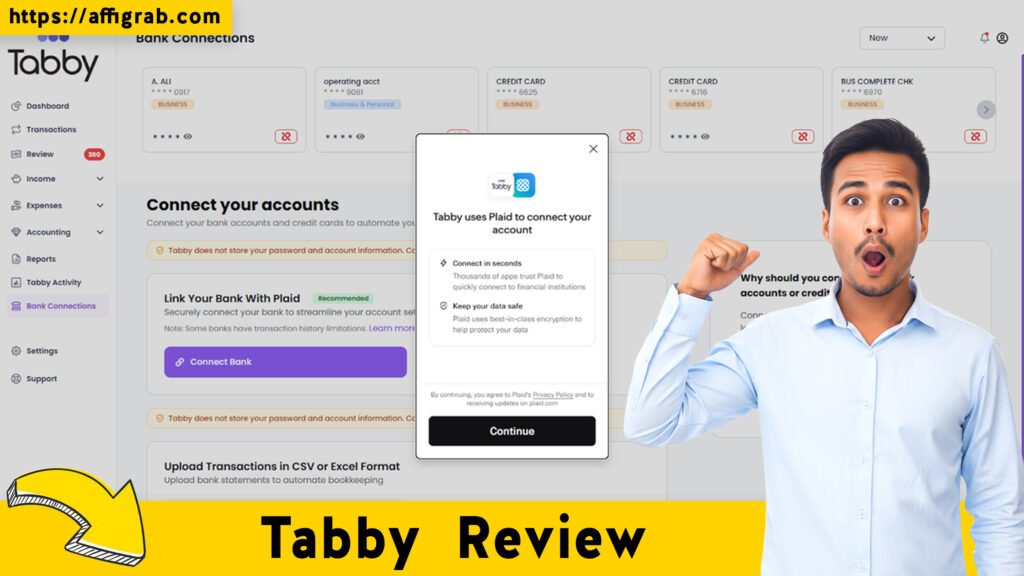
Deep Dive into Core Features (Hands-On Analysis)
Tabby positions itself as an all-in-one solution for the administrative side of client work. Here is an analysis of its core capabilities:
1. Invoicing & Proposals
The editor for proposals and invoices is block-based and intuitive. You can customize templates to match your brand colors and fonts. The ability to convert a signed proposal directly into an invoice is a critical feature for workflow automation.
2. Time Tracking & Project Management
Tabby includes a native timer that can be assigned to specific projects or tasks. While not as robust as a dedicated tool like Toggl, it integrates perfectly with the billing system, allowing you to pull billable hours directly into an invoice.
3. Client Portal
This is a feature usually reserved for enterprise-tier software. Tabby allows you to offer clients a dedicated portal where they can view their history, download past invoices, and pay pending bills. It adds a layer of professionalism that elevates the perceived value of your agency.
Get the Tabby Lifetime Deal on AppSumo
MANDATORY: Hands-On Test Case
To move beyond feature lists, I performed a specific workflow test to evaluate how Tabby handles a real-world scenario.
- The Scenario: A freelance consultant needs to secure a new client with a formal proposal, get it signed, and immediately invoice for a 50% upfront deposit.
- The Test: I set up a generic “Service Proposal” in Tabby outlining a $2,000 web design package. I enabled the digital signature requirement. Once “signed” (simulated), I utilized the “Convert to Invoice” function. I manually adjusted the payment terms to require a 50% deposit ($1,000) and set the due date for “Upon Receipt.”
- The Outcome: The system performed flawlessly. The conversion from Proposal to Invoice was instantaneous, carrying over all line items. The resulting invoice link generated a professional, branded PDF that looked sharp on both desktop and mobile. Crucially, the Stripe integration triggered correctly, allowing for immediate credit card payment of the deposit amount. The tax calculations (which I set to a standard 10%) were accurate to the penny.
Deal Economics and Market Comparison
This is where the Tabby AppSumo Lifetime Deal becomes difficult to ignore. To understand the value, we must look at the math compared to its direct competitor, FreshBooks.
LTD Value Breakdown
- FreshBooks (Plus Plan): Approximately $30/month (billed annually, this is roughly $360/year).
- Tabby Lifetime Deal: A $59 one-time payment.
The Savings: By purchasing Tabby, you break even in roughly two months. Over the course of Year 1, you save approximately $300. Over five years, the savings exceed $1,500. Furthermore, the AppSumo deal includes all future updates to the Plan, ensuring you aren’t upsold later.
Get the Tabby Lifetime Deal on AppSumo
Competitor Comparison: Tabby vs. FreshBooks
| Feature/Metric | Tabby (LTD) | FreshBooks (SaaS) |
| Pricing Model | One-time Payment ($59) | Monthly Subscription (~$30/mo) |
| Recurring Cost | $0 | $360+ / year |
| Client Limits | Unlimited | Often capped by tier |
| Accounting | Basic Expense Tracking | Full Double-Entry Accounting |
| Bank Feeds | Manual/Upload | Automatic Sync |
| Best For | Freelancers & Small Agencies | Established Small Businesses |
Who is this LTD Best For?
Tabby is the perfect solution for freelancers, consultants, and digital agencies who need robust billing, proposal, and client management tools but do not require complex, enterprise-level double-entry accounting features or automatic bank reconciliation feeds.
Final Verdict
Get the Tabby Lifetime Deal on AppSumo
Tabby is a refreshing entry in the agency management space. It strips away the bloat of traditional accounting software to focus on what actually matters to freelancers: looking professional, saving time, and getting paid.
Pros and Cons
| Pros | Cons |
| Unbeatable Value: $59 one-time vs. monthly subscriptions is a massive ROI. | Banking Integrations: Lacks automatic live bank feeds (requires manual expense entry or CSV upload). |
| Clean UI/UX: The interface is significantly faster and cleaner than FreshBooks. | No Payroll: Unlike QuickBooks/FreshBooks, there are no payroll features included. |
| Unlimited Clients: No arbitrary caps on how many clients you can manage. | Mobile App: The mobile experience is browser-based rather than a dedicated native app. |
| Client Portal: Adds a high level of professionalism to your client interactions. | Reporting: Financial reports are adequate but less granular than enterprise tools. |
Conclusion
If you are tired of monthly subscriptions eating into your margins and find tools like QuickBooks too complex for your needs, Tabby is a fantastic alternative. It handles the “Proposal to Cash” lifecycle brilliantly. While it may lack the heavy-duty accounting automation of expensive competitors, the trade-off for zero recurring costs and a streamlined workflow makes this a must-buy for freelancers.
Get the Tabby Lifetime Deal on AppSumo


Affiliate Disclosure: This article contains affiliate links. If you purchase through these links, I may earn a commission at no additional cost to you. I only review products I have tested and believe offer genuine value.
Explore Our Pages: WP Themes, WP Plugins, Blog