Unlimvideos Review: If you are a content creator, you are likely suffering from “subscription fatigue.” Between Storyblocks, Epidemic Sound, and Canva Pro, the monthly overhead for accessing quality b-roll and stock footage can easily bleed into hundreds of dollars a year.
As a tech blogger who reviews SaaS tools daily, I am always skeptical of “unlimited” promises attached to one-time payments. However, Unlimvideos claims to offer a massive library of stock footage, audio, and images for a single price, positioning itself as a direct competitor to the recurring billing models of industry giants.
In this review, I’m taking a hands-on look at the Unlimvideos AppSumo Lifetime Deal to see if the asset quality holds up against the competition and if it can truly replace a monthly subscription.

Table of Contents
First Impressions & UI/UX
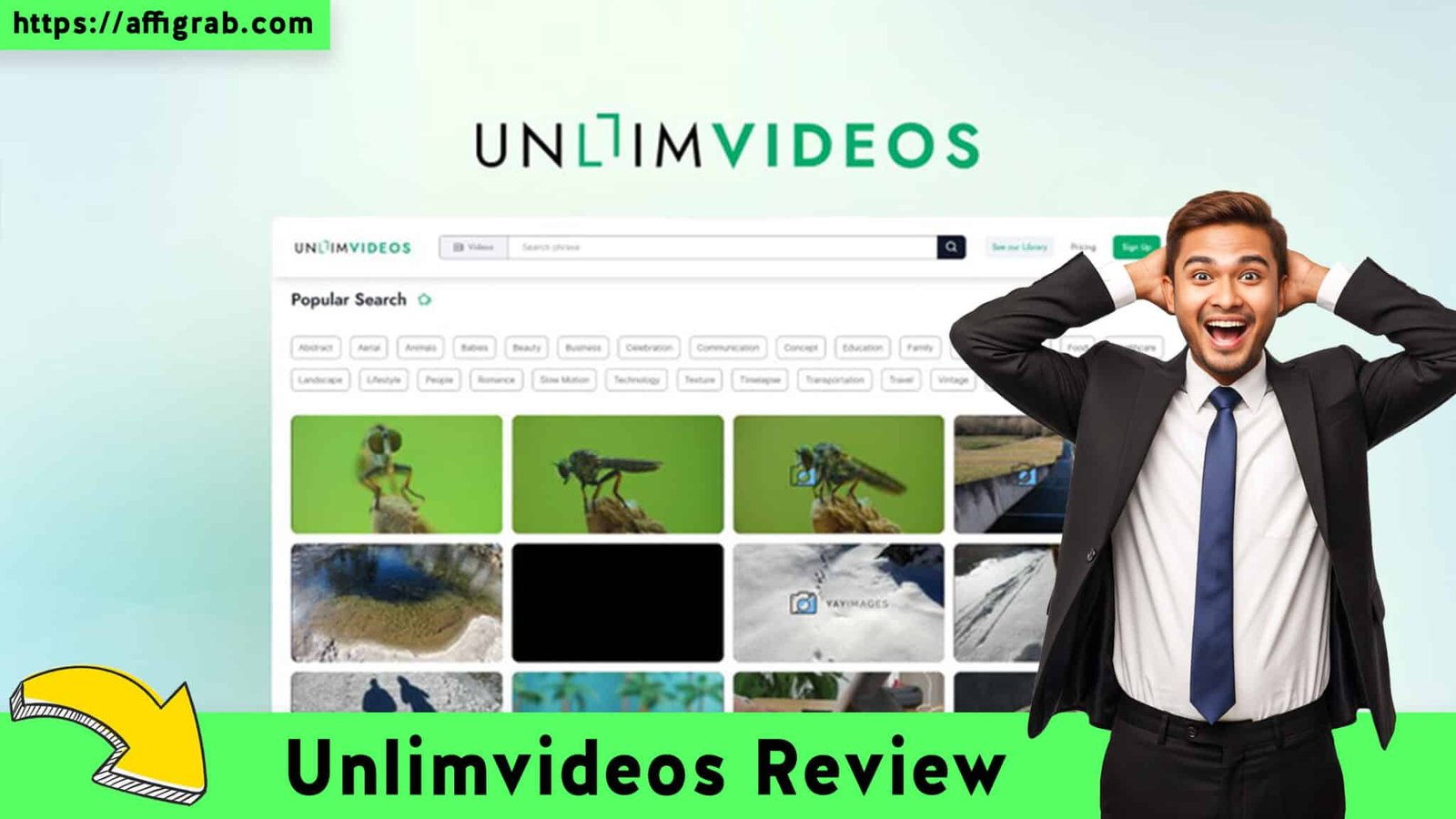
Upon logging in, the first thing I noticed was the “Immediate Access” nature of the platform. There is no software to install or complex onboarding wizard. You simply log in to the browser-based dashboard and are met with a clean, Google-esque search bar.
Check out the Unlimvideos Lifetime Deal on AppSumo
The Search Experience
If you are coming from Canva, you might find Unlimvideos refreshing in a different way. In Canva, stock assets are often buried inside a sidebar while you are in “design mode.” Unlimvideos is a dedicated asset search engine.
The user interface (UI) prioritizes speed. Hovering over video thumbnails triggers an instant preview, allowing you to scrub through footage without clicking into a new page. This “scannability” is superior to many budget stock sites where you have to click through to see the motion. The interface is utilitarian and distraction-free, focused entirely on getting you from search to download.
Deep Dive & Feature Testing
Before we look at the financials, we need to know if the assets are actually usable. Unlimvideos offers:
- Unlimited Downloads: No daily caps or credit systems.
- Commercial License: Royalty-free usage for YouTube, ads, and client work.
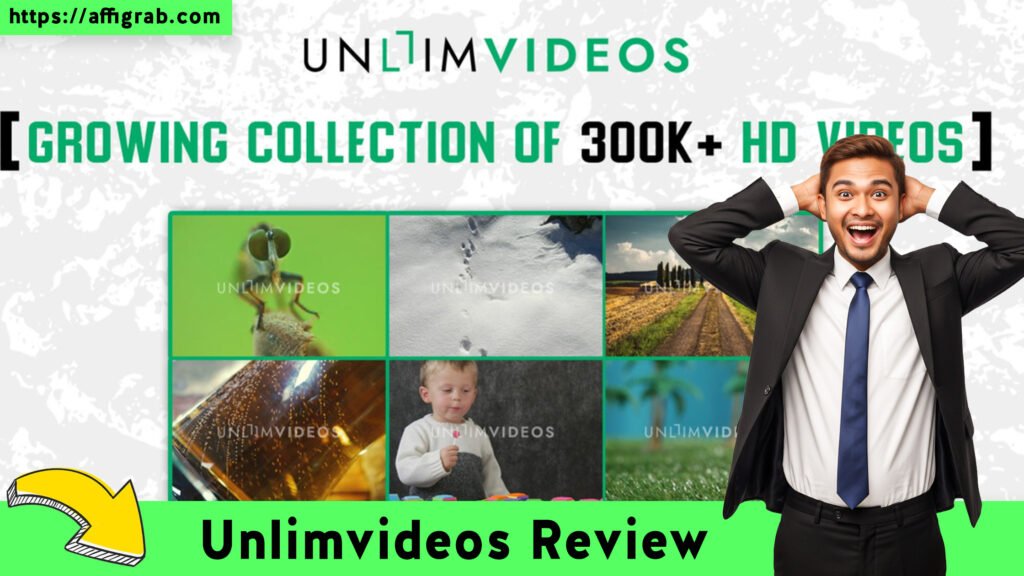
- Library Variety: Includes 4K/HD Video, Audio tracks, and Photos.
- Simple Licensing: No attribution is required.
The Mandatory Test Case: “The Travel Vlog Intro”
Check out the Unlimvideos Lifetime Deal on AppSumo
To avoid generic praise, I put the search engine through a specific, real-world scenario. I pretended I was editing a travel vlog intro in Adobe Premiere and needed high-quality b-roll.
- The Action: I typed “4K drone footage of a beach at sunset” into the search bar.
- The Filters: I selected “Video” as the asset type, “MP4” format, and toggled “High Resolution.”
- The Outcome: The system returned 15+ high-quality options immediately. While this isn’t the thousands you might get on Shutterstock, the relevance was high.
- The Download: I selected a clip and hit download. The file was roughly 300MB. It downloaded in under 20 seconds, and the playback was crisp with absolutely no watermarks.
Analysis: The quality of the footage was surprisingly high for the price point. The metadata was accurate, meaning I didn’t get results for “mountains” when I searched for “beaches.”
Economics & Market Comparison
This is where Unlimvideos makes its strongest case. We are comparing a Lifetime Deal (LTD) against the industry standard Subscription (SaaS) model.
The Math: Unlimvideos vs. Canva Pro
Canva Pro is an incredible tool, but it charges $12.99/month. That adds up to roughly $155 per year. If you are a video editor who uses Premiere Pro, DaVinci Resolve, or Final Cut, you might be paying for Canva just to raid their stock library.
Unlimvideos costs $59 once.
| Feature | Unlimvideos (LTD) | Canva Pro (Subscription) |
| Cost | $59 / Lifetime | $12.99 / Month |
| Recurring Fees | $0 | $155+ / Year |
| Asset Access | Unlimited | Unlimited (Only while Sub is active) |
| License Type | Commercial | Commercial |
| Primary Use | Raw Asset Download | Design & Templates |
The Verdict on Value:
If you need templates, social media layouts, and a drag-and-drop editor, stick with Canva. However, if you are a “Raw Asset User”—meaning you just need the .mp4 or .jpg file to drag into your own editing timeline—Unlimvideos pays for itself in just 4.5 months of what you would have paid Canva. Over three years, you are saving over $400.
Final Verdict
Check out the Unlimvideos Lifetime Deal on AppSumo
Is Unlimvideos perfect? No. It doesn’t have the infinite library depth of a premium service like Getty Images or Shutterstock. However, for 90% of YouTubers and social media marketers, it covers the essentials perfectly.
Pros & Cons
| Pros | Cons |
| Pay Once, Use Forever (ROI is massive) | Library Depth (Smaller than Shutterstock) |
| Huge Savings vs. Monthly Subs | No Built-in Editor (Download only) |
| Simple Commercial Licensing | Filters could be more granular/advanced |
| Fast Download Speeds |
Conclusion
Unlimvideos is a Must-Buy for video editors and content creators who want to cut their monthly fixed costs. It serves as an excellent “safety net” library—it’s the place you look first before spending money elsewhere. For the price of a nice dinner, you get lifetime access to a library that solves your b-roll problems forever.
Check out the Unlimvideos Lifetime Deal on AppSumo
Affiliate Disclosure: This review contains affiliate links. If you purchase through these links, I may earn a commission at no extra cost to you. I only review tools I have tested and believe in.


Explore Our Pages: WP Themes, WP Plugins