
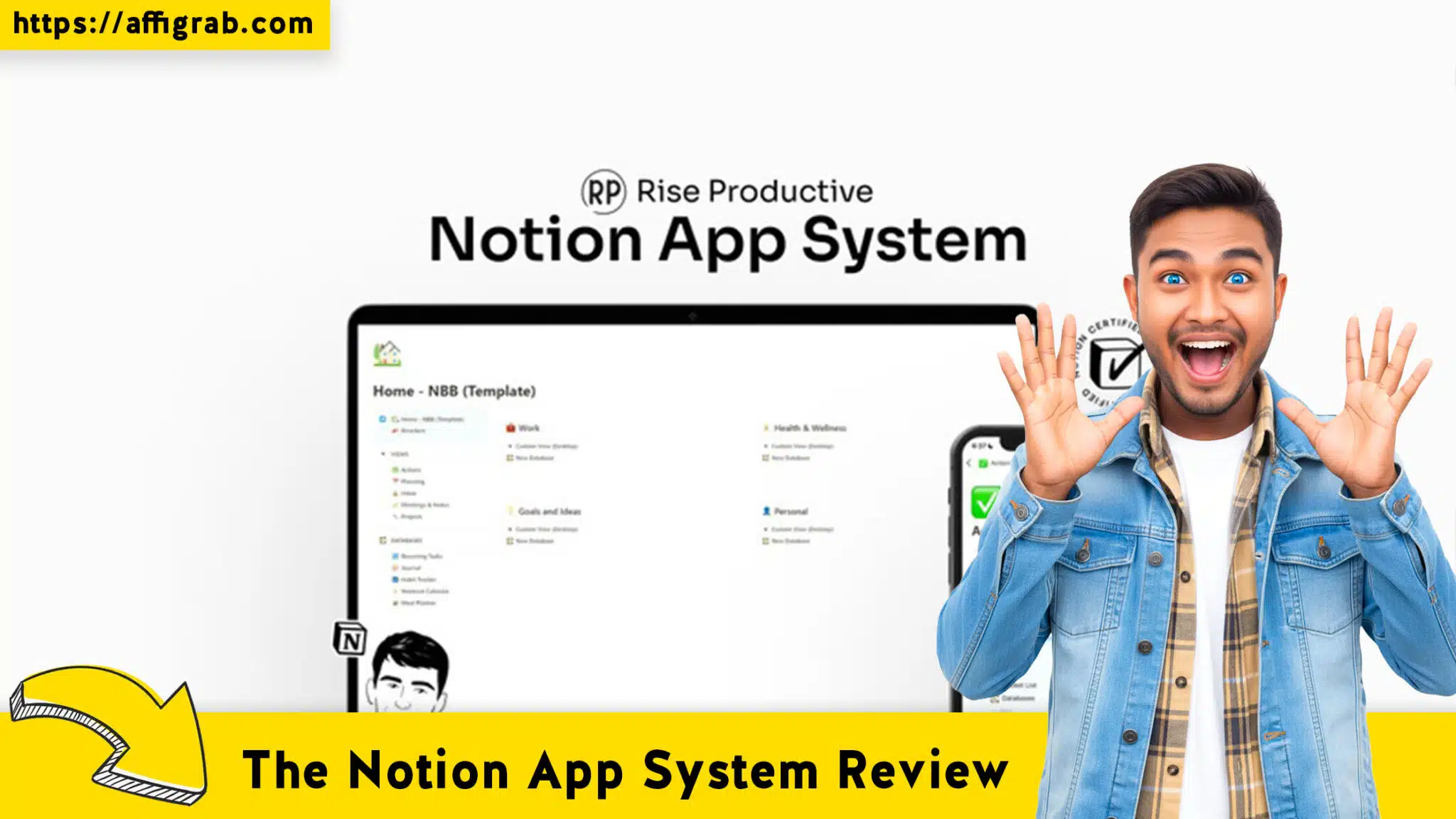
In the world of productivity, the debate usually centers on “Specialized Tools” vs. “All-in-One Workspaces.” For years, apps like Todoist have reigned supreme for quick task capture and reliable reminders. But as solopreneurs and freelancers face subscription fatigue, the appeal of building a custom “Operating System” in Notion has exploded.
Table of Contents
Enter The Notion App System.
This isn’t just a pretty dashboard; it is a comprehensive workspace architecture designed to treat different areas of your life and business as interconnected “apps.” In this The Notion App System review, we will dive deep into its mechanics to see if this $39 one-time purchase can truly replace the recurring cost and rigidity of dedicated task managers like Todoist.

What Is The Notion App System?
The Notion App System is a robust workspace template designed to overcome the common “blank slate” paralysis Notion users face. Rather than giving you a single page with a few checklists, it provides a modular infrastructure.
The philosophy here is “System over Sorting.”
Instead of isolated pages, the template uses interconnected databases. When you add a task, it doesn’t just sit in a list; it connects to a Project, which connects to a Goal, which connects to a specific Area of Responsibility (e.g., Marketing, Finance, Personal). It mimics the functionality of standalone apps—hence the name—within the Notion ecosystem.
Key Features at a Glance
- Central Command Dashboard: A high-level view of active projects and urgent tasks.
- Interconnected Databases: Tasks, Projects, Resources, and Notes talk to each other.
- “Second Brain” Architecture: A dedicated system for capturing and organizing knowledge, not just to-dos.
- Goal Tracking: Progress bars and visual indicators linking daily grind to macro goals.
Deep Dive: Features & Workflow Analysis
To understand if this system is worth the switch, we need to look at how it handles the core pillars of productivity compared to a standard list-based app.
1. Task Management vs. Task Execution
Most users come from Todoist, where the focus is on capturing tasks quickly. The Notion App System shifts the focus to context.
In this system, a task is rarely an orphan. When you create a task, you are encouraged to link it to a Project or a Resource.
- The Benefit: You never wonder why you are doing a task. Every action item is anchored to a larger objective.
- The Experience: It feels less like checking off a grocery list and more like moving a project forward. You can view tasks by Kanban board, Calendar view, or a classic List view, offering flexibility that rigid apps struggle to match.
2. The “Second Brain” Implementation
This is where The Notion App System leaves Todoist in the dust. Todoist is for actions; The Notion App System is for information.
The template includes a comprehensive Knowledge Management setup. If you find a helpful article or have a random business idea, you don’t clutter your task list. You store it in the Resources “app” inside the system. Later, when you start a project related to that topic, you can link that resource directly to the project.
- Workflow Win: No more switching between Evernote for notes and Todoist for tasks. It’s all in one view.
3. Project Databases
Managing complex projects in a simple to-do app can be a nightmare of sub-sub-tasks. The Notion App System treats Projects as a first-class citizen. You get a dedicated dashboard for each project, where you can see:
🔥 Click Here to Grab the Lifetime Deal Before it’s Gone!
- Timeline/Gantt charts.
- Associated meetings and notes.
- Budget tracking (if the template includes a finance module).
- All related tasks.
The Comparison: The Notion App System vs. Todoist
This is the deciding factor for most buyers. Do you stick with the monthly subscription or move to the lifetime deal?
| Feature | Todoist (Pro) | The Notion App System |
| Pricing Model | Recurring (~$4–$5/month) | $39 One-Time (Lifetime) |
| Primary Focus | Quick Capture & Reminders | Deep Work & Project Management |
| Data Structure | List & Tag based | Relational Database (Contextual) |
| Flexibility | Low (Rigid structure) | High (Fully customizable) |
| Learning Curve | Low (Instant setup) | Medium (Requires Notion knowledge) |
| Offline Mode | Excellent | Average (Notion helps, but not perfect) |
The “Lifetime Deal” Value Proposition
Financially, the winner is clear.
- Todoist: Over 5 years, you will pay roughly $240.
- The Notion App System: You pay $39 once.
If you are a solopreneur watching your burn rate, eliminating recurring SaaS subscriptions is a smart play. The Notion App System pays for itself in roughly 8 months of what you would have paid for Todoist.
Who Is This For?
The Notion App System is for you if:
🔥 Click Here to Grab the Lifetime Deal Before it’s Gone!
- You are a Solopreneur/Freelancer: You need to manage not just tasks, but clients, content calendars, and project assets in one place.
- You suffer from “Context Switching”: You are tired of having your notes in one app and your tasks in another.
- You love customization: You want to tweak your dashboard to show exactly what you need to see.
Stick with Todoist if:
- You need speed above all else: You want to add a task via voice command on your Apple Watch in 2 seconds. (Notion is getting faster, but dedicated apps still win on capture speed).
- You need rigorous recurring reminders: While Notion handles recurring tasks, Todoist’s natural language input (“Clean desk every Friday at 4pm”) is superior.
Final Verdict
The Notion App System is more than just a template; it is a philosophy change. It asks you to stop treating your work like a grocery list and start treating it like a database of interconnected actions and goals.
While it lacks the “quick capture” frictionlessness of Todoist, it makes up for it with massive context and organization capabilities. For a $39 one-time investment, it offers incredible value, essentially giving you a bespoke Project Management OS that you own forever.
If you are ready to consolidate your tool stack and stop paying monthly rent for your to-do list, The Notion App System is a robust, professional upgrade.
Rating: ½ (4.5/5)
🔥 Click Here to Grab the Lifetime Deal Before it’s Gone!
Excellent for organized deep work; slight learning curve for total Notion beginners.
Explore Our Pages: WP Themes, WP Plugins