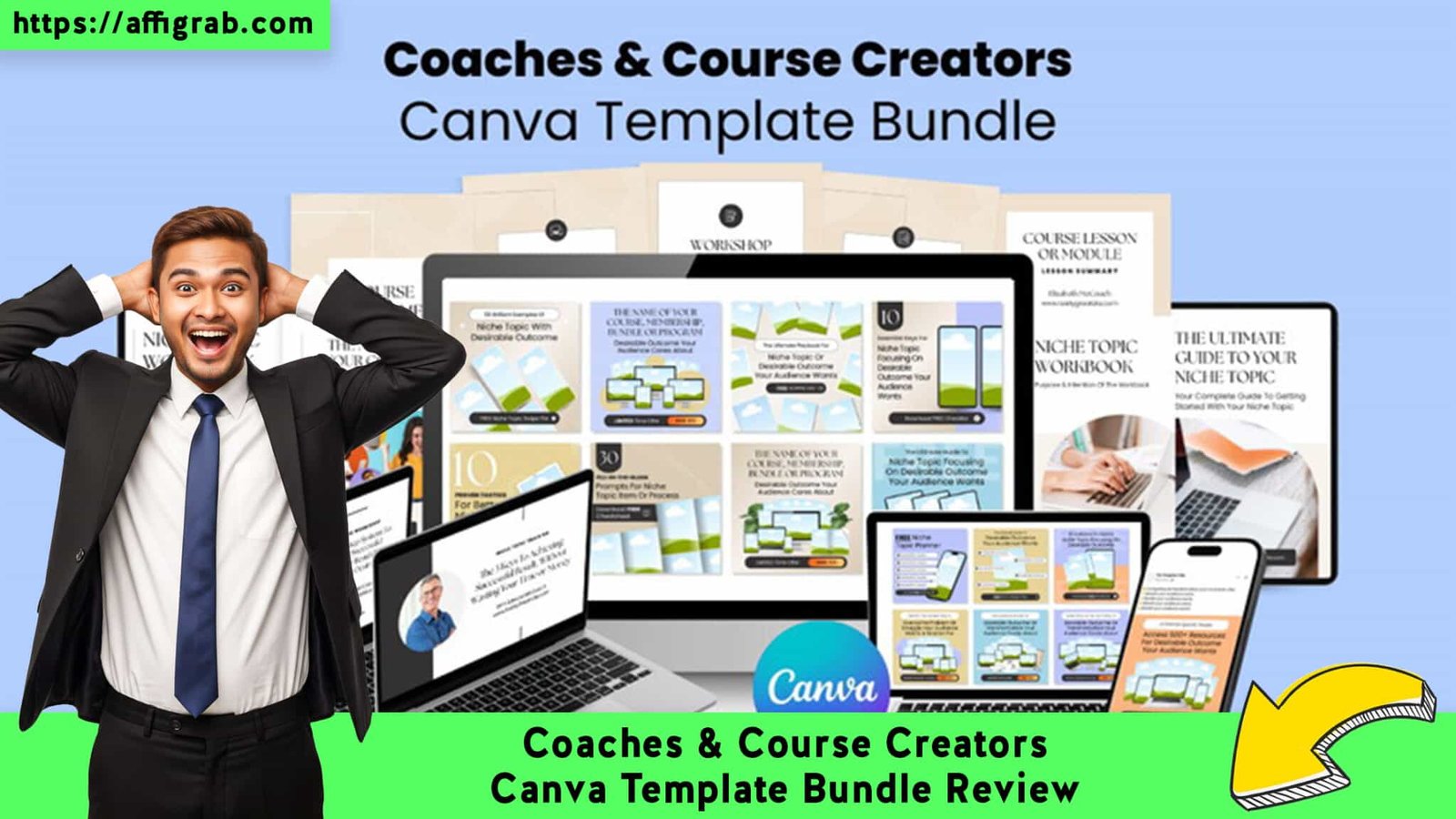
Coaches & Course Creators Canva Template Bundle is the lifeline many of us didn’t know we needed. If you are a solopreneur or course creator, you know the specific brand of torture that is staring at a blank canvas for hours, trying to design a simple workbook or Instagram carousel, only to have it look amateurish. Or perhaps you’ve gone the other route: paying monthly subscriptions for tools like Adobe Express, bleeding cash for features you barely use.
This bundle promises a different path: a massive, one-time purchase library designed to give you back your time and keep your bank account happy. In this review, I’m stripping away the hype to see if this asset pack is truly the productivity hack it claims to be.
Table of Contents
First Impressions & UI/UX
Ease of Import and Organization
Upon purchasing, the “setup” is refreshingly virtually non-existent. You aren’t installing new software; you are simply acquiring a master access document (usually a PDF) containing direct links to the templates.

I clicked the access link, and the templates opened immediately in my existing Canva account. The folder structure was intuitive—everything wasn’t dumped into one chaotic pile. Instead, it was categorized logically by format: “Social Media,” “Workbooks,” “Slide Decks,” etc. This makes navigation effortless. You don’t have to hunt for what you need; you just click and start designing.
Key Design Highlight: The “Cohesion” Factor
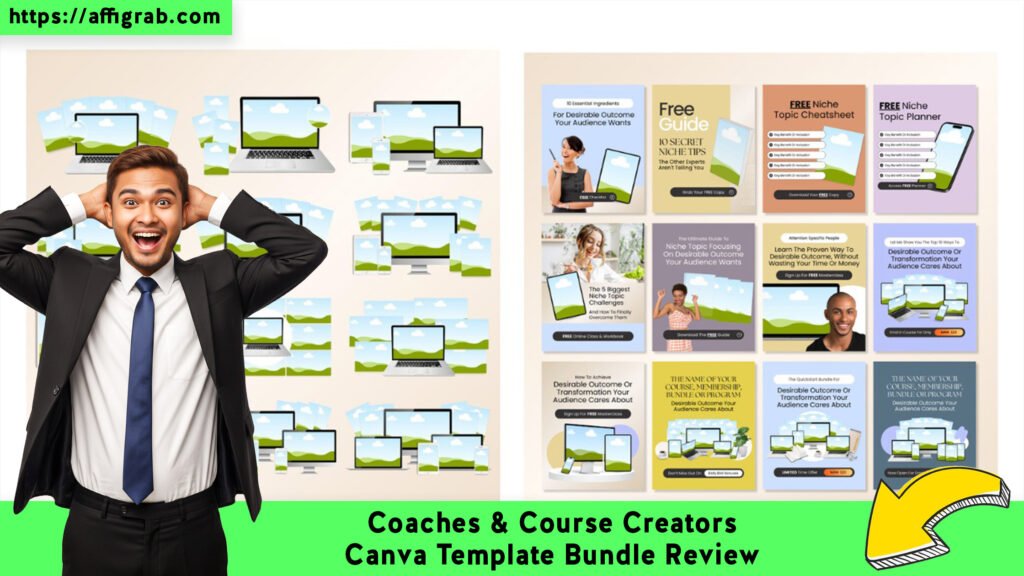
The standout feature immediately visible is the visual consistency. Often, when you mix and match free templates from Canva’s public library, your brand starts to look like a patchwork quilt. This bundle solves that. The Instagram posts match the slide decks, which match the lead magnets. This cohesive aesthetic allows you to maintain a high-end, professional brand identity across all touchpoints without needing a degree in graphic design.
Deep Dive into Features
This bundle isn’t just about quantity; it’s about strategic utility. Here is a breakdown of what you actually get:
- Massive Library Variety: It covers the full funnel—Instagram posts for awareness, Slide Decks for webinars, eBooks for authority building, and Lead Magnets for list growth.
- Full Customizability: Whether you are on the Free or Pro version of Canva, every element is editable. Fonts, colors, and images can be swapped instantly.
- Strategic Layouts: These aren’t just pretty pictures; they are designed for conversion. The slide decks have “About Me” and “Call to Action” slides pre-structured, saving you the mental load of structuring a pitch.
- Time-Efficiency: The drag-and-drop nature means you are never starting from scratch. You are starting from “90% done.”
Mandatory Hands-On Test Case: The “Productivity Masterclass” Workbook
To see if the claims held up in a real-world scenario, I decided to simulate a project.
The Scenario: I needed to create a 10-page “Course Workbook” for a fictional product called the Productivity Masterclass.
Get the Coaches & Course Creators Canva Template Bundle on AppSumo
The Process:
- I selected a workbook template from the bundle.
- I utilized Canva’s “Styles” feature to instantly swap the template’s default palette to a “Navy and Gold” brand scheme.
- I replaced the Lorem Ipsum placeholder text with my specific module content.
- I dragged in stock photos of office setups to replace the default imagery.
The Result:
The layout remained rock-solid. Often, changing fonts can break a template’s alignment, but these text boxes were anchored correctly. The global color change worked seamlessly across all pages. I had a professional, download-ready PDF in under 10 minutes. Doing this from scratch usually takes me at least an hour.
Economics & Market Comparison
The Value Proposition
Let’s talk numbers, because this is where the Lifetime Deal (LTD) really shines.
- Competitor Cost (Adobe Express Premium): ~$9.99/month. That is roughly $120 per year, every year, forever.
- Bundle Cost (AppSumo LTD): $59 one-time.
If you use this bundle for just one year, you have already saved nearly 50% compared to a subscription tool. Over five years, you are saving hundreds of dollars, and you own the assets forever.
Comparison: Bundle vs. Adobe Express
| Feature | Coaches Canva Template Bundle | Adobe Express Premium |
| Cost | $59 (One-time) | $9.99/mo (Recurring) |
| Asset Ownership | You own the templates forever | Rental (Stop paying, lose access) |
| Learning Curve | Low (Uses familiar Canva interface) | Medium (New software to learn) |
| Niche Focus | High (Specific for Coaches/Creators) | Low (Generic templates for everyone) |
| Customization | 100% Flexible | Limited to platform constraints |
Who is this Best For?
Get the Coaches & Course Creators Canva Template Bundle on AppSumo
This LTD is perfect for non-designer coaches and consultants. If you need volume content—daily social posts, weekly worksheets—and don’t have the budget to hire a designer or the patience to learn complex software, this is your solution.
Final Verdict
The Coaches & Course Creators Canva Template Bundle is a high-leverage asset. It transforms the design process from a creative struggle into a simple assembly-line task. While it lacks the built-in scheduling tools of a platform like Adobe Express, the sheer volume of assets and the financial freedom of a one-time payment make it the superior choice for bootstrapped creators.
Pros & Cons
| Pros | Cons |
| ✅ Unbeatable One-Time Price ($59) | ❌ Requires Canva Account (Free or Pro) |
| ✅ Huge Variety (Social, Slides, PDF) | ❌ Manual Work (Still need to customize text) |
| ✅ No Design Skills Needed | ❌ No Scheduling (Unlike Adobe Express) |
| ✅ Works with Free Canva |
Conclusion
If you are a course creator looking to stop wasting hours on design and start spending time on your students, this bundle is a Must-Buy. It pays for itself in the first two months of use compared to subscription alternatives.
Get the Coaches & Course Creators Canva Template Bundle on AppSumo
Disclaimer: This post contains affiliate links. If you purchase through my link, I may earn a commission at no extra cost to you. I only review tools I believe bring genuine value to my audience.
Explore Our Pages: WP Themes, WP Plugins